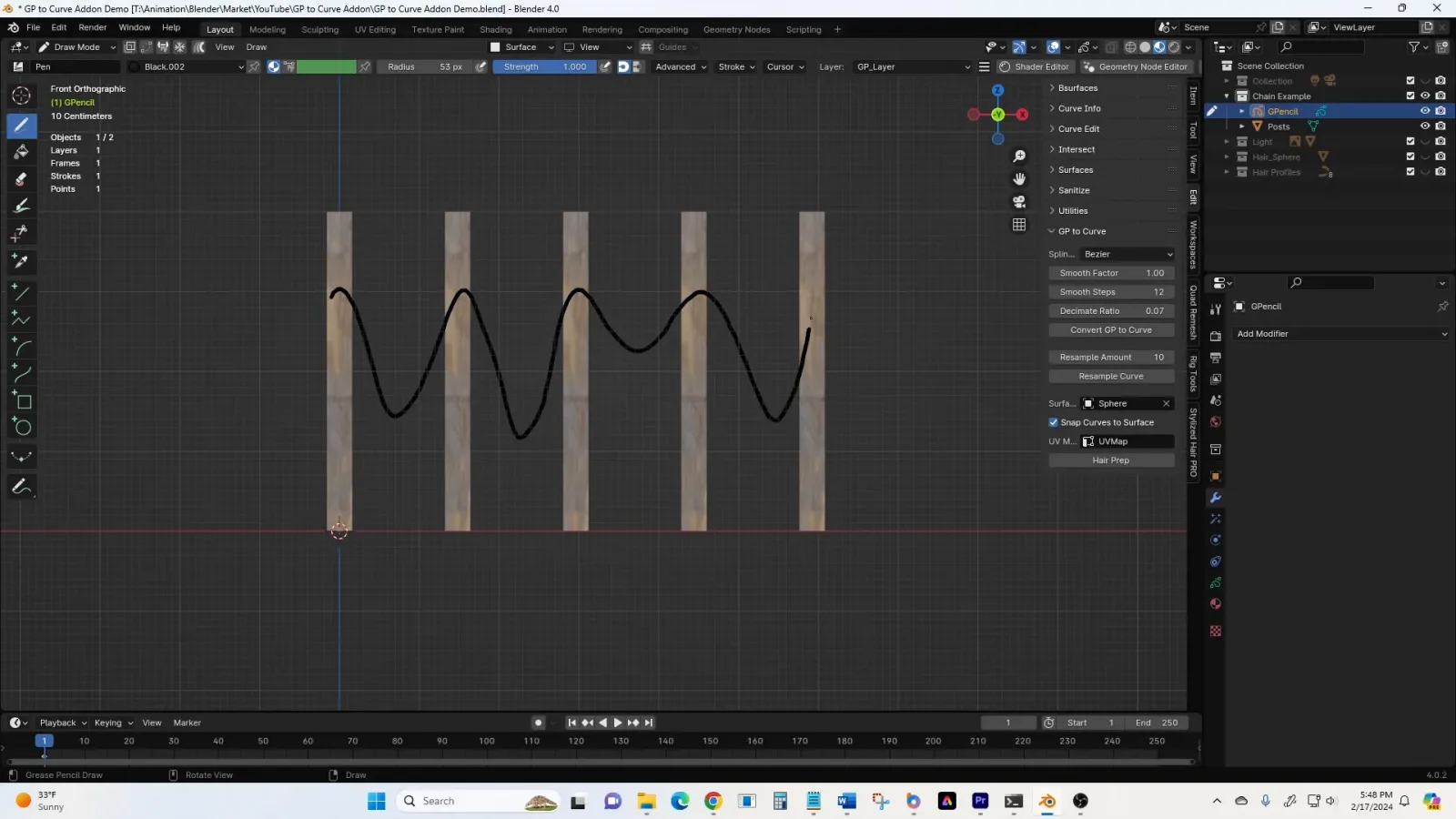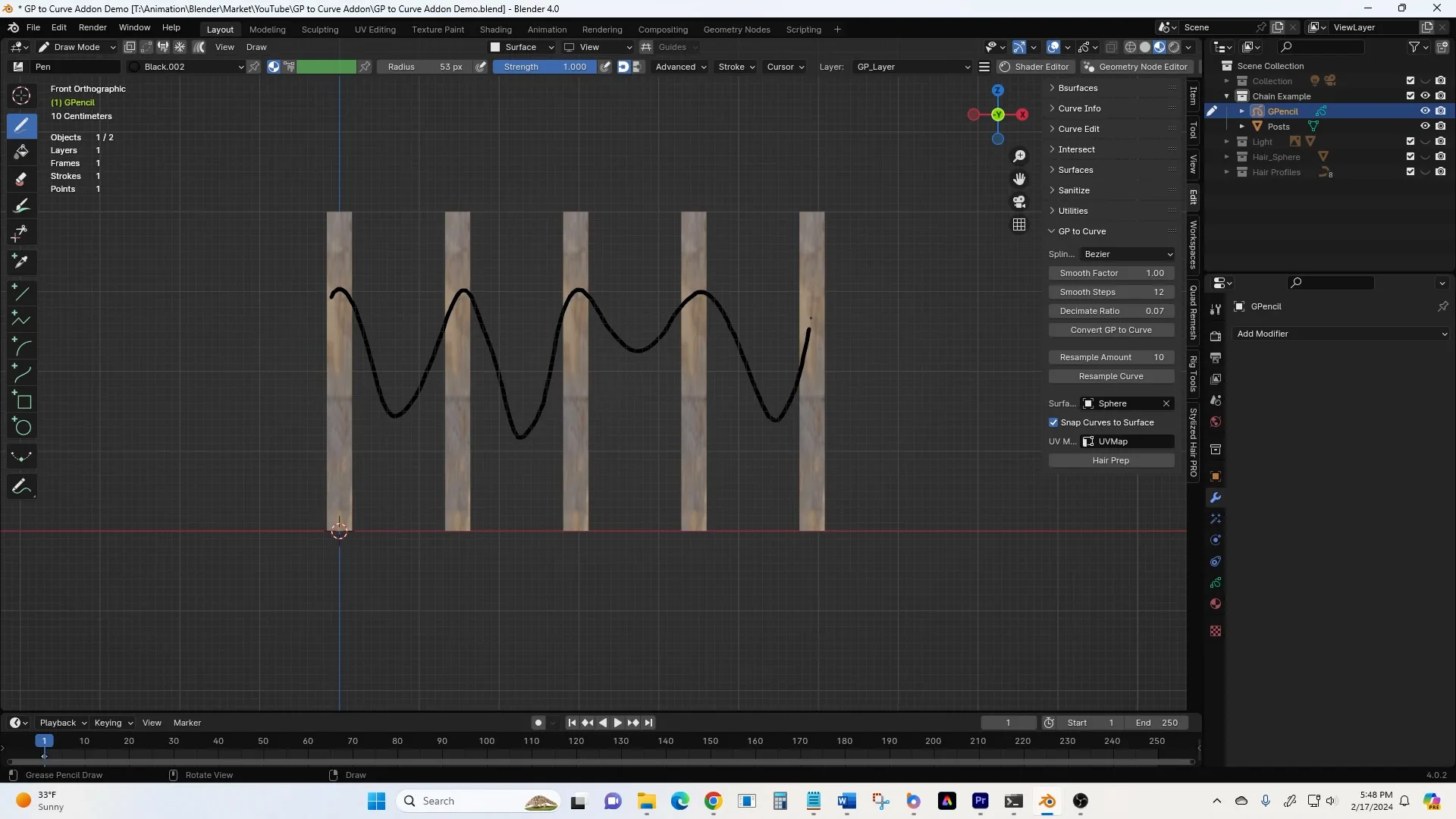
Grease Pencil to Curves is a Blender add-on by DadsCastle for turning drawn Grease Pencil strokes into curve objects and hair curves. It can help artists carry a drawn shape into curve-based modeling or prepare an initial form for hair grooming.
From strokes to curves
The feature listing describes separate curve objects for Grease Pencil layers, options for curve type, smoothing and decimation, and resampling to add points. It also describes converting a resulting curve into a hair curve attached to a selected mesh surface. See the feature listing for those workflow details.
Controls and modifier workflow
Open the 3D Viewport sidebar with the N key and look for the GP to Curves tab. The add-on’s Blender Extensions page confirms that its controls are in the N-panel, which helps if you have been looking for them in a menu.
The feature listing says the Smooth and Simplify buttons invoke non-destructive modifiers. Apply those modifiers before converting if you want their changes included in the resulting curve. You can adjust the Simplify modifier's reduction setting before applying it.
Compatibility and license
The Blender Extensions catalog lists version 0.4.5, a minimum Blender version of 4.3.0, and the GPL-3.0-or-later license. For installation from an archive, see Blender’s extension installation instructions.