Grease Pencil Tools is a Blender add-on with utilities for reshaping strokes, rotating the drawing view, scrubbing animation timing and working with layers. Its controls stay close to the Grease Pencil workflow, including tools you can use from the 3D View. It suits artists who want these operations available while drawing or reviewing frames.
Deform strokes from the 3D View
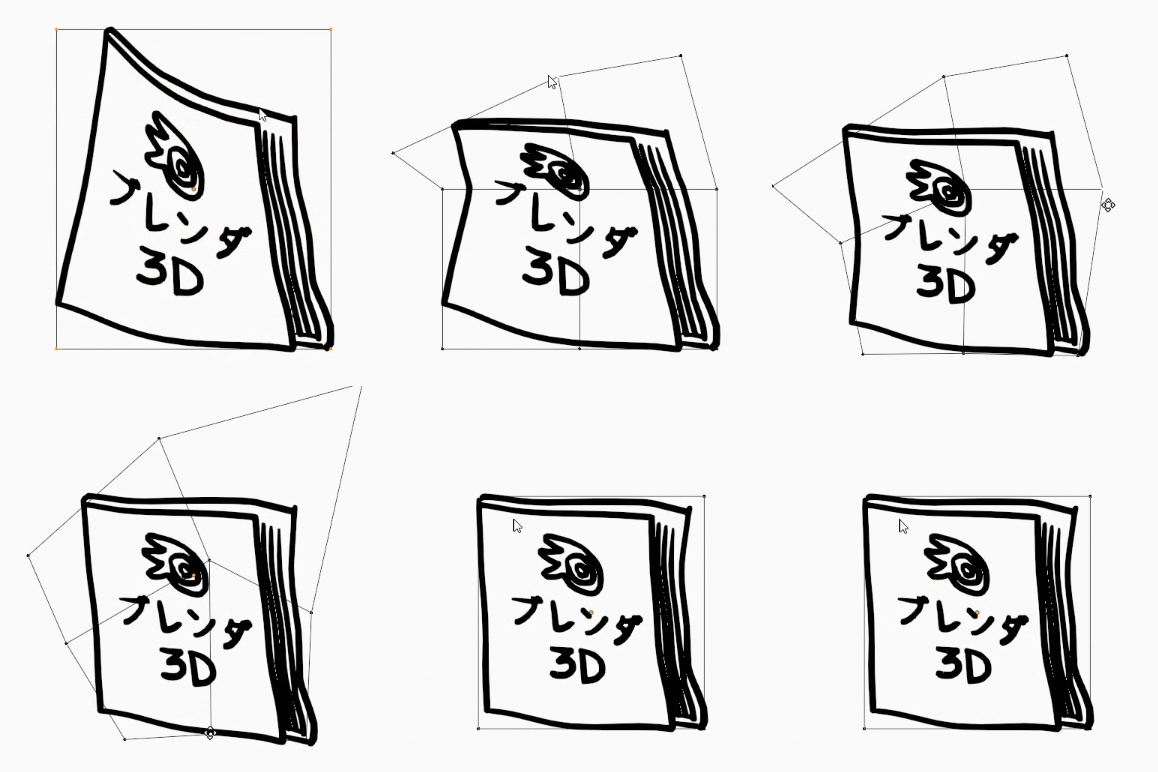
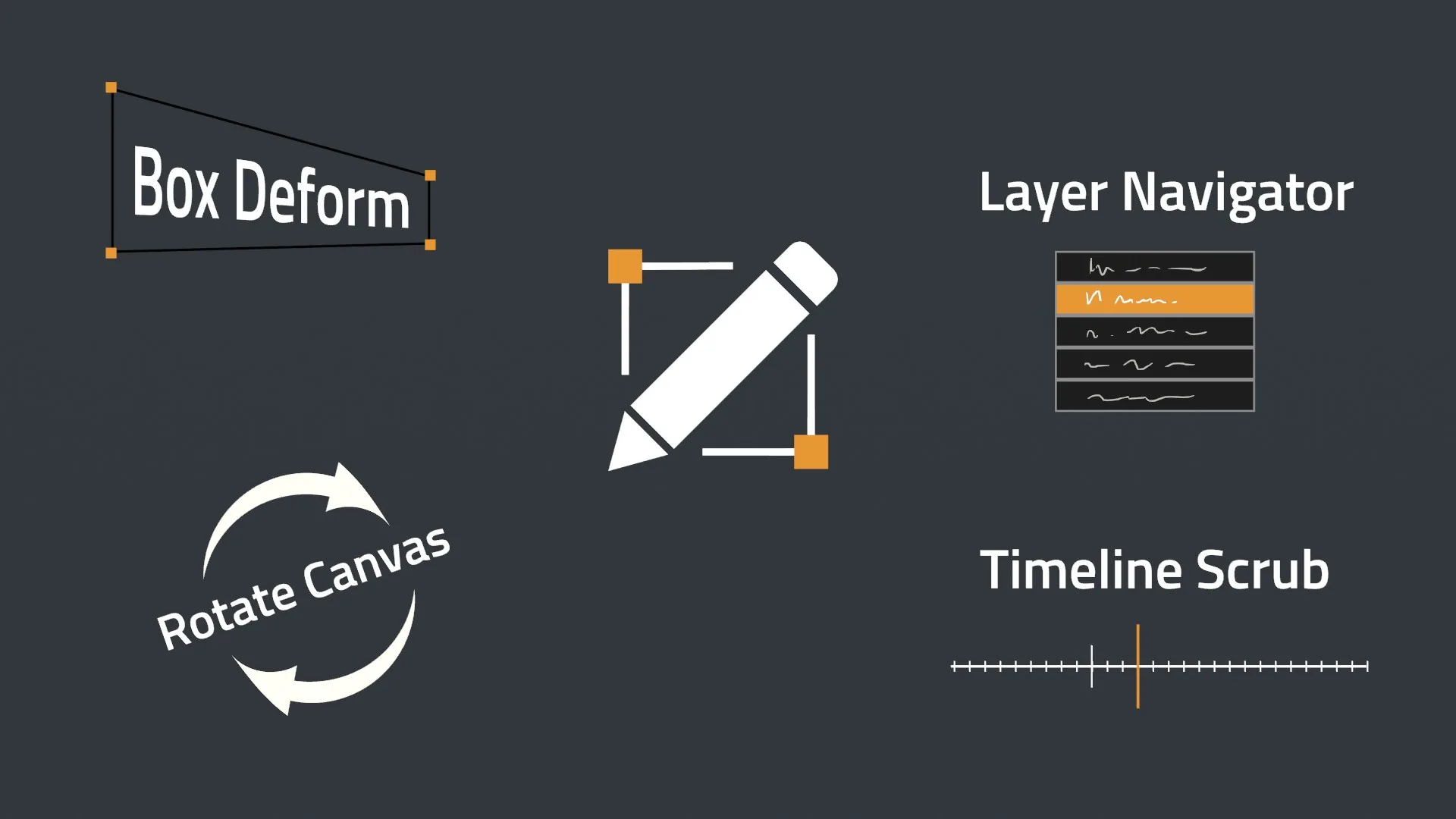
Box deform opens with Ctrl + T and creates a lattice box facing the current view. The affected content depends on the mode: it deforms the whole Grease Pencil object in Object mode, selected points in Edit mode, or the last strokes in Paint mode. Press M to switch between linear and spline deformation, or use the number keys along the top row to subdivide the box. Orient the view toward the canvas before starting to reduce unwanted perspective distortion. The GitHub README lists the available modes and controls.
Rotate the canvas and scrub timing
Rotate canvas turns the view so you can draw at a more comfortable angle. Its heads-up display shows the rotation angle. Hold Shift for incremental rotation, with the increment set in the add-on preferences. A sidebar control saves or restores the view rotation, and the shortcut can be customized.
Viewport timeline scrubbing opens a timeline popup at the mouse position, so you can move through frames without switching away from the 3D View. The default shortcut is Alt + middle mouse button. Hold Ctrl to snap the time cursor to keyframes. Rolling mode spaces the displayed keys evenly while scrubbing, which helps when quickly flipping between poses, though it does not preserve the gaps between their actual frame numbers.
Straighten strokes and manage layers
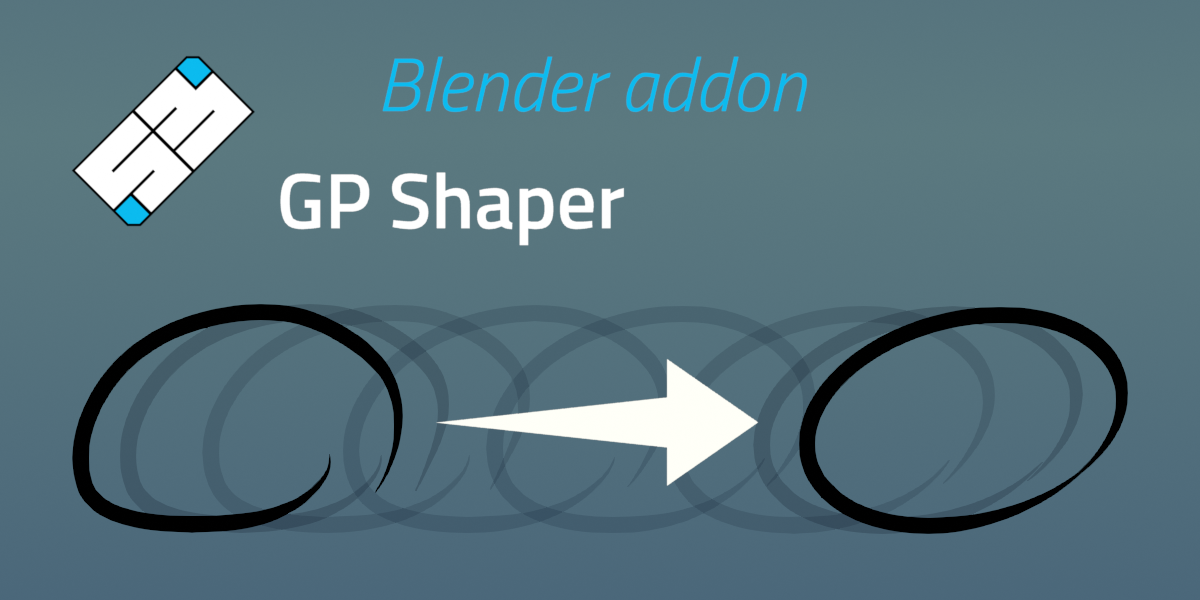
Straight stroke adjusts a line between its first and last points while keeping the points proportionally spaced along it. Set the influence in the redo panel after running the operation.
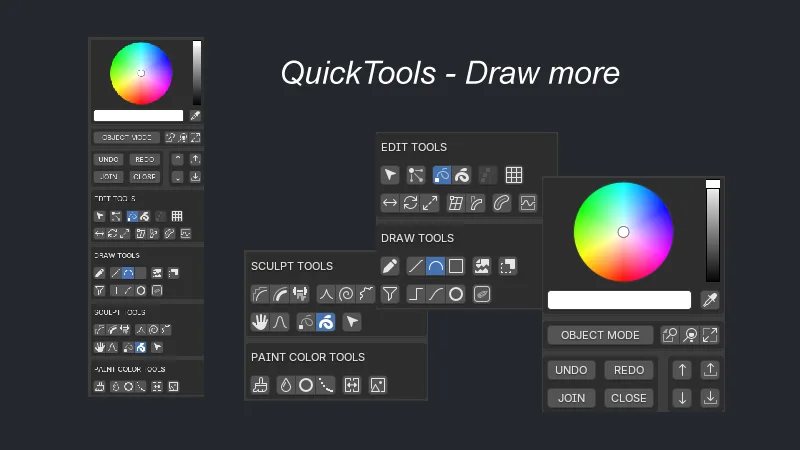
The layer navigator appears while you hold Y. Hover over a layer and release the key to make it active. The popup also lets you change opacity, hide or lock layers, and reorder them by dragging. The add-on also includes a textured brush pack by Daniel Martinez Lara; install it from the brush dropdown under Sidebar > Tool > Brushes.
Version and installation
The Blender Extensions listing identifies version 2.3.1 and Blender 4.3.0 as the minimum version. Check the listing for newer releases, then install the latest stable version from Blender's Preferences > Extensions.