Groomforge Pro is a Blender extension for moving existing Hair Curves into Unreal Engine. It prepares groom data for Alembic export, builds hair cards from a groom, and can turn guide curves into a bone hierarchy. It is intended for the handoff and rigging work after hair has been styled.
Groomforge Pro does not create or style hair. Start with finished Blender Hair Curves and a target head mesh; the extension handles steps such as root alignment, export data, card generation, and rigging.
Export Blender hair as an Unreal groom
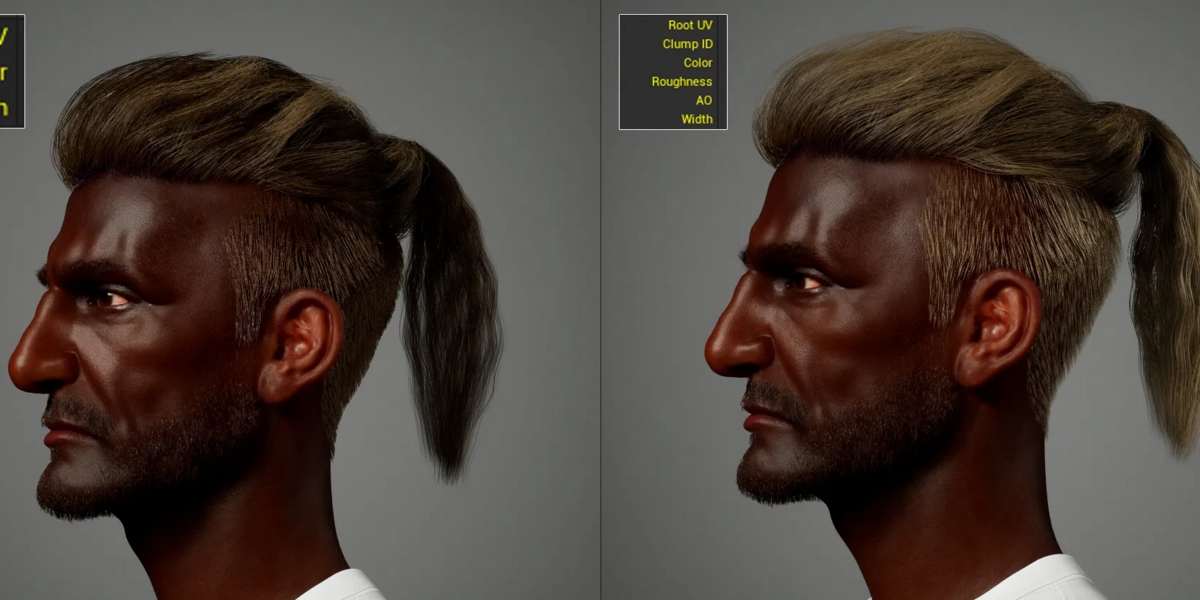
The publisher says Groomforge writes Alembic grooms with attributes expected by Unreal’s Groom system and, in Unreal Engine 5.7 and newer, Hair Dataflow, including Guide, groom_root_uv, ClumpID, AO, Radius, Color, and custom flow maps. It keeps guide and strand data distinct. A protection pass also prevents Geometry Nodes attributes from bleeding into the export, which the publisher identifies as a common cause of grooms that import but behave unexpectedly.
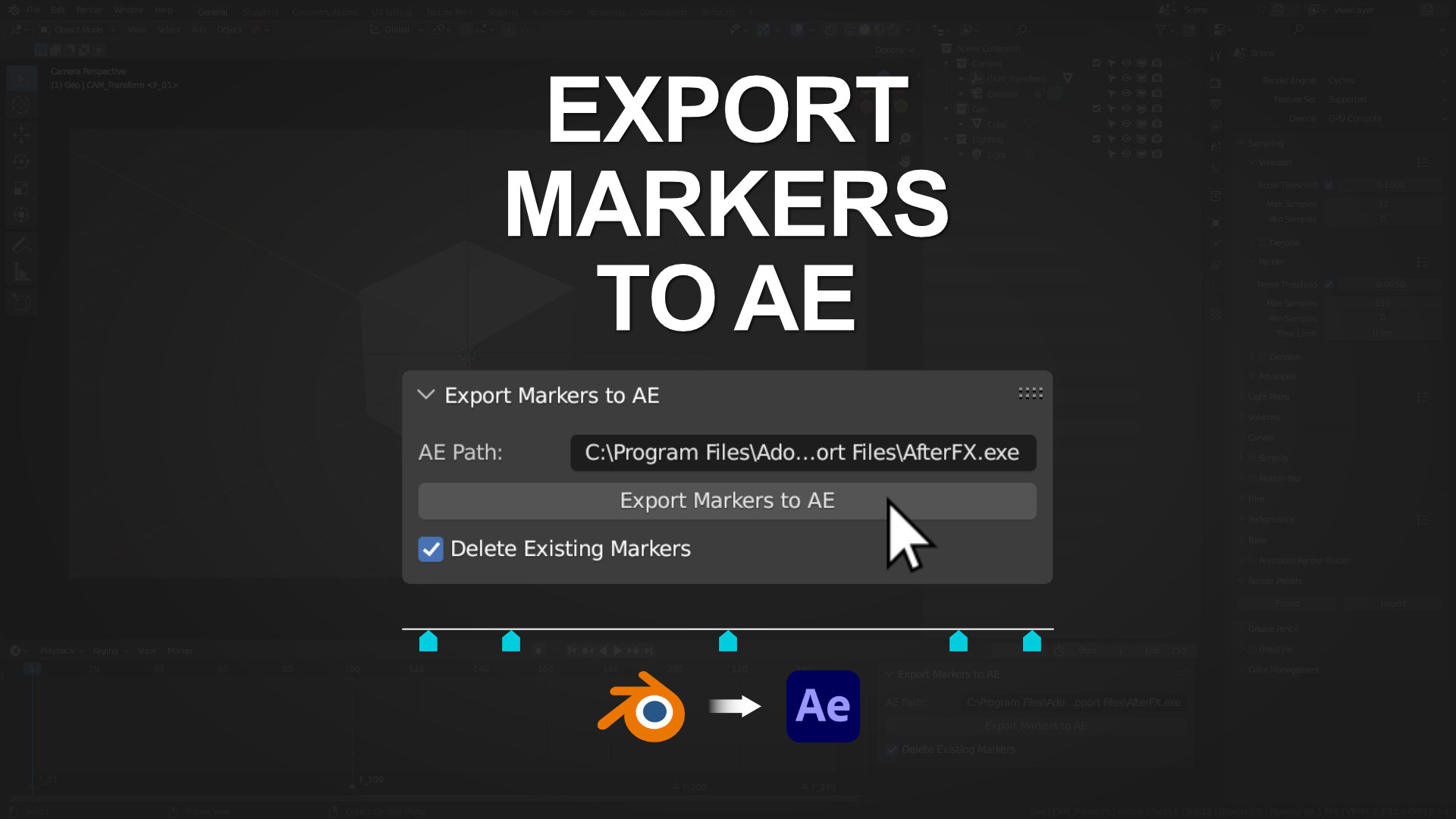
For iteration, Send to Unreal exports the groom to a running Unreal editor on the same computer. You can also export Alembic for a separate import workflow. See the current Groomforge Pro feature and compatibility details before installing.
Build cards and rig guides
The Hair Card Engine builds cards from neighboring strands in the groom and bakes textures and materials. Its listed controls include mask and flow maps, length-based UV packing, per-card width and twist variation, and tiered LOD generation compatible with MetaHuman LOD levels. The publisher’s v1.6.0 overview also describes card-tip taper controls, resolutions up to 4096, tip staggering, and shading options for flat cards.
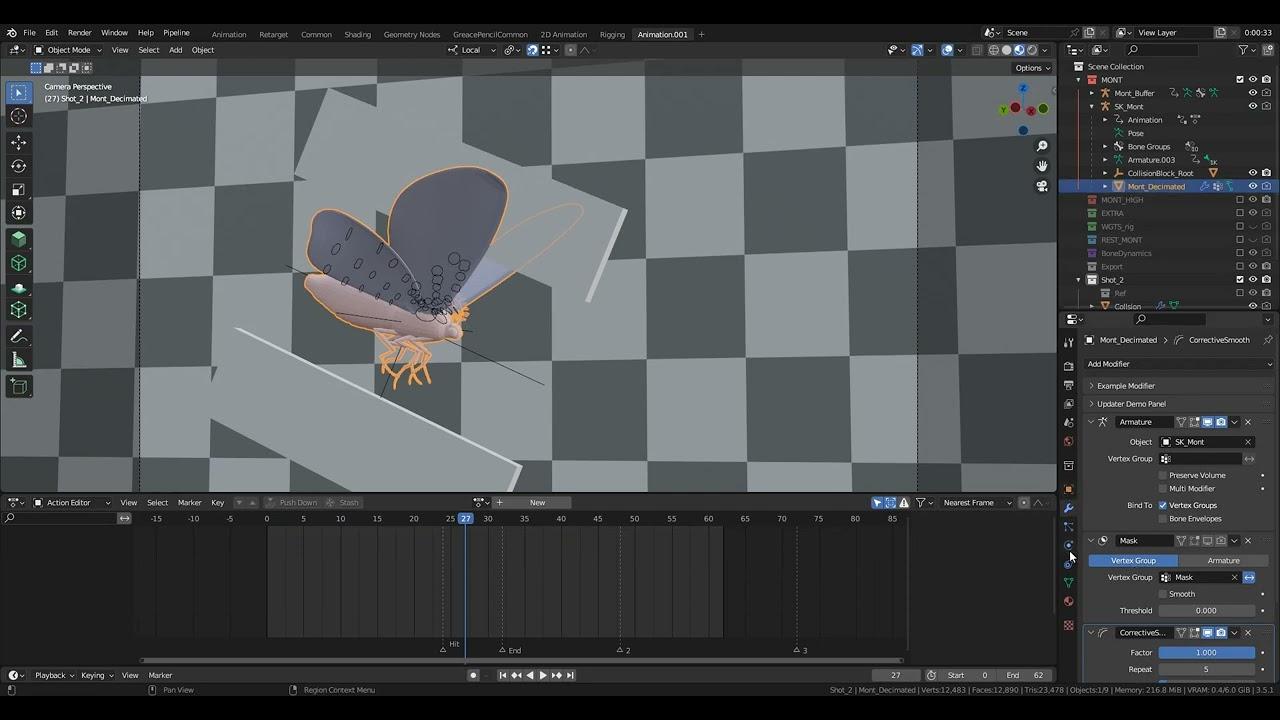
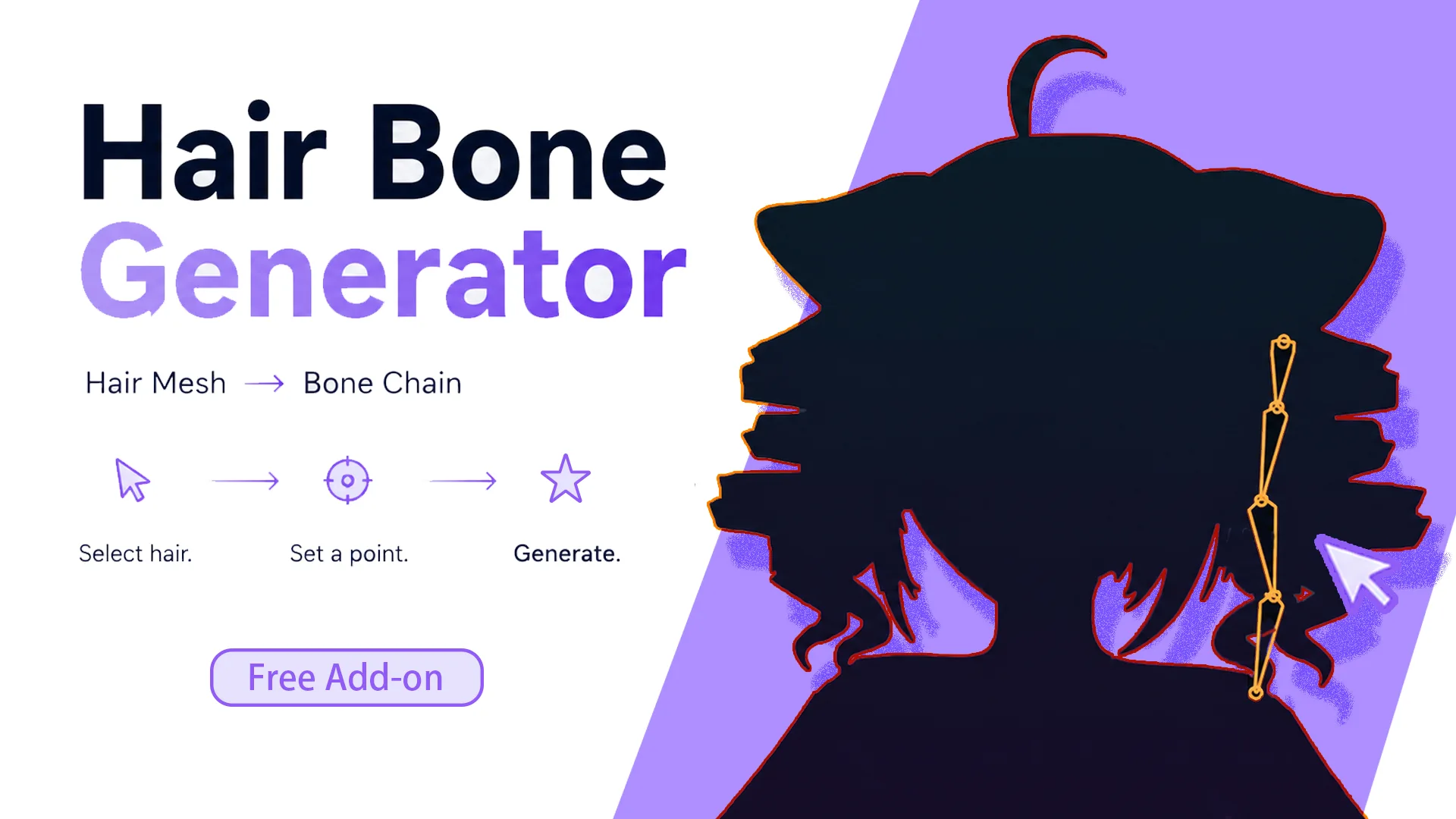
Guide-based rigging turns guide curves into a bone hierarchy, with options to target bones on MetaHuman or general armatures. Root Align snaps curve roots to scalp normals, and the extension can generate rigs for hair accessories and props. NovaBone Dynamics is a compatible companion for simulating generated bone chains, but Groomforge Pro works without it.
Requirements and version information
The publisher’s current listing gives Blender 4.5 to 5.2 and Unreal Engine 5.7 or 5.8 as requirements; its v1.6.0 update note lists macOS support for Blender 5.2 and newer. It supports Windows x64 and macOS on Apple Silicon; Intel Macs are not supported. Install it as a Blender Extension from disk or by dragging the ZIP into Blender. If upgrading from an older add-on installation, remove that version first to avoid a conflict. The publisher’s listing links to the GroomForge Wiki and user guide.
Version records differ: this catalog entry identifies version 1.4.0, the retrieved publisher overview calls out a v1.6.0 update, and its documentation page snapshot says v1.5.0. Confirm the package version and its requirements on the publisher’s page before installing or relying on version-specific features.