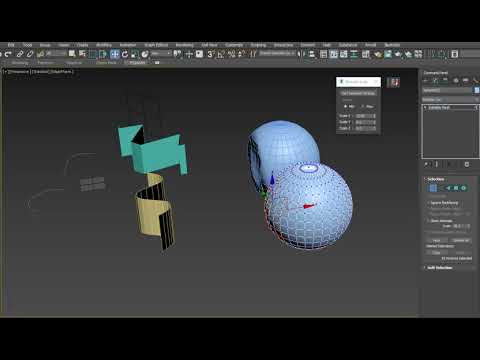
Group to EditablePoly is a button script for 3ds Max by SimonBourgeois. Select one or more groups and click the button to create one object per group.
Convert groups separately
The script supports nested groups. When a group contains an Editable Mesh, the result stays an Editable Mesh; otherwise, it creates an Editable Poly. This can help with SketchUp or other CAD imports where converting mesh geometry to Editable Poly is unwanted. Earlier updates fixed issues with instanced objects and crashes involving nested groups.
What it preserves
- Created objects inherit their original group names and layers.
- Objects remain in their parent group when the original groups were nested.
- Pivots are placed at the object base.
- SimonBourgeois said in a ScriptSpot reply that lights are parented to their corresponding Editable Poly.
Version 1.6.2 addresses a multi/sub-object material reordering issue involving different material IDs that share a material name.
Install the toolbar button
Drag the script file into the 3ds Max viewport. Then open Customize, choose Customize User Interface, select the Toolbar tab, and find the SimonScripts category. Add the button to a toolbar. The script has no separate window or additional options.
Tested versions
ScriptSpot lists 3ds Max 2020, 2023, 2024 and 2025 as tested versions. Its listing shows an update date of October 11, 2025; compatibility with other versions is not specified there.