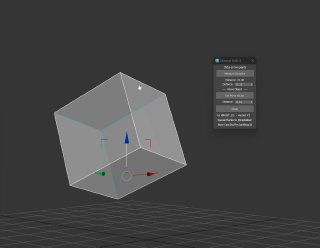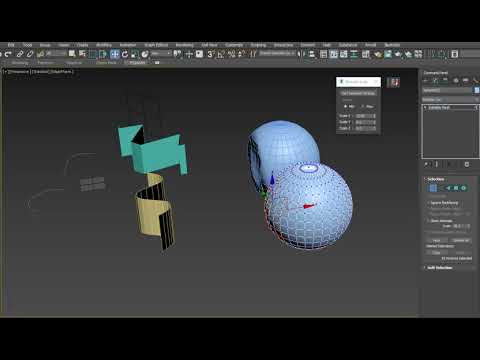
Blender Scale is a 3ds Max script by Obaida for scaling sub-object selections in a way similar to Blender. It works with Editable Spline, Editable Mesh, and Editable Poly objects, with support for vertex, edge, and face or polygon sub-object levels.
Supported objects and selection
The script detects the current sub-object level automatically. It also includes a Get Selected Vertices button. Pressing a Min, Mid, or Max center button gets the selected vertices as well.
Scale center and coordinate system
Scaling follows the current coordinate system, while the 3ds Max coordinate center is not used. Blender Scale provides Min, Mid, and Max center buttons, along with a Middle option, for choosing the scale center.
Spinner tips for large selections
ScriptSpot advises against right-clicking a spinner while dragging it; a value of 0.0 can be entered at any time. For selections larger than 500 vertices, enter the value directly instead of dragging the spinner.
Version and availability
ScriptSpot lists version 1.4 and identifies Obaida as the author. The AnyPlugins catalog entry lists Blender Scale as free. For the download, check the developer's Gumroad page. The ScriptSpot listing does not specify a supported 3ds Max version range, so check compatibility with your host version before use.