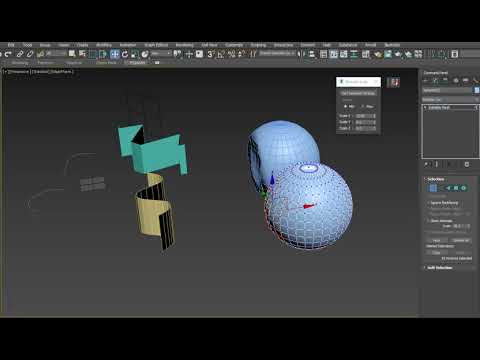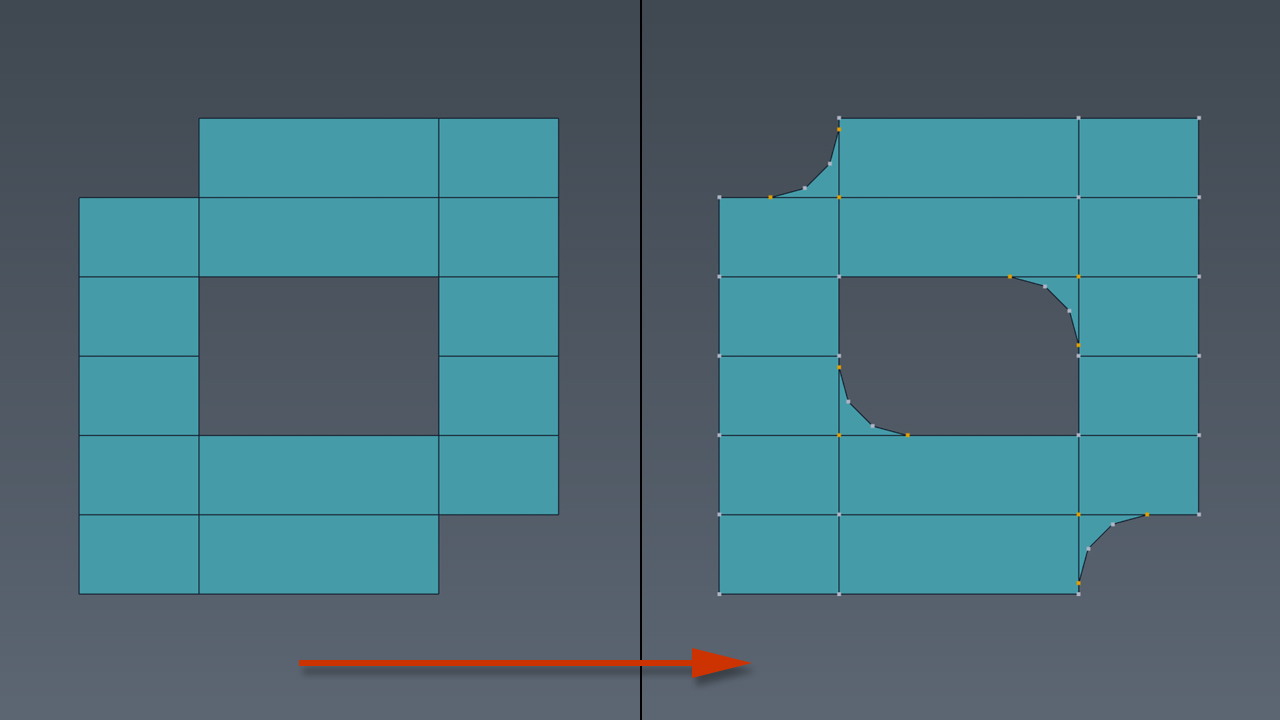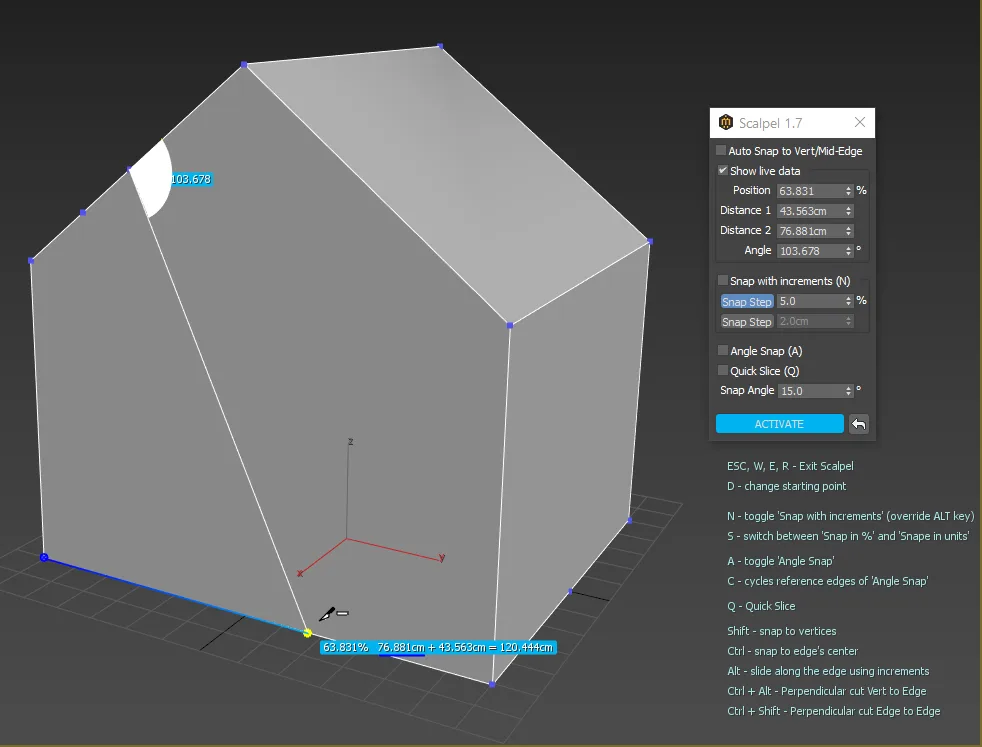
miauu's Scalpel is a script for 3ds Max that subdivides geometry by drawing cut lines. A cut must start at a vertex or an edge, so the tool cannot create a vertex inside a face. It works with Editable Poly objects and the Edit Poly modifier, making it useful when a cut needs to follow existing topology or land at a measured point along an edge.
Place cuts with snapping
Scalpel can snap a cut point to the nearest vertex or to the midpoint of the nearest edge. Both snapping options have Auto and Manual modes. For a position along an edge, choose a percentage of its length or a distance in system units. The smallest percentage setting is 0.5%; the smallest unit-based setting is 0.01 units. Angle Snap constrains a dragged cut line to a predefined angle.
For a cut from a vertex to an edge or from one edge to another, two perpendicular options are available: make the cut perpendicular to the snapped edge, or perpendicular to the edges from which the cut starts. QuickSlice can also use predefined angle snapping.
Read measurements and use keyboard shortcuts
A heads-up display shows the cut point's position along the edge as a percentage, its distance from either end of the edge, and the edge's total length. Tool options appear in the Prompt line. You can change Snap Step and Snap Angle while cutting, though Snap Step can be changed during a cut only with the spinner arrows.
- ESC, W, E, or R exits Scalpel.
- D changes the starting point.
- N toggles Snap with increments, overriding the ALT key.
- S switches between percentage and unit snapping.
- A toggles Angle Snap.
- C cycles through the possible reference edges for Angle Snap.
- Q turns on QuickSlice.
Compatibility, price, and limitations
The developer lists version 1.7.3 for 3ds Max and 3ds Max Design releases 2017 through 2027; version 1.7.3 added support for 3ds Max 2027. The developer's product page lists a price of €9.00. Check the miauu's Scalpel product page for current availability and pricing, and review the license agreement before purchasing.
Two documented behaviors can affect a cut: the mouse cursor must be over the object when you click, or the click will not register; and Angle Snap works only when the cut line and the adjacent vertices of its starting vertex lie in the same plane.