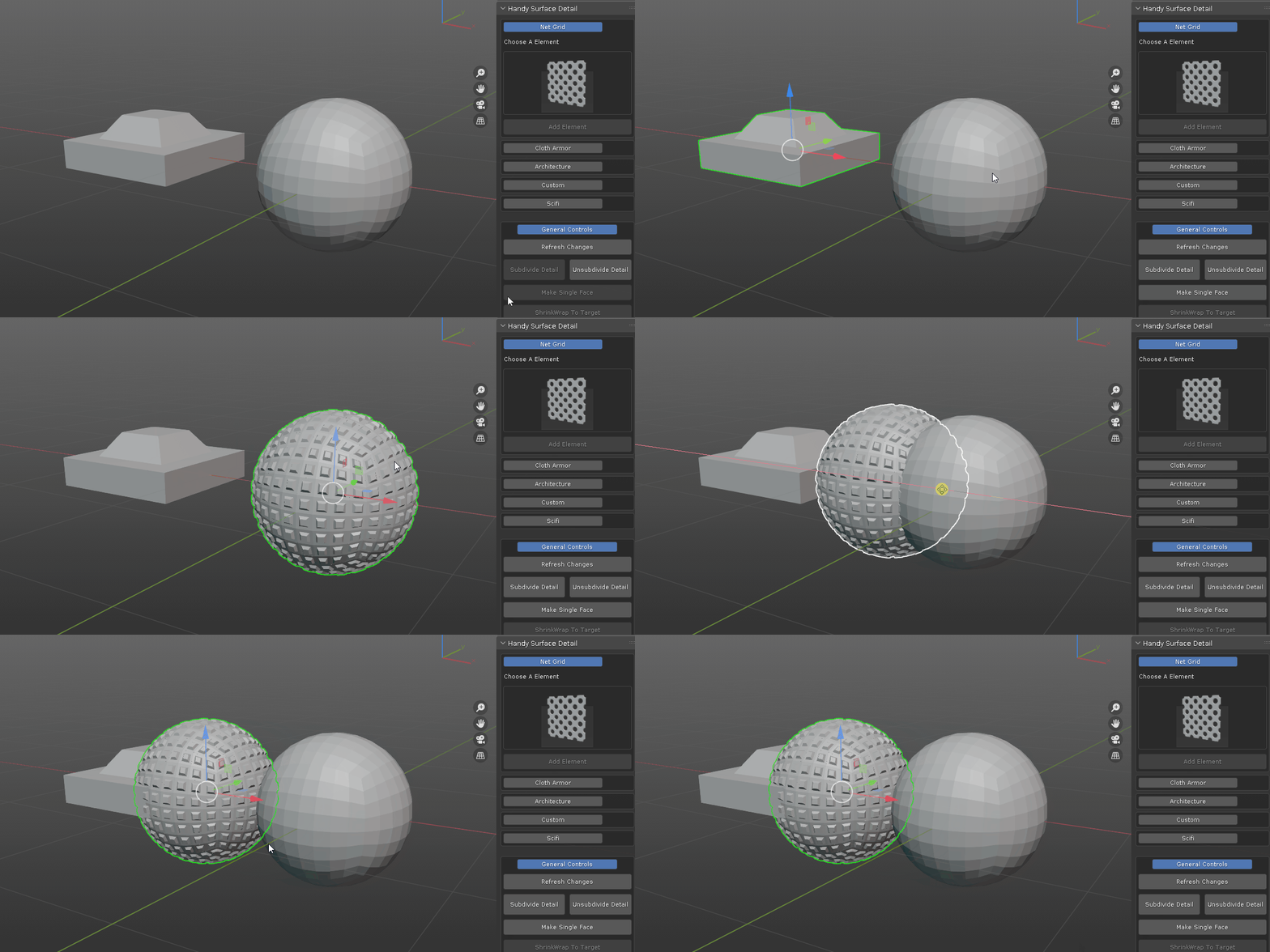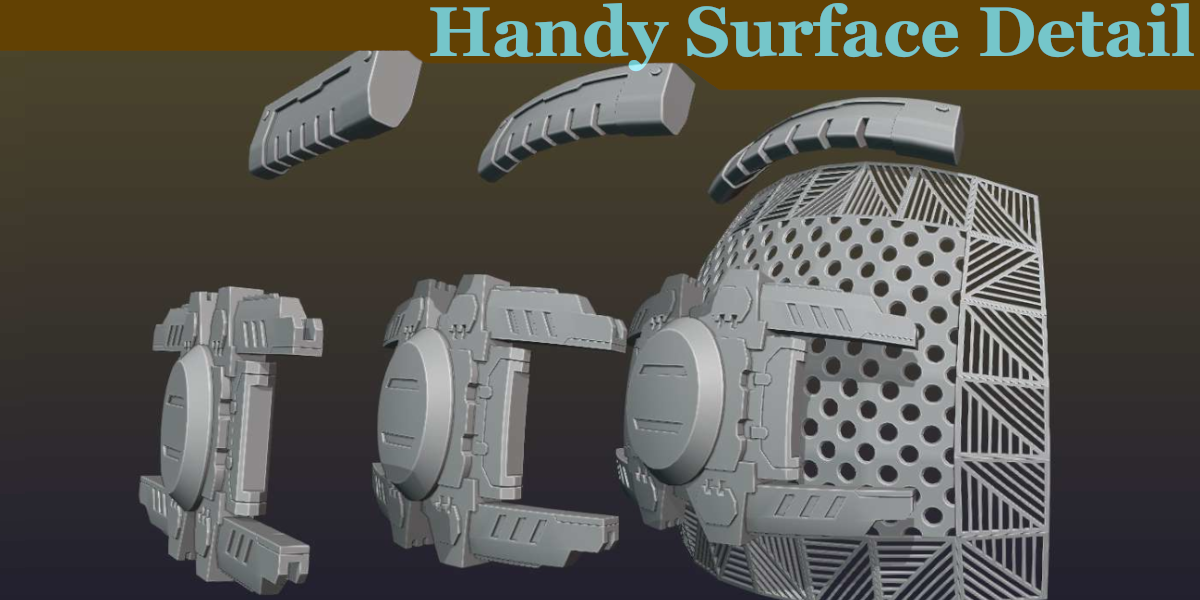
Handy Surface Detail is a Blender asset pack of over 100 meshes for adding detail to model surfaces. It uses Blender's Tissue add-on to populate a target mesh and includes a helper script to simplify the process. The creator describes building it to speed up adding and refining details after blockout, especially when placing standard hard-surface boolean objects on curved surfaces.
Detail meshes for different surfaces
The collection is grouped into net and grid patterns; armor, scales, lace, and cloth decoration; architectural pieces such as bricks and tiles; and assorted hard-surface models made with boolean modifier stacks.
Place and adjust details
In Object mode, select a source detail object, shift-select the target object, then press Add Element. In Edit mode, select faces, choose a detail from the preview, and press Add Element. The sci-fi category also has a rectangle-selection workflow in Edit mode, where you can press Add Element with a selected source detail object or after choosing a detail from the preview.
The listed controls let you scale elements with W and S, rotate with A and D, cycle through details with Q and E, choose a random element with R, toggle vertex snapping with V, and remove the previously added element with Z. The listing also describes subdividing details, modifying their shape, and controlling the blendshape.
Add your own detail meshes
You can append a selected mesh as a detail element. Version 1.4 added controls to save an element, open its folder, and refresh the preview. The creator says saved meshes go automatically into the assets folder, using a 3D viewport image for the preview.
Blender compatibility and setup
The developer lists Blender 3.1 through 5.0 as the only supported versions. Version 1.5.2 added Blender 5.0 compatibility. The pack uses the Tissue add-on to populate target surfaces; the developer's listing says a fixed Tissue file is available on the download page if the Tissue add-on from the official site does not work. Check the developer's listing for current downloads and instructions.