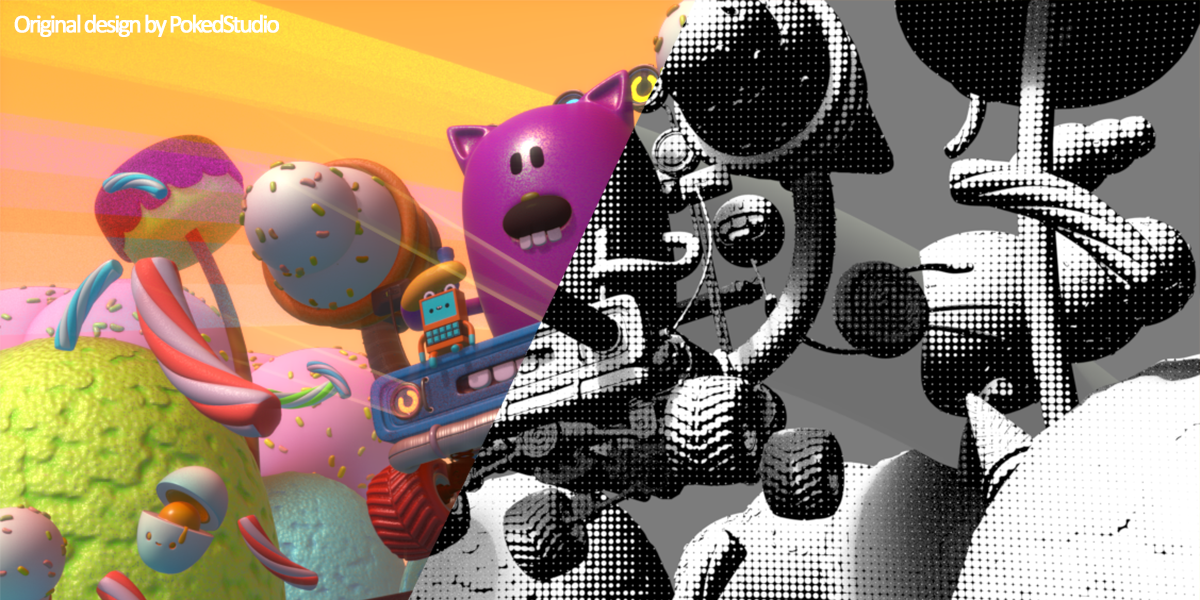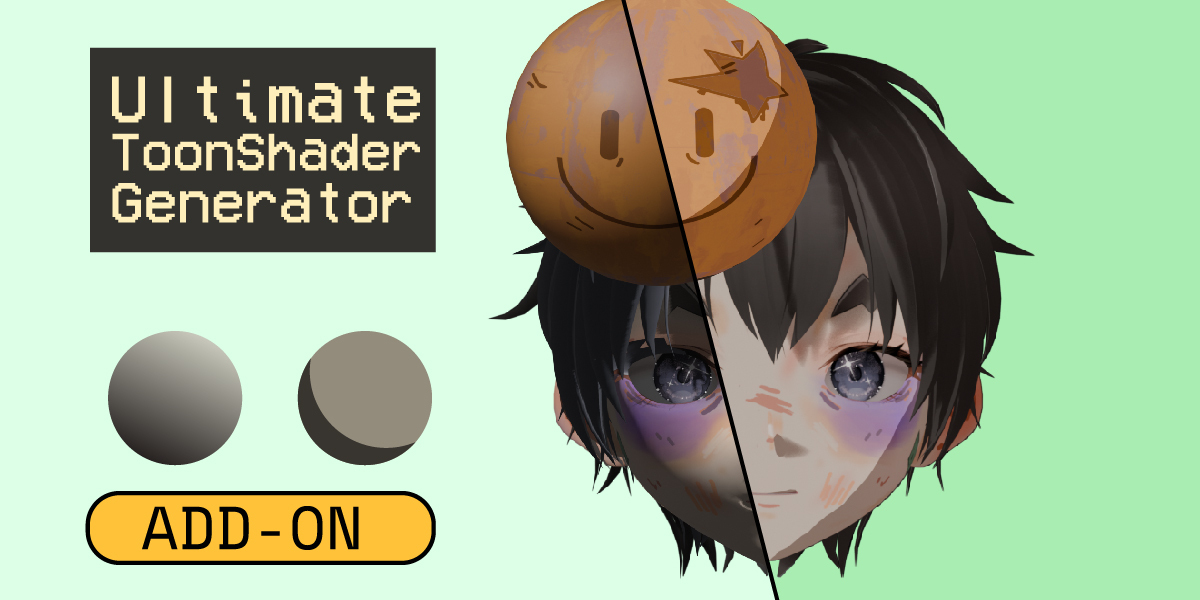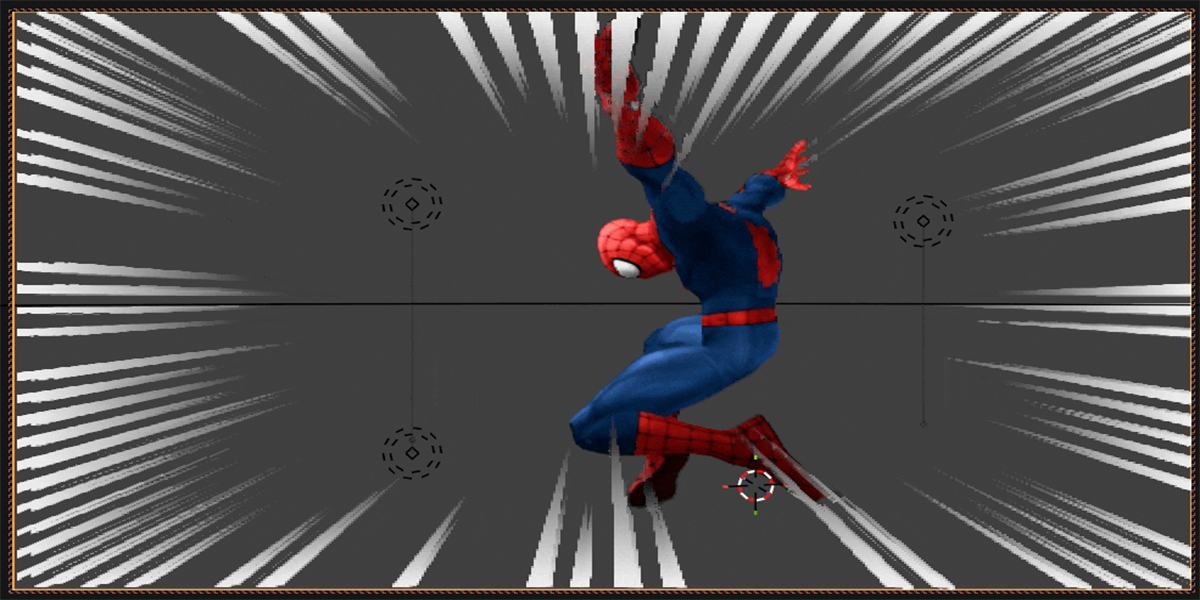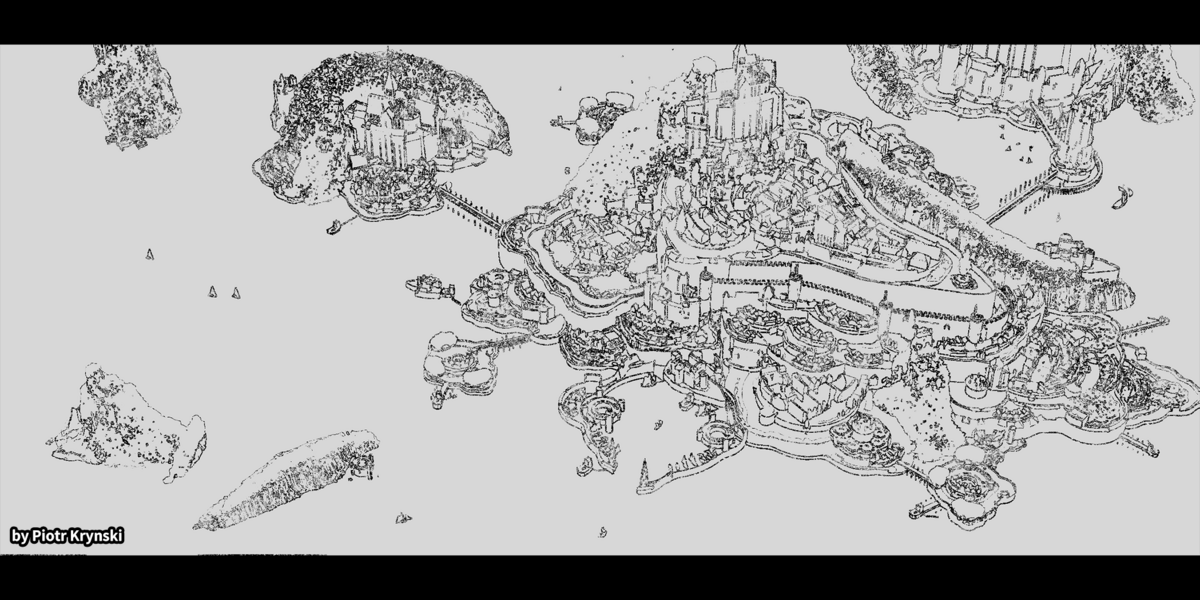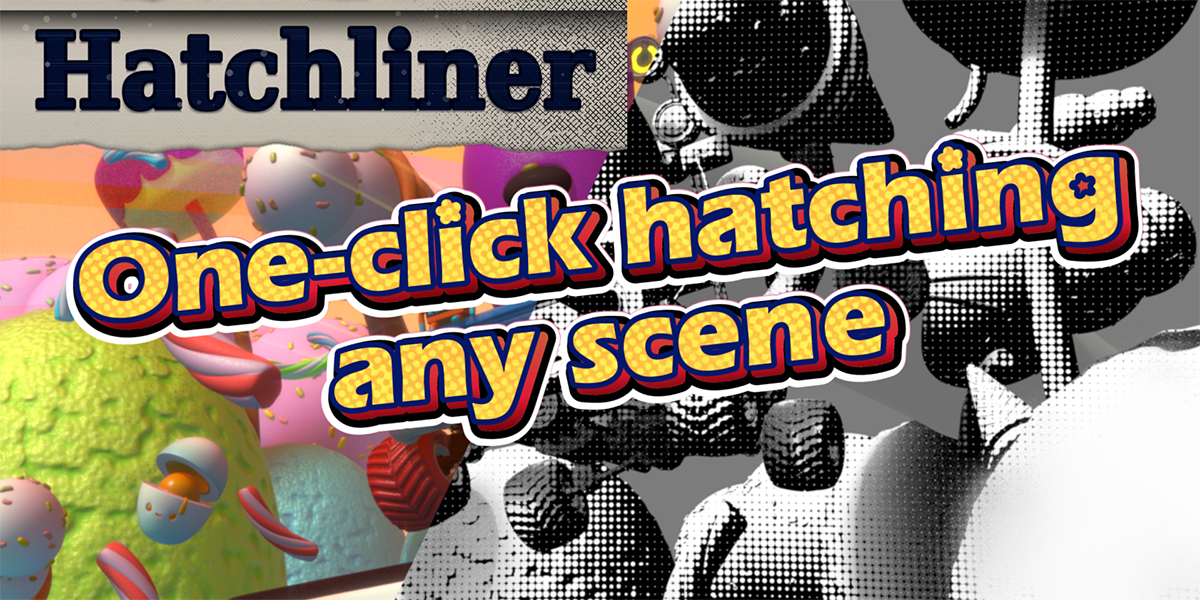
Hatchliner is a Blender add-on from Kito Studio for applying anime and hatching styles to scene materials in Eevee. Its preview UI shows 27 presets in four groups: Lines, Inks, Manga and Shadows. You can compare the styles before applying one.
Browse the preset groups
The four groups give you different starting looks for line work, ink, manga and shadows. Each style has adjustable parameters, so you can tune a preset for the scene instead of relying on its default appearance.
Apply a style where you need it
Apply a style to an individual mesh or specific materials, including selected slots on meshes with multiple materials. Scene-wide application affects materials on visible, active objects, and Hatchliner can exclude selected collections. The documentation recommends UV-unwrapped meshes for best results; if a style renders fully black, it suggests unwrapping the mesh, with Smart UV Project sufficient. Applying or pasting a style across the scene can take several seconds or minutes depending on scene complexity, so the documentation recommends saving the project first.
Tune and reuse looks
Adjust each style's parameters or reset them to their defaults. You can copy and paste styles, save them to a file and load them later. When working with existing materials, the add-on can merge a style with them or overwrite them.
Compatibility and license
Superhive lists Hatchliner as an add-on for Blender 5.1 to 5.2, with Eevee as its render engine and GPL as its license. The Hatchliner 1.1 documentation says Blender 5.x is supported and earlier versions were not tested; it supports Eevee only, and using Cycles may produce random hatching results. Check the product listing for current compatibility details before installing it with another Blender release.