HDR Encoding Tools prepares baked HDR lighting in Blender for game engines such as Unity. It converts .HDR and .EXR lightmap images to PNG with RGBM or dLDR encoding, and compresses HDR vertex colors for FBX export. Its 3D Viewport panel also helps handle certain transparent materials during baking and clean up vertex-color results.
Encode a baked HDR lightmap
After baking and saving a lightmap as an .HDR or .EXR file, open the UV/Image Editor and press N to show the right sidebar. Choose the HDR Encoding tab, select the image, then click Generate PNG. The new image appears in the editor and is saved in the same folder as the source image.
RGBM and dLDR use different ranges and tradeoffs. The extension listing says RGBM can sometimes cut an HDR lightmap file size by at least half; dLDR can reduce it further, with more lossiness.
Compare RGBM and dLDR
Both encodings store gamma-encoded values using a 1/2.2 exponent, following Unity lightmap conventions. The published ranges are:
| Encoding | Gamma range | Linear range | Alpha channel |
|---|---|---|---|
| RGBM | 0 to 5 | 0 to 34.49 | Multiplier M |
| dLDR | 0 to 2 | 0 to 4.59 | Unused, set to 1.0 |
RGBM divides the color by its maximum component and stores a multiplier in alpha. dLDR maps values from 0 to 2 into the 0 to 1 range; intensities above 2 are clamped.
For Unity Shader Graph in a linear color-space project, import the PNG with sRGB unchecked. For RGBM, also disable Alpha Is Transparency because alpha carries the multiplier. Decode RGBM with pow(RGB × A × 5, 2.2) and dLDR with pow(RGB × 2, 2.2). In a gamma-space project, omit pow and use RGB × A × 5 for RGBM or RGB × 2 for dLDR.
Bake HDR lighting into vertex colors
Vertex colors can use less memory than HDR images, but Unity clamps imported vertex colors to the 0 to 1 range. Compressing the HDR values before export keeps them within that range; a shader can multiply them back by the chosen compression factor.
- In the 3D Viewport sidebar, select the meshes and click Create Vertex Color Layer.
- In Render Properties, set Bake target to Active Vertex Color and Bake Type to Diffuse. Enable Direct and Indirect influence, and leave Color disabled.
- If the selected meshes have Principled BSDF materials with linked Alpha inputs or Alpha values below 1.0, click Unplug for Bake before baking.
- Run Blender's Bake operation. If you used Unplug for Bake, click Restore Connections afterward. Optionally use Fix Buried Vertices and Smooth Vertex Colors to clean the result.
- Click Compress HDR Vertex Color, then export the mesh as FBX with Vertex Colors set to Linear.
The compressed colors look darker in Blender, which is expected. Keep them compressed for another export. Use Decompress and Restore HDR when you need to preview or rebake the original HDR values.
Handle transparent materials during a bake
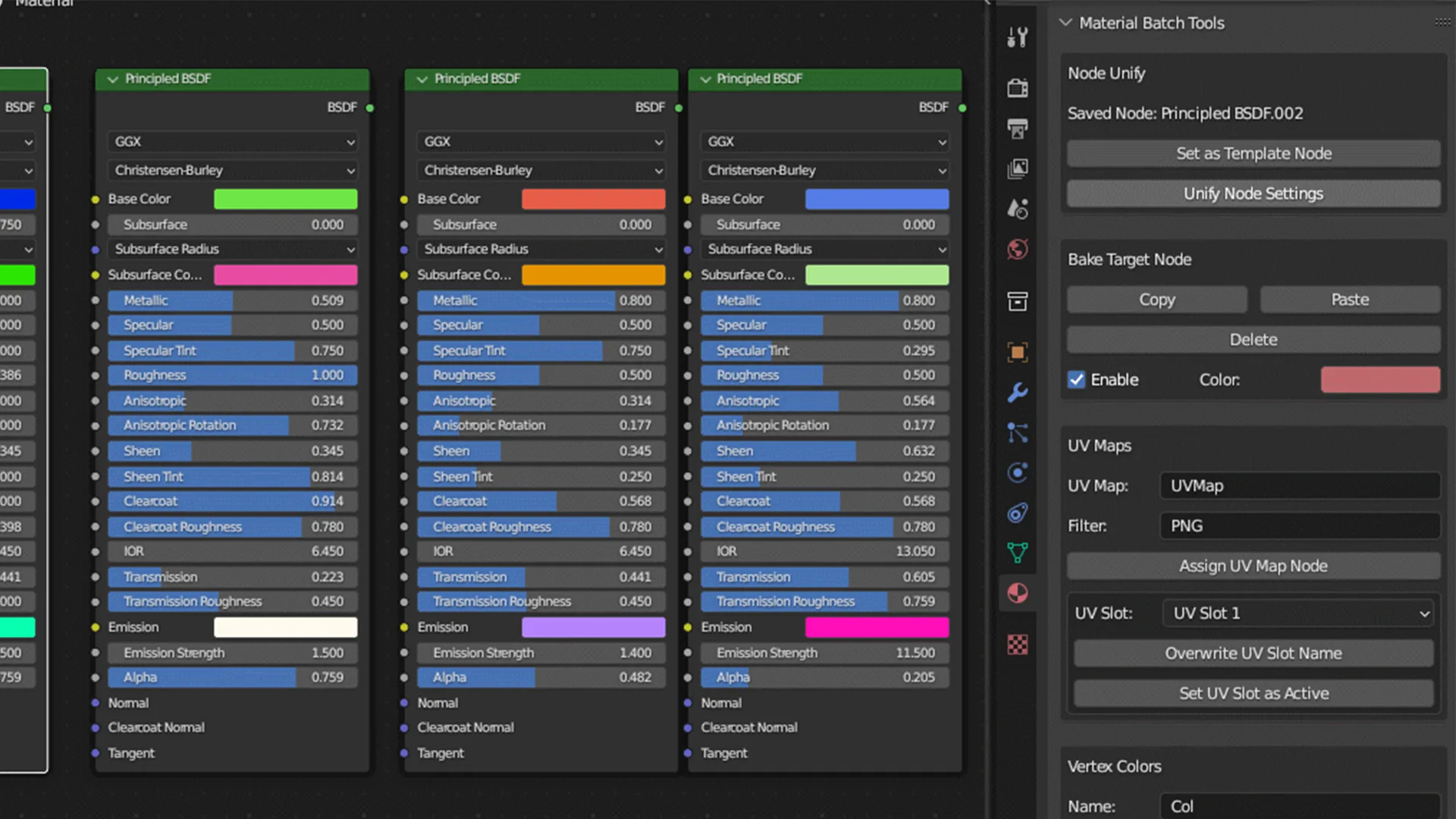
Transparent surfaces can bake as black, and vertex-color interpolation can spread that darkness across a mesh. The Transparency controls provide a temporary opaque material for the bake. Set Bake Color to a suitable solid color. On selected meshes with Principled BSDF materials whose Alpha input is linked or set below 1.0, click Unplug for Bake. The add-on disconnects Base Color and Alpha on affected Principled BSDF materials, applies the bake color and full opacity, and leaves fully opaque materials alone. Click Restore Connections after baking to return the original links and values.
The add-on stores those links and values on the material nodes, so they can be restored after saving and reopening the file. Shared materials are handled once. The operation covers Principled BSDF Alpha setups with a linked or below-1.0 Alpha input; Mix Shader and Transparent BSDF setups are not handled.
Clean up vertex-color bake artifacts
Fix Buried Vertices copies the nearest non-black color to vertices completely buried inside other geometry, where baked shadows can create dark patches. Find Buried Islands highlights geometry islands that are fully buried. Smooth Vertex Colors averages each vertex color with those of connected neighbors; applying it repeatedly increases the smoothing.
Version 1.0.0 is listed for Blender 4.2 and newer under GPL-3.0-or-later. See the official Blender Extensions listing.