Hero Shot is a camera-direction add-on for Blender product films. Lite includes ten camera rigs with editable framing, lens, timing, and easing controls. Pro adds a workflow for sequencing and compiling shots, linking motion between them, and render-farm baking.
Choose a move, then shape it
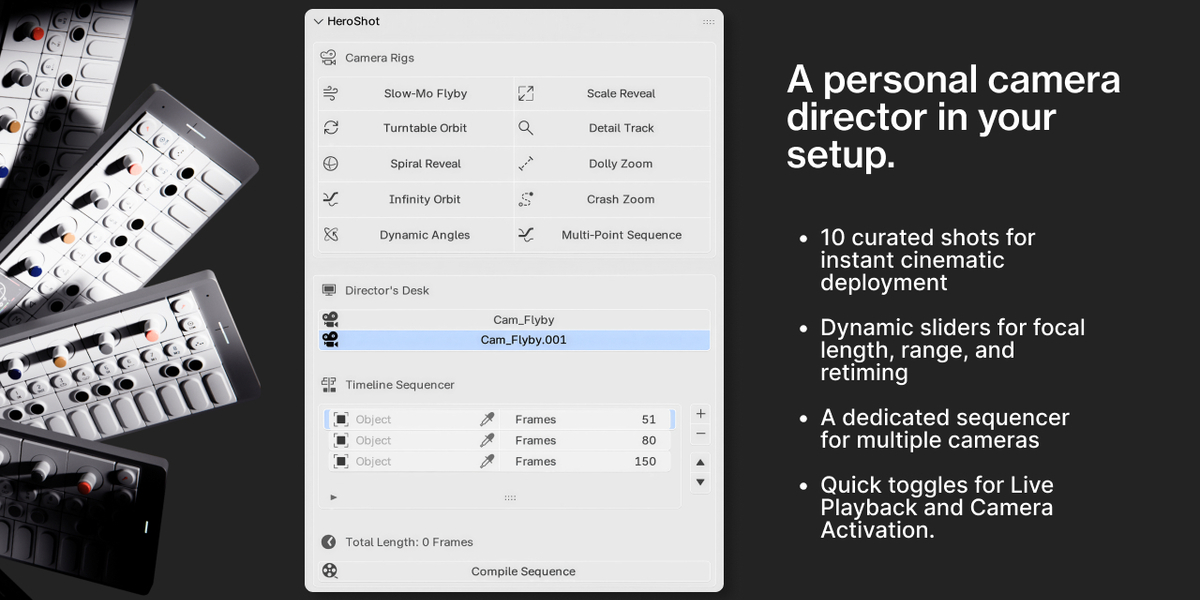
Each rig gives you a starting camera move to position and adjust around your product. The available moves are:
- Slow-Mo Flyby: a lateral sweep with a center push, slow-motion controls, and banking.
- Turntable Orbit: circular or elliptical orbits with pace and retiming controls.
- Spiral Reveal: an orbit whose radius, height, and roll can change through the move.
- Infinity Orbit: a figure-eight path driven by yaw and pitch.
- Dynamic Angles: hold one view, then move to another angle.
- Scale Reveal: change camera height and distance together.
- Detail Track: move between points with separate aim and focus helpers.
- Dolly Zoom: animate camera distance and focal length together.
- Crash Zoom: make a wide-to-tight optical zoom from a fixed camera position.
- Multi-Point Sequence: travel through two to five movable positions with staged timing.
Timing, custom easing, framing, and lens controls stay editable. The Multi-Point Sequence is one individual rig; Pro's Timeline Sequencer is a separate tool for arranging multiple cameras.
When Pro helps
Pro's Director's Desk and Timeline Sequencer let you place source cameras in playback order, set take durations, and compile them into a sequence. The compiled cameras are sampled takes, while the source rigs remain editable. Recompile after changing source shots, timing, or links to refresh the compiled result.
For continuity between adjacent shots, Smooth Motion blends camera position, orientation, and optics around the join while preserving the authored paths outside the blend. Pose Match is another option: it aligns the incoming view to the previous shot. Keep Subject can preserve the inherited aim point's image position with perspective cameras, but it does not preserve the product's size in frame.
Smooth Motion requires matching projection types and at least three frames in each adjacent take. Paths that cross the shared target axis may need adjustment or Pose Match. Hero Shot does not automatically fit a product to the frame or prevent camera collisions, so inspect the join and render a short preview before final output.
Price, license, and supported setup
The Superhive documentation lists base prices of $25 for Lite and $35 for Pro. Both editions permit commercial, freelance, and studio use under GNU GPL v3 or later. Check the current product listing for purchase details.
The Hero Shot 2.2.13 quick-start guide identifies Blender 5.2.0 LTS and says the release was tested on Windows with Cycles and EEVEE. Other operating systems and Blender versions were not validated for that release.
Install and preview a move
- Download and extract the customer package, then locate the inner Lite or Pro installer ZIP. Install that inner ZIP, not the outer package, and do not extract the installer ZIP itself.
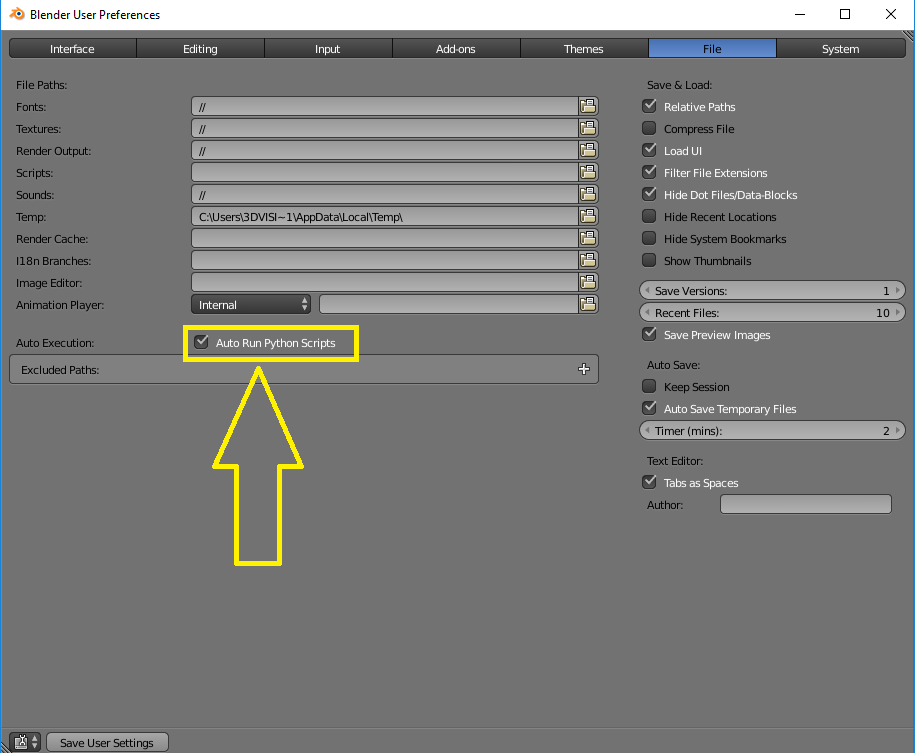
- In Blender, open Edit > Preferences > Add-ons and choose Install from Disk. Select the inner ZIP, enable Hero Shot, and keep only one edition installed because Lite and Pro share a module.
- In the 3D Viewport, press N and open the HeroShot tab. Add your product, choose a rig, position its CTRL master in the Outliner, make it active, and enter camera view with Numpad 0.
- Scrub or play the whole move while adjusting framing, lens, and timing. Render a short preview before final output; your product, materials, lighting, and render settings remain yours to set up.