CineSpline is a Blender add-on for creating cinematic camera animations from manually placed shot cameras. Build Path connects the shots with a smooth camera path, while the Offset value controls animation timing. You can focus on an object with one click, then edit or rebuild the spline as your shot plan changes. The developer lists film, motion design, architectural visualization, and animation as use cases.
Build and adjust a camera path
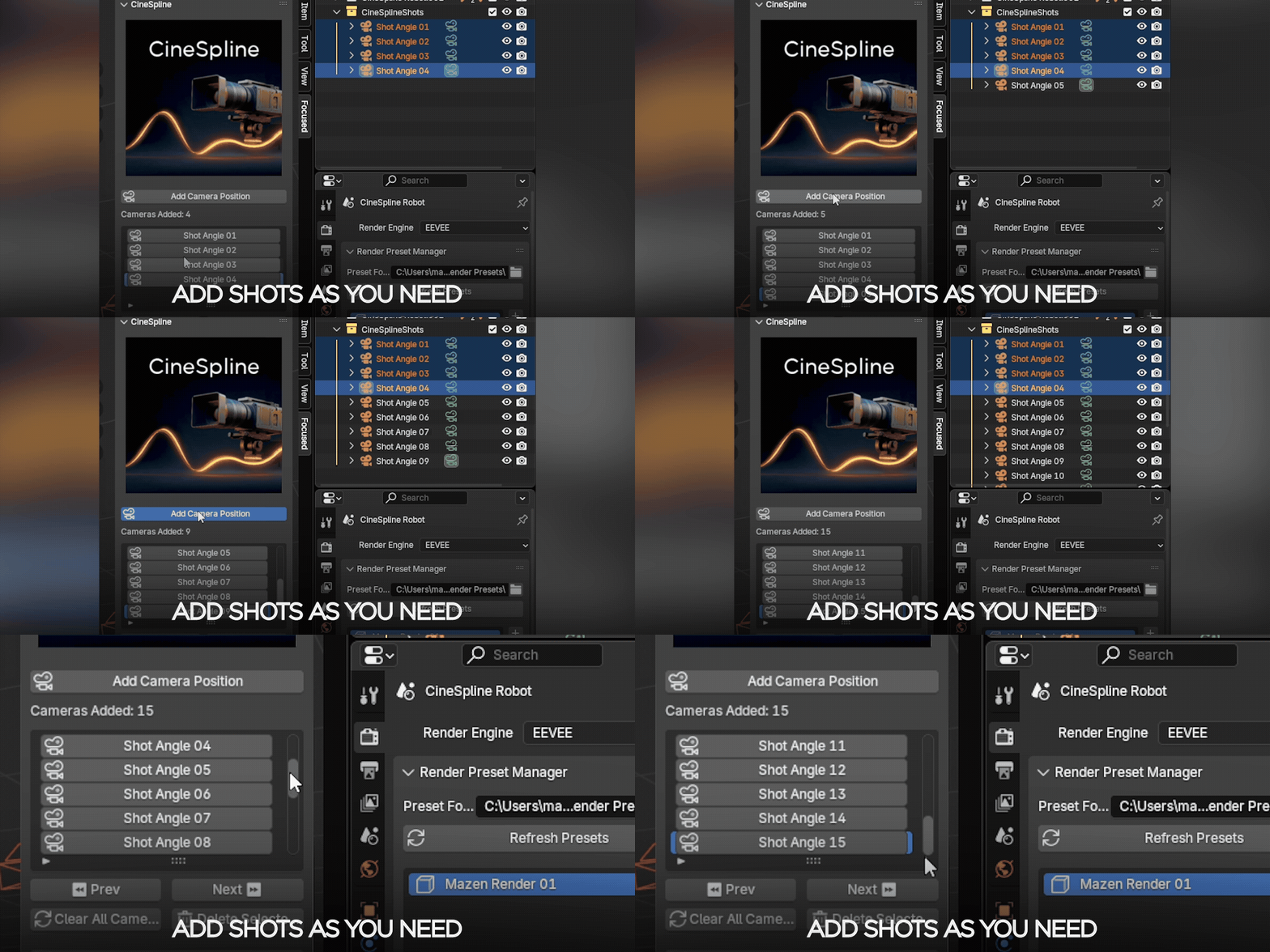
Place shot cameras at the views you want to use, then build the path. The documentation describes automatic path and tracking setup, with shot navigation and an editable spline. Adjust Offset to control timing. You can also add, cycle through, or delete shots, and edit or rebuild the spline at any time.
This workflow suits projects where camera movement follows a series of planned views.
What changed in version 1.4
Version 1.4 adds the Smart Target System. Select an object before pressing Build Path and CineSpline uses it as the camera’s “Look At” target. If nothing is selected, the add-on creates a target empty at the origin, at coordinates (0, 0, 0), and notifies you. The listing says existing projects continue to work and that the add, cycle, and delete shot workflow remains unchanged.
Compatibility and setup
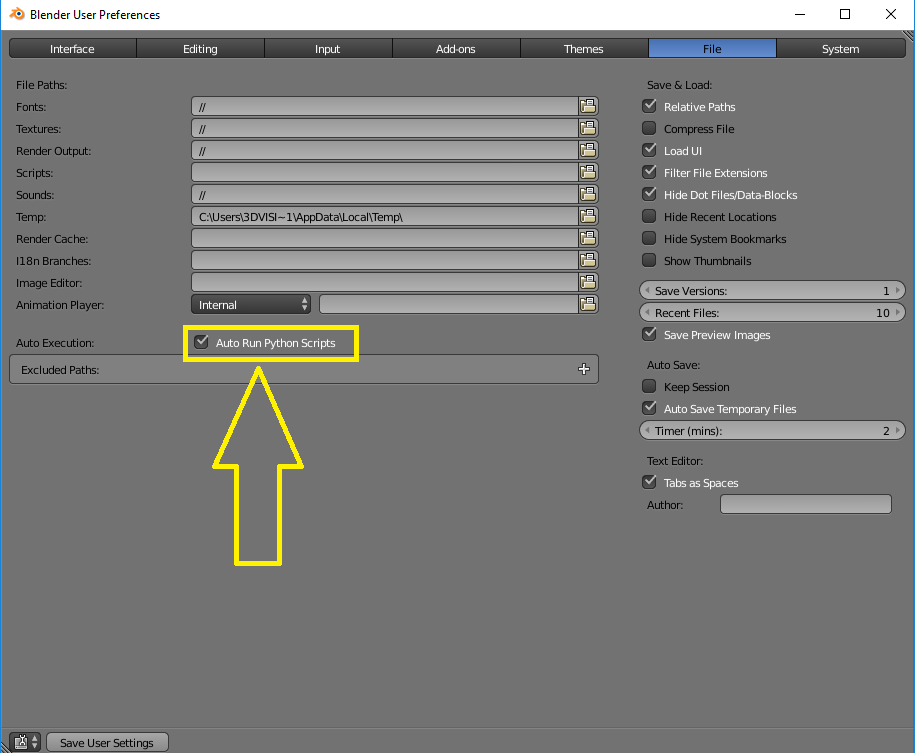
The product listing specifies Blender versions 3.0 through 4.4 and the Cycles and Eevee render engines. It identifies the license as GPL. The documentation lists an add-on ZIP and a user guide PDF. To update to version 1.4, reinstall the new ZIP from Blender Preferences. Check the CineSpline product listing and its documentation for the current files and details.