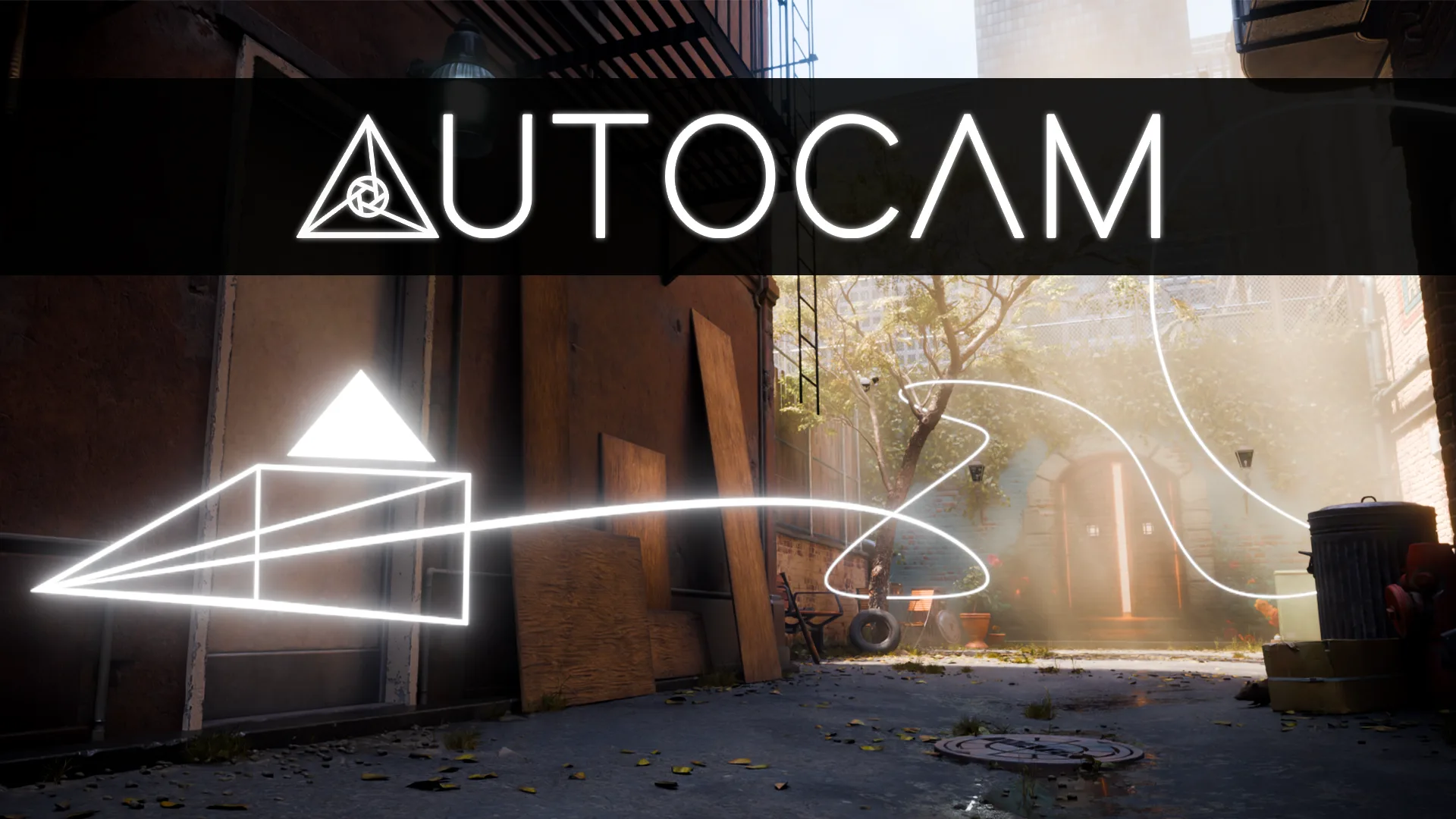
AutoCam is a Blender camera animation add-on from RenderRides, listed as AutoCam Free in Blender Extensions. It records a flythrough in the viewport, turns the camera movement into an editable path, and builds a rig you can adjust inside Blender. You can then keyframe motion along the path or bake it to plain keyframes for rendering and export.
From recording to a finished camera move
The workflow starts with a camera pass and ends with animation you can edit on the timeline:
- Record a flythrough using AutoCam's movement controls.
- Generate an editable path from the recorded movement and refine the camera route.
- Build a rig, set the camera's aim, and adjust its position relative to the path.
- Keyframe Progress to move along the path, pause, or reverse, then bake the result to plain keyframes.
Adjust the rig after recording
AutoCam's rig controls let you shape the shot without recording the move again. The Aim handle sets where the camera points. The Gimbal is the pivot used to calculate tracking; moving it offsets the camera from its path while preserving the aim. Version 2.1.1 adds a Rig Scale preference that multiplies handle sizes on every rig in the file when you change it. Rigs built in 2.1.0 or earlier continue to work; use Generate Rig to apply the new names, handle shapes, and sizing. Until then, an old rig's pivot remains full size.
How motion works in version 2.1
AutoCam 2.1 uses one keyframed motion model. Animate the Progress control to move forward along the path, hold a position, or travel in reverse. The 2.1.0 release removed the earlier Rig Mode switch and Dynamic mode. When a 2.0.x scene opens, its rigs are migrated automatically. Former Dynamic rigs become an even-paced traversal of their original frame range, so their previous pacing is not retained. The official version history describes these changes.
Who may find it useful
AutoCam suits Blender artists who want to record a starting camera move, then edit its route and timing for a walkthrough, product shot, or other animated scene.
Blender compatibility and documentation
The version 2.1.1 listing supports Blender 4.2 LTS and newer and uses the GPL-3.0-or-later license. The official extension record documents Blender compatibility; it does not list a 3ds Max build. Check the Blender Extensions listing for the release and the AutoCam documentation for setup and usage details.