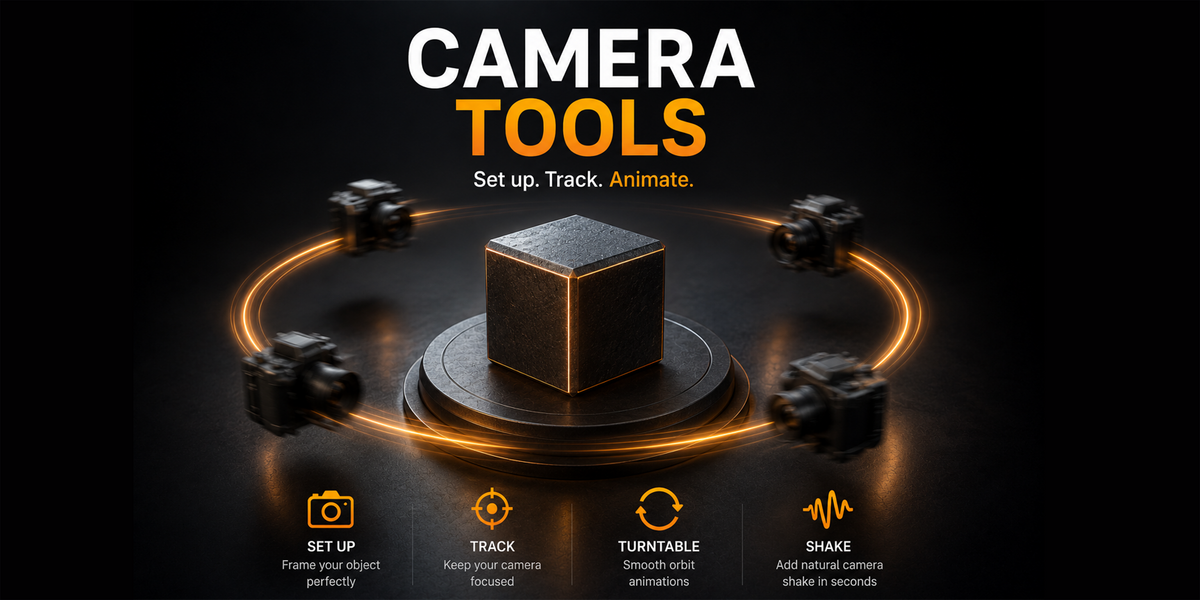
Turnaround Camera is a Blender community extension for setting up camera rotation around a selected object. It suits product and character turnarounds where the camera needs to travel around a subject. The Blender Extensions listing shows release 0.3.0, a minimum Blender version of 4.2.0, and GPL-2.0-or-later licensing. The listing gives no 3ds Max compatibility details.
How the camera rotation works
Running the tool creates an empty linked to the camera at the selected object's position, or at the 3D cursor if that option is chosen. You can define the rotation in revolutions along the X, Y, or Z axis.
Set up a turnaround
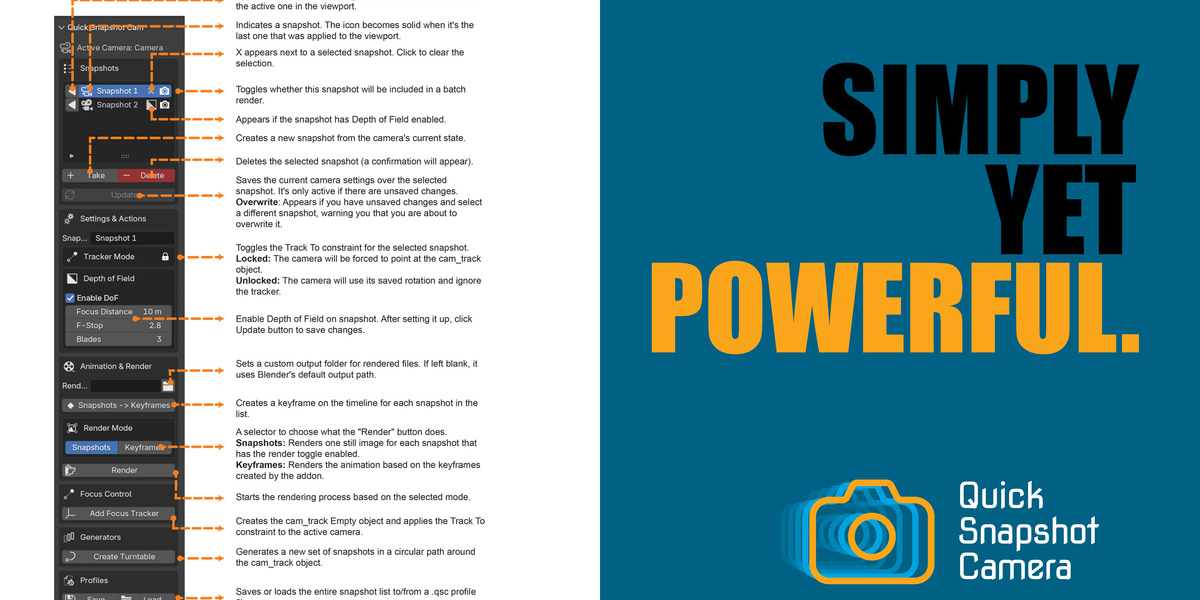
Install and enable the extension first. A review on the extension listing describes the remaining setup: make sure the scene has a camera, open the 3D Viewport sidebar with N, select the object, set an end frame, then click the Turnaround button in the add-on panel. The Blender 3.6 Manual places the panel in the sidebar's View tab, while the review calls it the Animate tab. Check the label shown in your installed version. The reviewer also notes that hovering over the panel buttons reveals explanations.
Version and license
The current extension record lists Blender 4.2.0 as the minimum version and identifies the maintainer as Community. It does not give an upper compatibility limit. The package is licensed under GNU GPL version 2.0 or later. The Blender Extensions page provides the release details and download.