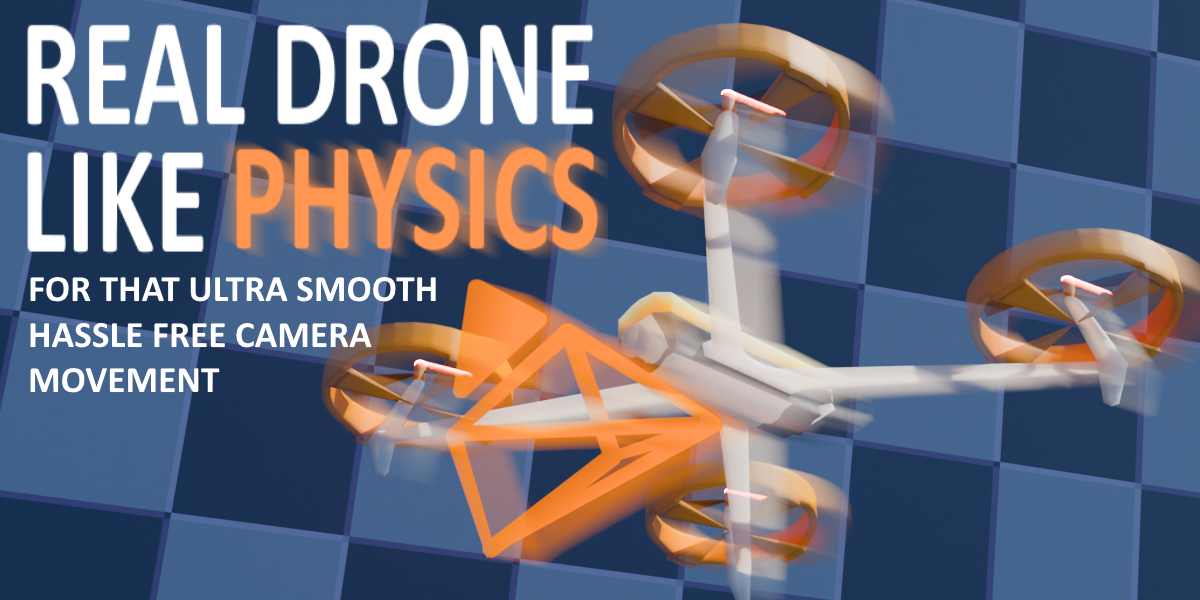
Cineflow is a Blender add-on for making camera animation through real-time, drone-style navigation. Filmmakers, animators, and 3D artists can fly a camera with WASD and mouse controls while the scene timeline plays, then turn the recorded movement into smoothed keyframes. This approach suits shots that are easier to perform than to build by placing each camera position by hand.
Record camera movement during playback
Cineflow records camera navigation while the animation plays. Its listing says the recording does not influence animated characters, rigged models, or other objects in the scene. The documentation describes setting a target for the add-on to read captured points as location data. When playback reaches the end of the timeline or you press Esc, Cineflow interpolates that world-space data into camera keyframes.
Built-in Gaussian smoothing helps refine the recorded motion. Controls for inertia, speed, sensitivity, roll, and field of view let you adjust how the camera responds while flying.
Inspect and revise the path
Viewport path overlays show the camera's movement as you record. An optional GPU keyframe visuals mode displays configurable points in the viewport; you can select, drag, arrange, or delete them. Snapshot waypoints provide anchors for adjusting the path. The documentation describes a CamPath Editor for selecting snapshots, adjusting smoothing, rebuilding segments, and deleting snapshots, and marks that editor as experimental.
Shape takes for the scene
Cineflow includes anchor tracking for following a target and a camera stash system for recording and switching between multiple takes. If you want curve-based control after recording, you can export the camera path as a follow-curve.
Cineflow is aimed at cinematic camera moves for trailers, architectural visualizations, action sequences, and product animations. Its developer is Elliot Clark. The Superhive listing identifies it as a Blender add-on with a GPL license. See the Cineflow product listing and documentation for product details.
Check Blender compatibility
The Superhive Details panel lists Blender 4.5 to 5.1. The documentation identifies version 1.0.1 as Blender 4.0+ and notes a fix for invisible viewport keyframes in Blender 5.1. These compatibility details differ, so check the current listing and documentation for the release you plan to install.