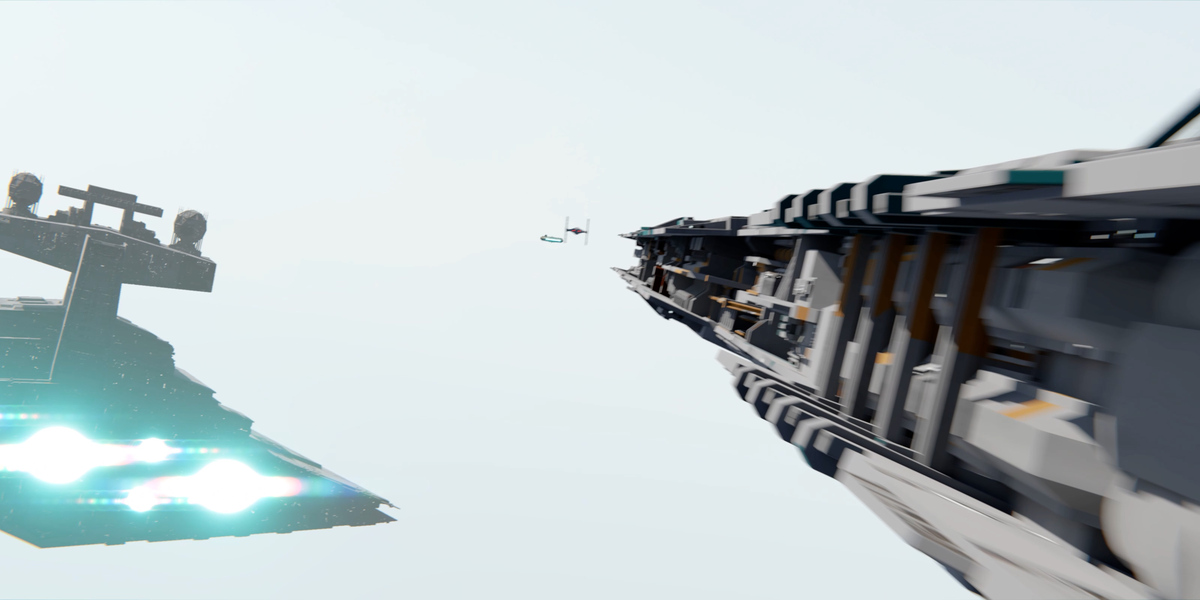
Cinematic Flight Cam (CFC) is a Blender addon by CITIGEN for aerial race, battle and flight scenes. Start with a roughly keyframed camera path; CFC examines the route and adjusts the keyframes so the camera slows before steep turns, speeds up on straight sections and banks through turns. See the CFC product listing for its feature overview.
Build a flight animation
The workflow moves from camera framing to a flight path, then to a baked, simulated flight animation. You can refine the route before baking and time-remap the finished sequence to adjust its overall pace.
- Set the camera framing.
- Keyframe the flight path.
- Refine the path and bake the simulated flight animation.
- Time-remap the sequence to adjust its speed.
Shape movement and add effects
CFC includes controls for movement and effects around the camera path:
- Add camera shake for a sense of floating in the air.
- Create swarms that follow similar paths ahead of or behind the camera.
- Add camera shock waves for effects such as a nearby blast or another ship passing.
- Bulk-adjust curves when several animated elements need changes.
Reuse the motion with cameras and objects
The CFC animation can serve as a base for child cameras mounted at different points on a virtual aircraft, such as a rear-facing or sideways cockpit view. Camera Path Tools can also convert the simulated motion to a regular Bezier animation curve that inherits the camera’s pitch, roll and speed. The product listing describes these tools as a way to reduce repeated work with curves, parenting and timing offsets.
CITIGEN’s product page gives one example of an animation made with about 16 manual keyframes across the sequence, including its hero assets. That is an example from the listing, not a general keyframe requirement. The CFC documentation includes a walkthrough of path tracking, time remapping, swarm syncing and camera shake.