Hide 'N Work is a Blender add-on for saving and switching named visibility setups for objects and collections. ACP describes using it in scenes where different objects are needed for baking, exporting, or both. Each setup is saved as a HideSnapshot, so you can switch between scene configurations without searching through the Outliner to change visibility one item at a time.
Save object and collection visibility
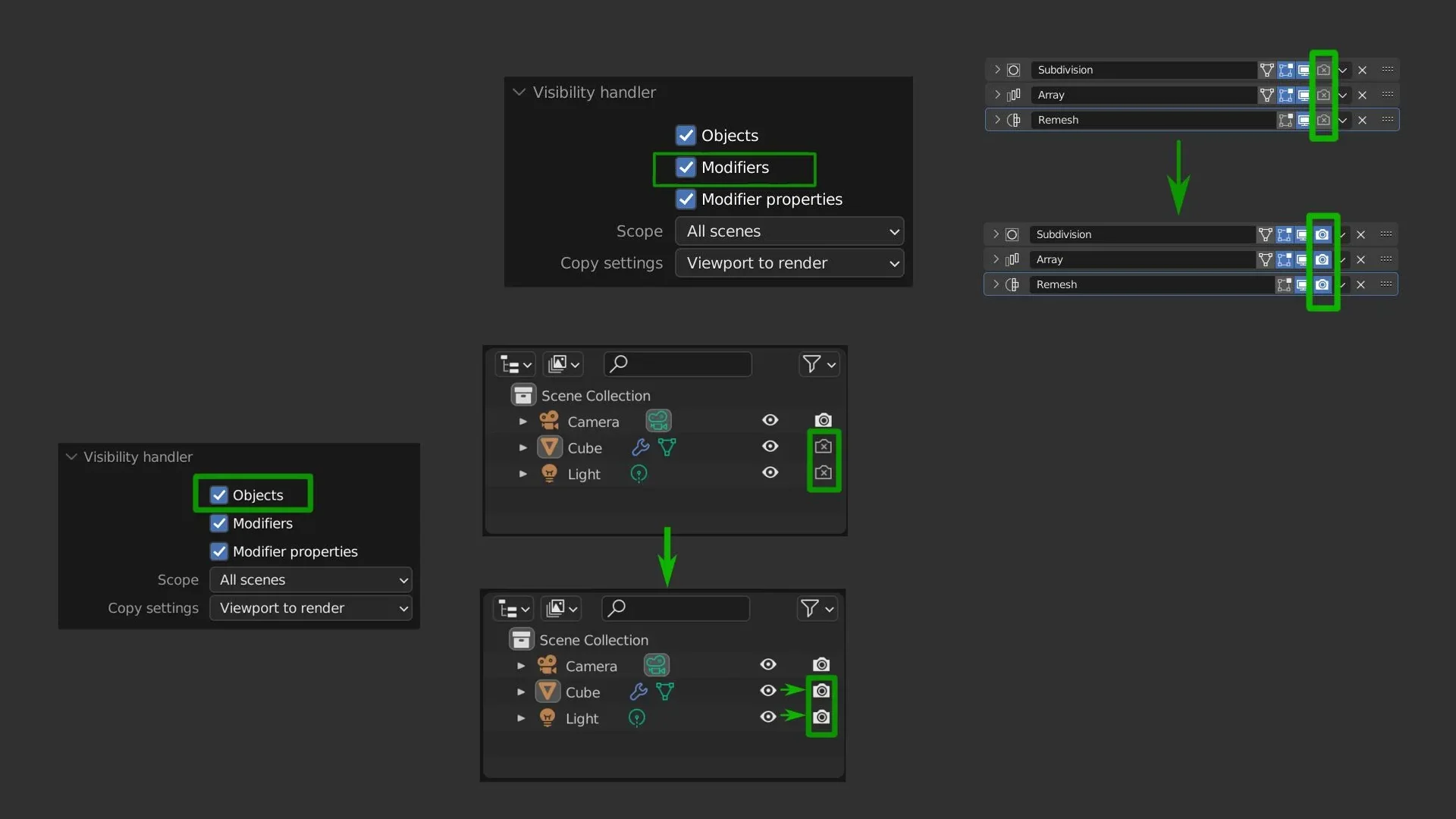
A HideSnapshot stores the “Disable in viewport” and “Disable in render” settings for objects and collections. It also saves a collection’s “Exclude from View Layer” setting for the active ViewLayer. This lets a snapshot combine visibility choices across multiple collections.
Set the visibility properties you need, press the plus button beside the HideSnapshot list, and rename the new entry with a double-click. To apply a saved setup, click the eye beside its name. The Hide 'N Work tab appears in the N-panel on the right side of the 3D View.
Which visibility controls it uses
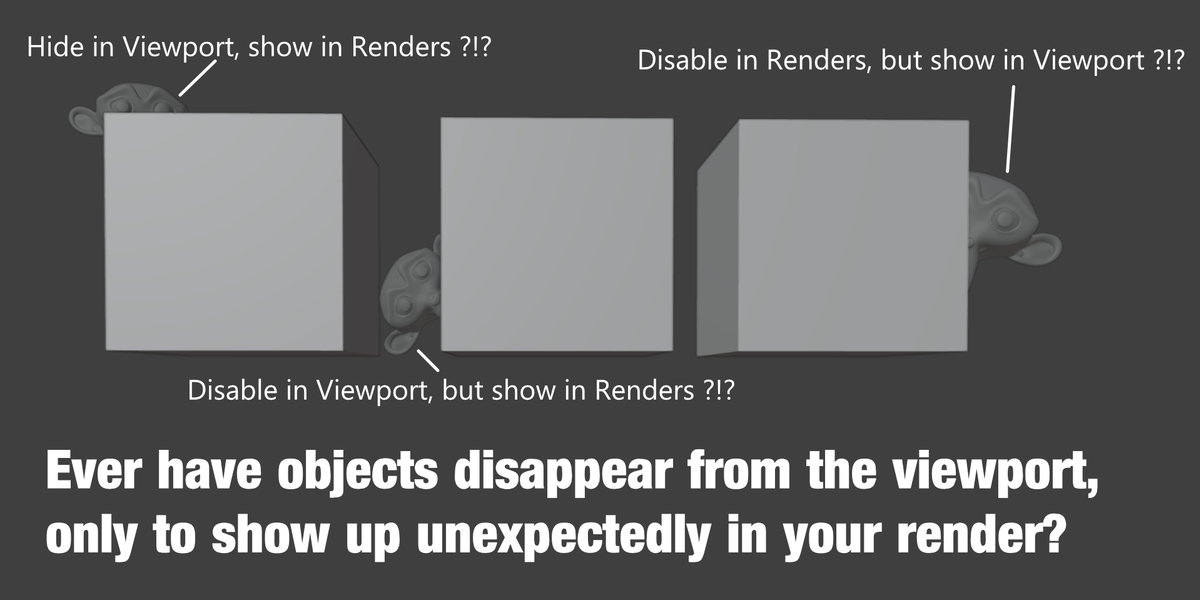
Hide 'N Work follows the “Disable in viewport” and “Disable in render” properties. It does not use the Outliner eye icon or the H shortcut. For collections, “Exclude from View Layer” is saved and restored in the context of the active ViewLayer, since that setting applies within a ViewLayer.
Installation and compatibility
In Blender, open Edit > Preferences > Add-ons > Install, select HideNWork.zip, and enable the add-on. The Superhive product listing identifies the license as GPL and lists Blender 3.0, 3.1, 3.2, 3.3, 3.4, 3.5, 3.6, 4.0, 4.1, and 4.2 as compatible versions.