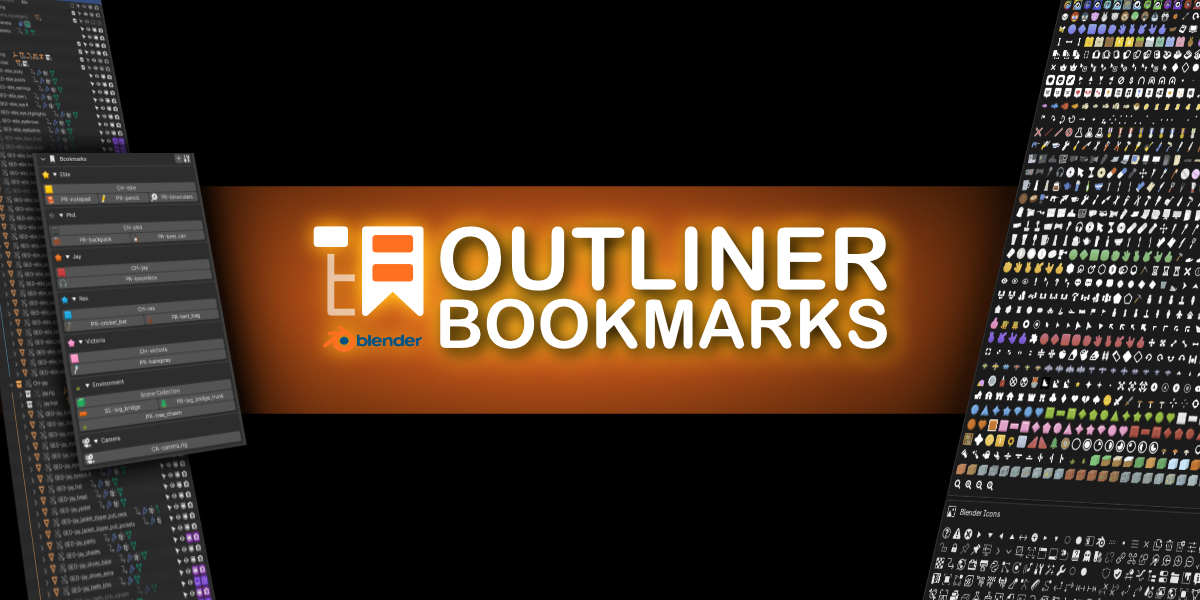
Outliner Bookmarks is a Blender add-on for saving collection visibility states in the Outliner. Create a bookmark with one click, then select it to isolate that state and disable surrounding clutter. In a scene with many collections, bookmarks give you a quick way to return to useful visibility choices.
The creator describes projects such as video game animation scenes where multiple characters share a rig, as well as general scene management. The add-on focuses on collection visibility, so check the product documentation for details about any other scene settings you need to manage.
Save and organize collection visibility
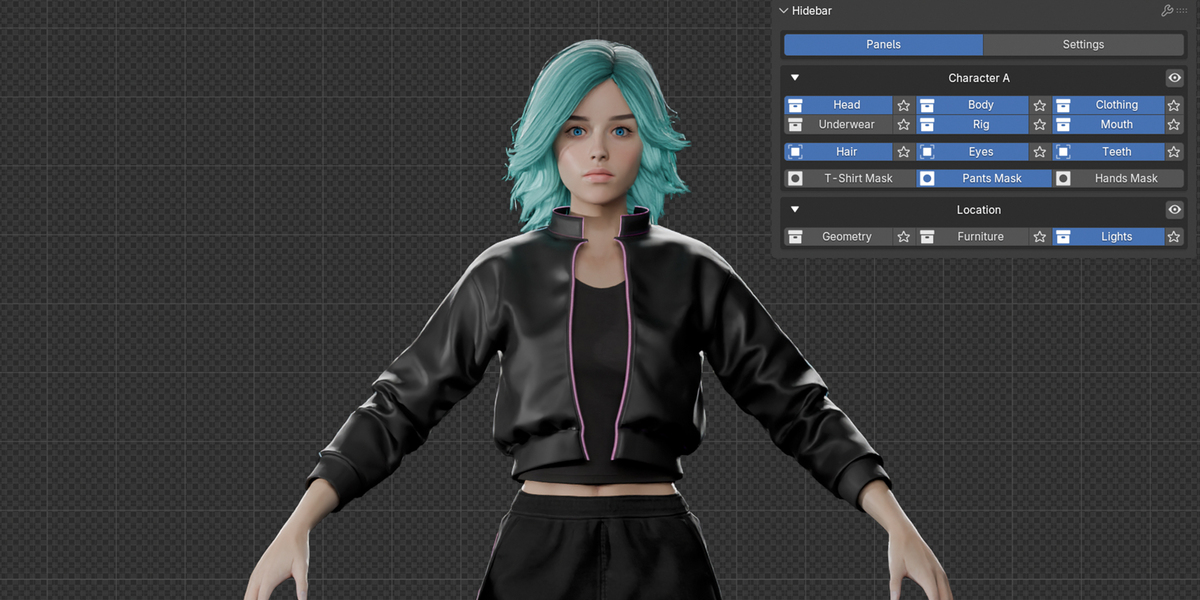
You can bookmark visibility states for collections in the Outliner. Selecting a bookmark isolates it with one click, which can help when you want to focus on a smaller part of a complex scene. Bookmarks can be renamed, given an icon, displayed as an icon only, or moved. Ctrl+Shift-click a bookmark to edit it, then use WASD or the arrow keys to reposition it.
Groups let you organize related bookmarks. Each group can have its own style and icons, so the controls remain identifiable as a project grows.
Open the controls from three places
Outliner Bookmarks is available in the Side Panel under the View category, in the Outliner's top-right corner, and in a pop-up panel. You can change the Side Panel category in the preferences. The pop-up is bound to Ctrl+Shift+D by default, and you can assign it another hotkey.
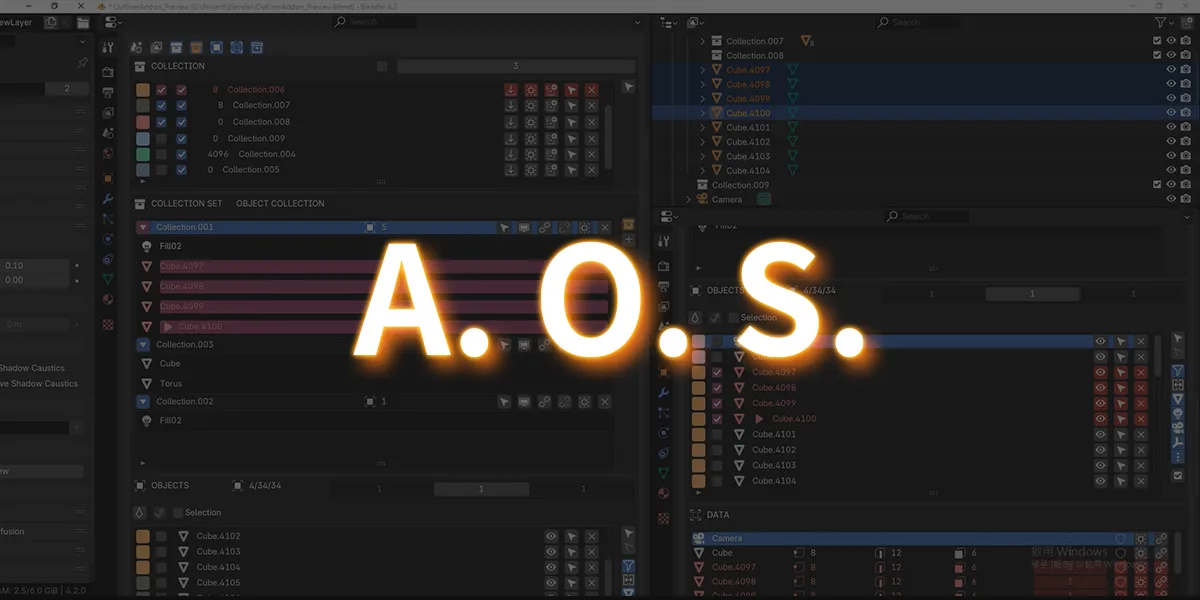
The Collector view shows an overview of the Outliner's collections from elsewhere in Blender. From there, you can change which collections are active, helping you manage the collection list without returning to the Outliner.
Choose and add bookmark icons
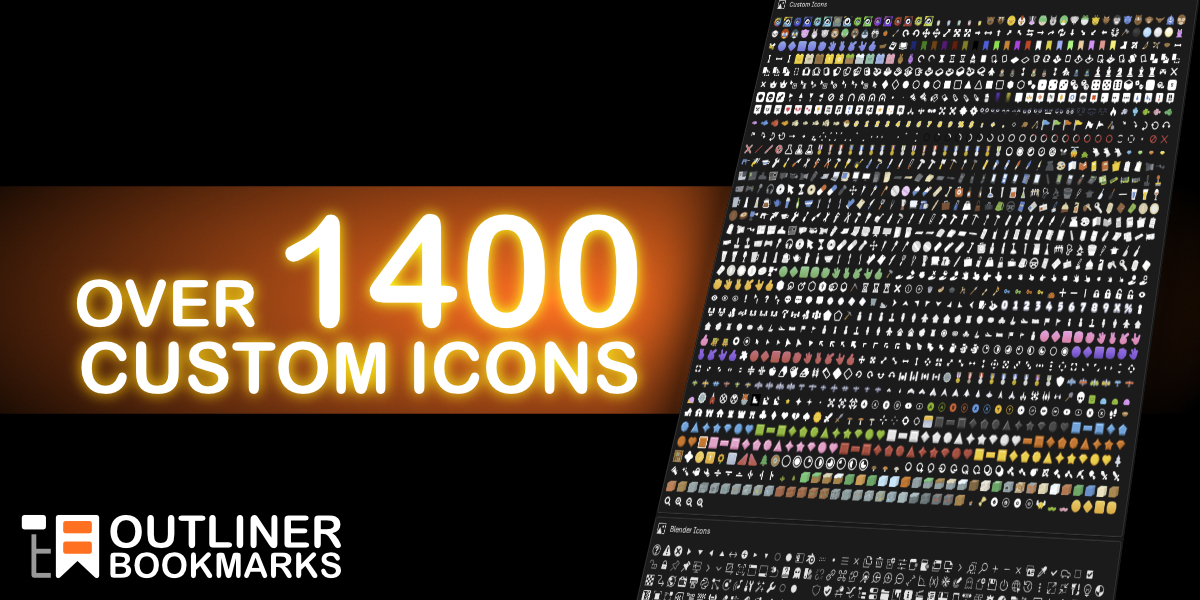
The add-on includes Blender's built-in icons and more than 1,400 custom icons. To add your own, drop 64 by 64 PNG files into the add-on's icons folder. In Config Mode, you can change a bookmark's icon with a single click.
Compatibility, license and distribution
The Superhive product listing identifies Outliner Bookmarks as an add-on, marks it as Blender Extension compatible, lists Blender versions 4.0 to 5.0, and gives its license as GPL. It also says the add-on is included in AniMate Forge, a bundle listed at 89 EUR/USD.
AnyPlugins labels its catalog entry free and links to Superhive, whose listing shows Outliner Bookmarks at $30 and says it is included in AniMate Forge at 89 EUR/USD. The supplied AniMate page lists Outliner Bookmarks as a €10 one-time Core license and Forge at €89 per year. These listings do not reconcile the prices or establish whether the AnyPlugins entry has a separate free download. Check the seller's listing for current availability and terms before downloading.