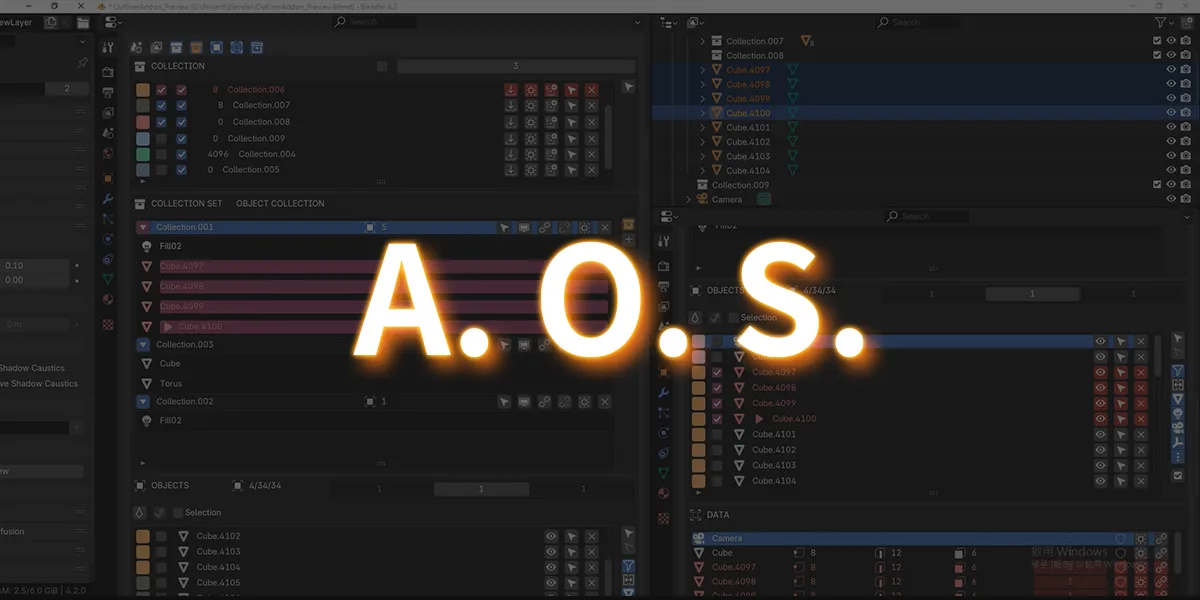
OutlinerFlow Pro is a Blender add-on for keeping the Outliner in step with viewport selection, isolating collections, and using color to distinguish objects and collection groups. Its controls are useful when a scene has a busy collection tree or when you need to focus on part of a scene for review.
Sync viewport selection with the Outliner
Auto Sync controls synchronization between the 3D selection and the Outliner. Its Scope setting determines what triggers the sync: MIXED covers objects and armatures, OBJECTS_ONLY covers objects, ARMATURES_ONLY covers armatures, and NONE disables the scope. Auto Sync is the master control. Turning it off resets Scope to NONE, Color Mode to NONE, and Double-click to off.
Force Sync immediately collapses and focuses the Outliner. It works only when Auto Sync is enabled, so it is unavailable when the master control is off.
Isolate collections with a double-click
With Double-click enabled, double-click in the 3D View to hide everything except collections related to the selected object or the object under the cursor. Depending on the chosen action, the control can instead toggle Local View. This feature also depends on Auto Sync being enabled.
The v1.0.1 update made isolation aware of nested collections: it preserves the ancestor chain while hiding unrelated nested subcollections. The v1.0.1 update also says large isolate operations remain batched to avoid UI freezes.
Color objects and collections
Color Mode has three options. Individual paints only the active object, Collection Exclusive paints the active object's collection, and Global applies colors across all collections. Folder Colorize can assign collection color labels, generate random colors, or reset them to the default gray. Revert Colors (All), in the Color Mode section, reverses global color applications.
Presets and workspace changes
Version 1.0.2 adds the ability to save and apply presets from the Auto-Highlight panel. The same update notes improved automatic synchronization when switching workspaces.
Who may find it useful
Artists and technical artists can use the sync and isolation controls while navigating large scenes. Riggers and animators can focus on relevant hierarchies when presenting rigs. Studios and freelancers may find the collection colors and isolation tools useful when preparing scenes for review or presentation.
The Superhive product listing identifies version 1.0.2, a GPL license, and Blender versions 3.5–5.1. Check the developer documentation and listing for current compatibility and usage details.