Aplus Outliner Supporter is a Blender add-on by Vektuna for managing scenes with many objects and collections. Its panels group controls for scenes and view layers, collections, objects, data, light groups, and specific object types. You can rename items in their panels, and selected objects are highlighted in red.
Organize scenes, view layers and collections
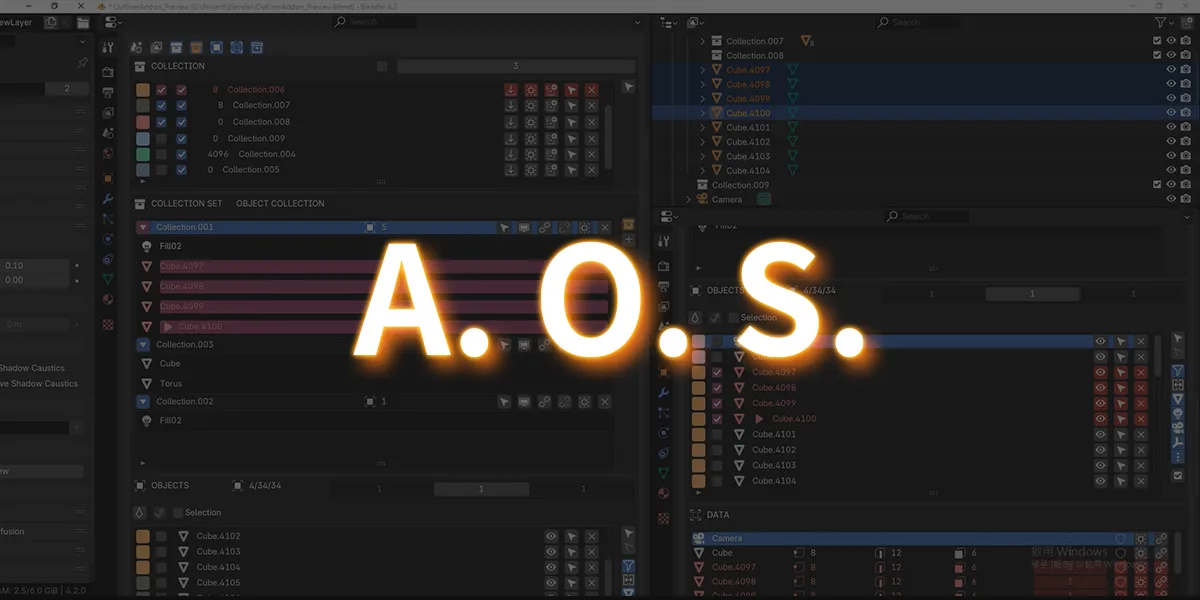
The Scene and ViewLayer panel displays the current scene and view layer, with controls to switch, delete, or rename them. The active scene or view layer is highlighted in red. In the Collection panel, CurrentLevel shows collections at the current level, while CollectionLevel expands them to a chosen depth. Other controls sync the view with a selected collection, show sub-collections, or jump to the Outliner and sync with the Objects panel.
Collection actions include moving objects, selecting a collection's items, and adding or deleting sub-collections. Deletion offers three choices: remove only the collection while preserving its objects, remove only the objects while preserving the collection, or remove both. Collections can also be assigned colors. A new sub-collection receives a random color automatically.
Manage object links and large lists
CollectionSet handles ObjCollection and LightLink, including a shadow category. Unlinked collections fall back to ObjCollection, which can be used like object tags. For multi-object linking and unlinking, the listed Normal, Ctrl, and Alt actions select Regular, LightLink, and Shadow modes. You can also toggle visibility or selectability and select all objects in a collection.
The Objects panel can show selected objects, follow Blender's built-in Outliner filter, filter by type, and sync object colors with collection colors. It also has a Manual Update control. The product listing recommends using it for scenes with roughly 4,000 to 6,000 or more objects, or when the scene feels laggy. The first count indicator begins calculating only after the list exceeds one page of 50 items.
Work across related scene tasks
Tool Colony opens in a separate window. It can select root-level parent objects, focus the 3D Viewport on a selected object, and toggle selectability or Solo mode in bulk. Its copy modes copy data or transforms from one object to another, or from one object to several, with an option to link to multiple targets.
The LightGroups panel lets you add or remove groups, assign objects, select every object in a group, and apply light group settings to Compositing with one click. Type-specific panels cover meshes, lights, cameras, and empties. The light and camera panels add collection filtering and batch property controls. The Data panel can set fake users, show mesh data users or linked objects, and rename data.
Compatibility and version
The product listing identifies version 1.24 and Blender compatibility from 4.1 through 4.4. It lists the license as GPL. Version 1.24 fixes an issue where deleted objects remained linked in CollectionSet. In this version, Ctrl-clicking the delete button activates Remove Orphaned Objects mode, which unlinks deleted objects. Check the product listing for the current version and compatibility; the documentation lists the panel topics.