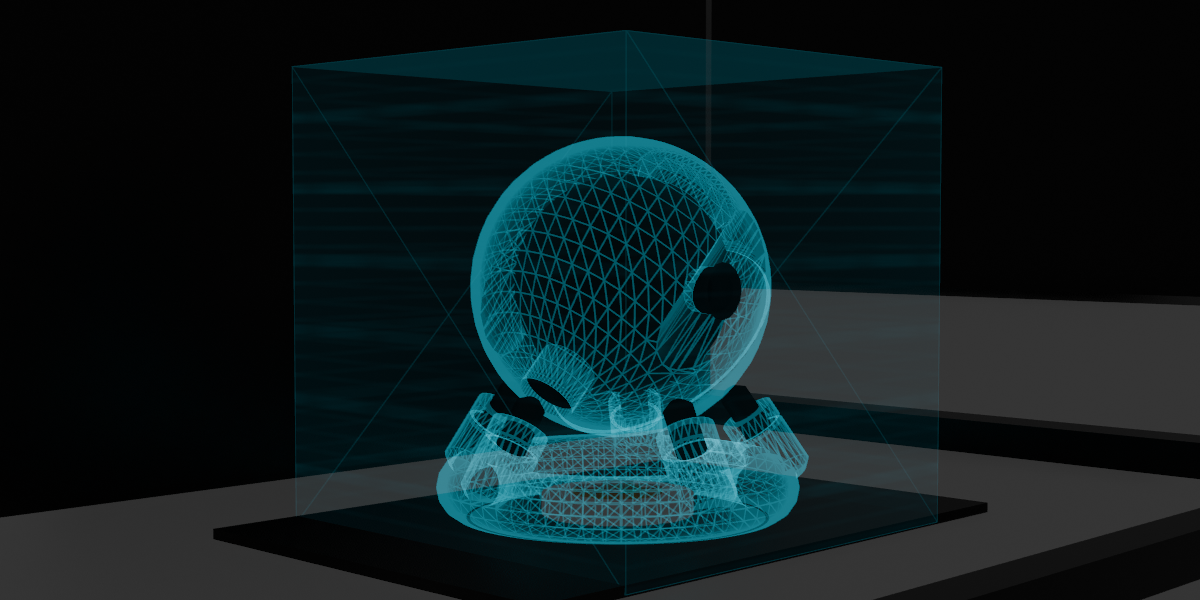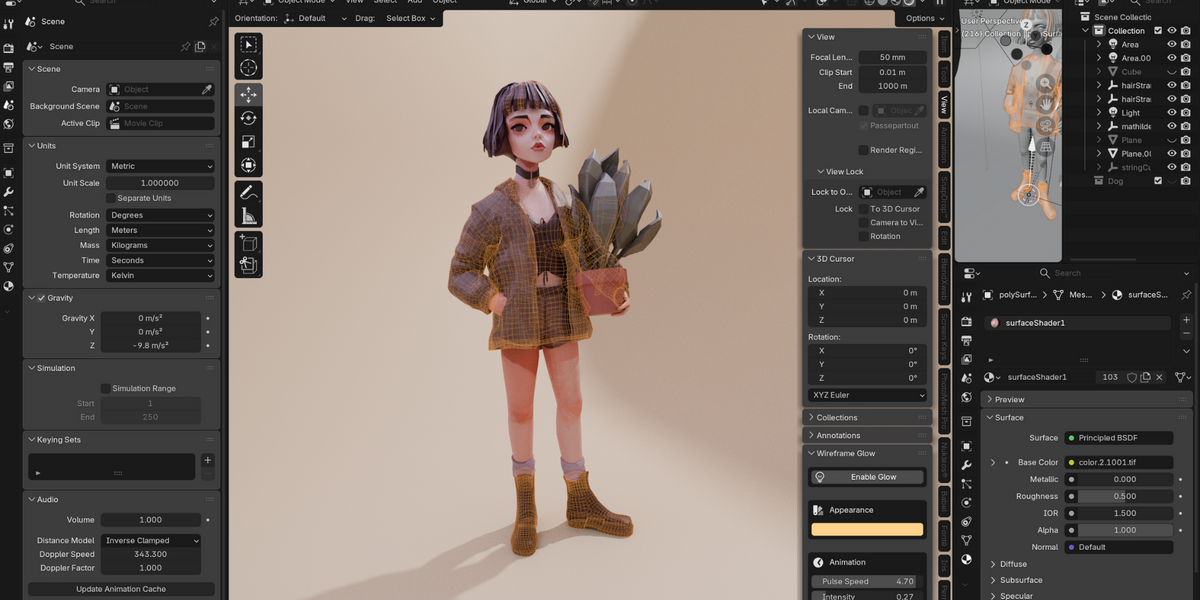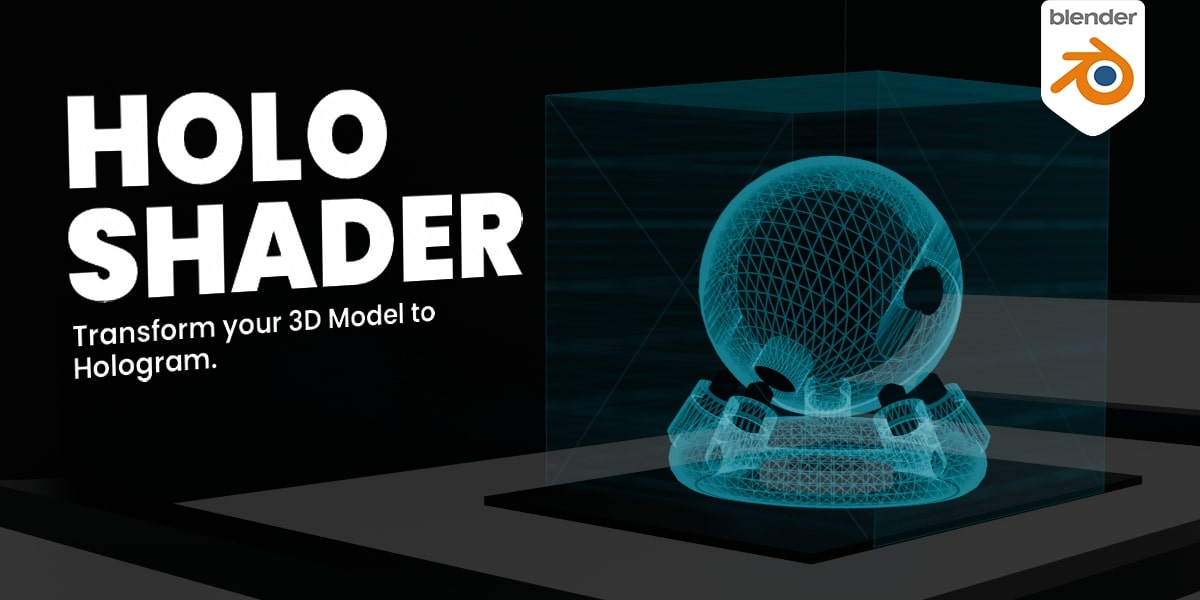
Holo Shader by Difinito is a Blender shader that gives 3D objects a holographic look. Connect its node to the material output to set up the effect.
Switch between wireframe and solid looks
Wireframe mode highlights the model's structure with a glowing wireframe. Solid mode displays a holographic color across the surface. A slider switches between the two modes, and color and emission settings let you adjust the result.
Install the shader asset
- Extract the downloaded archive.
- Open Blender Preferences and go to File Paths.
- Under Asset Libraries, click Add and select the folder containing the extracted files.
- Save the preference changes.
- Open the Assets section in Blender to access Holo Shader.
Add an image texture
To use an image texture with the shader, connect an Image Texture node to the Holo Shader's Base Color input. For current product details and terms, see the Holo Shader listing on Superhive.