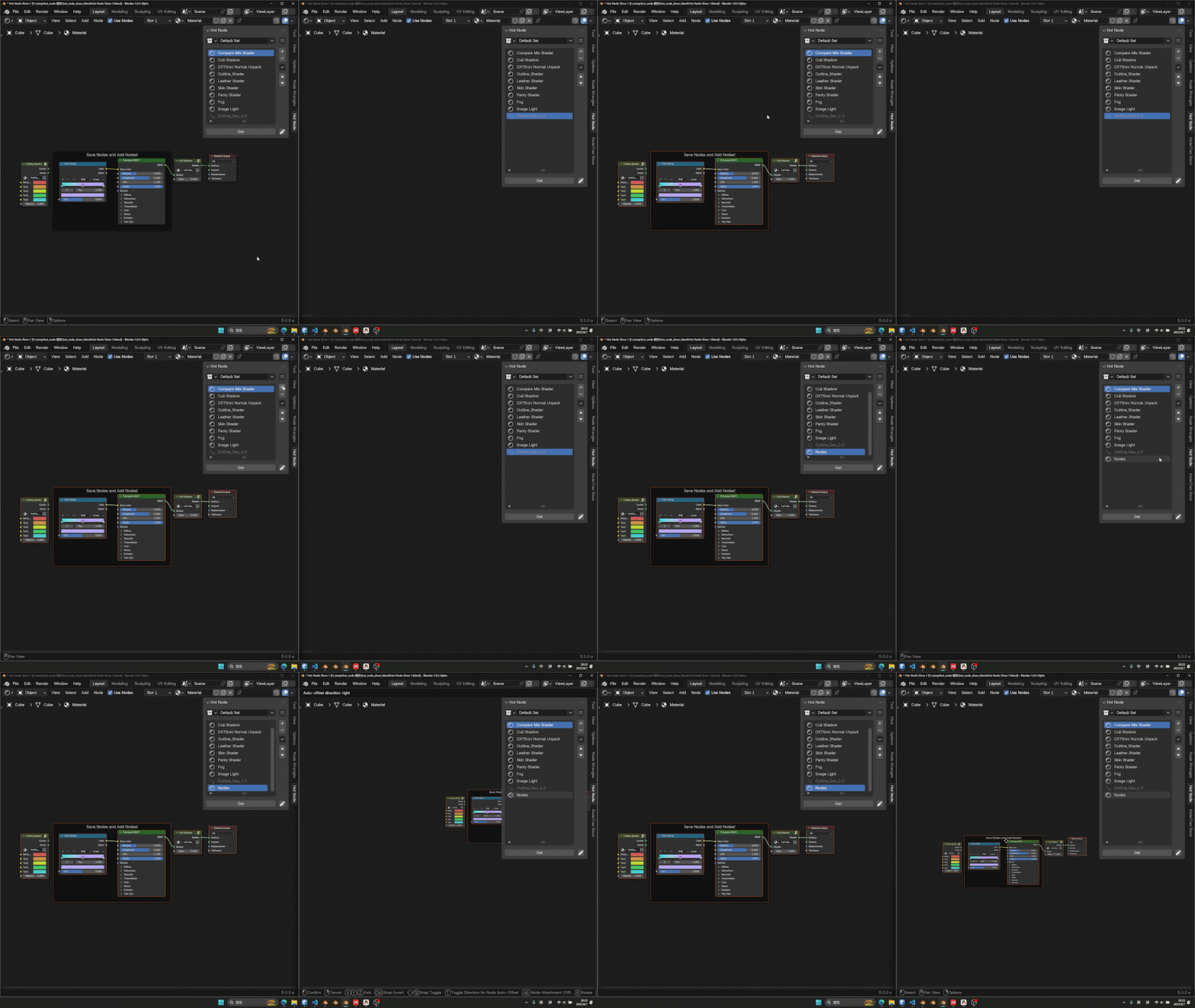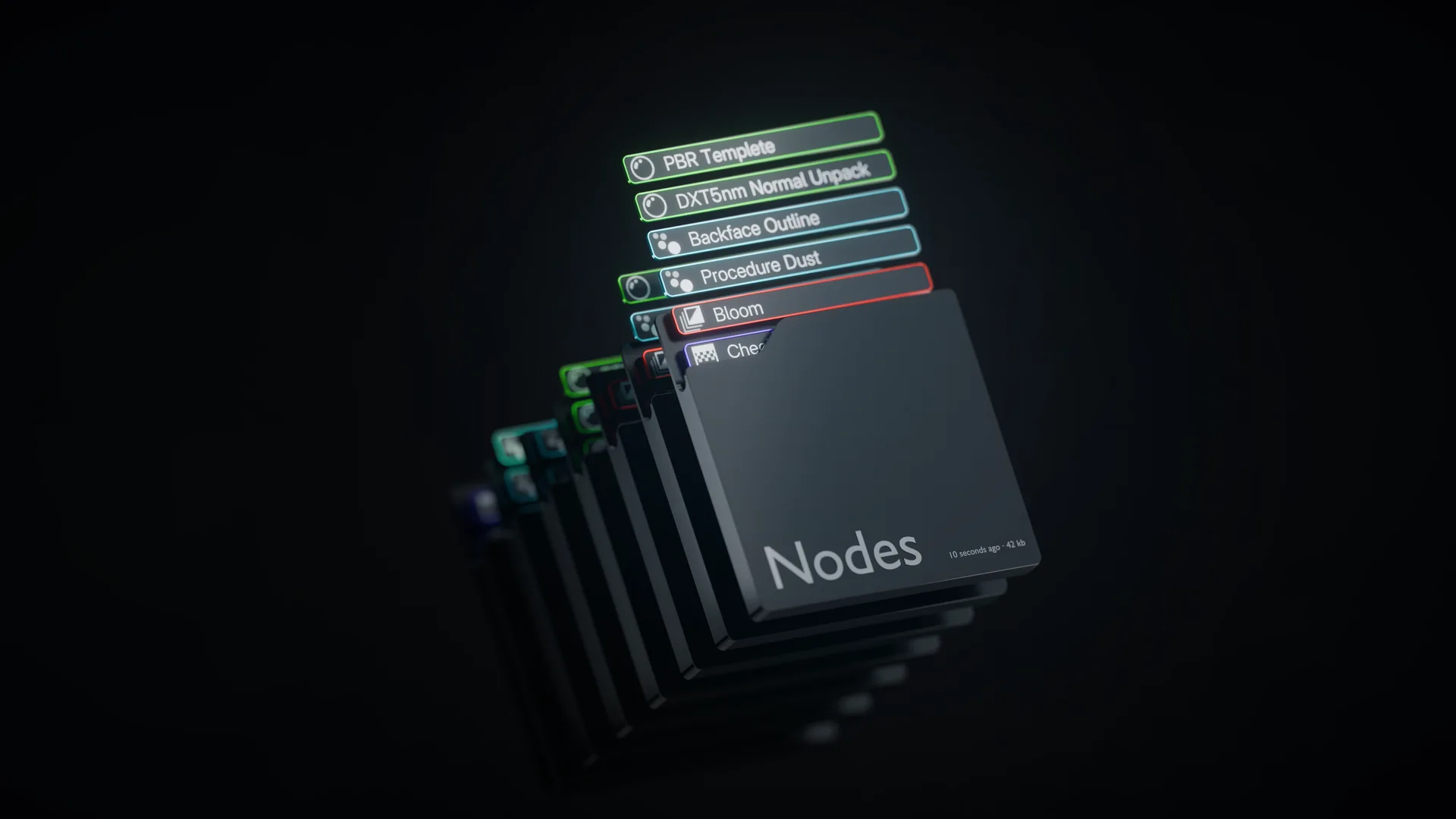
Hot Node is a Blender add-on for saving edited nodes and adding them to other files. It can help when you reuse a node setup across Blender files instead of rebuilding it. The Blender Extensions listing categorizes it with Node, Geometry Nodes, and Material tags. The developer's README also lists image matching, node sharing, undo and redo, and custom settings.
Save and reuse node setups
Hot Node adds saved nodes to Blender's Shift A menu. You can also save them from a right-click context menu, import or export node packs, and choose a node-tree reuse mode. Its preferences let you disable the extended menu and return to Blender's original menu. When selecting an entry from Shift A, the developer recommends clicking the node icon rather than the Get control. The interface is available in English and Simplified Chinese.
Compatibility and node support
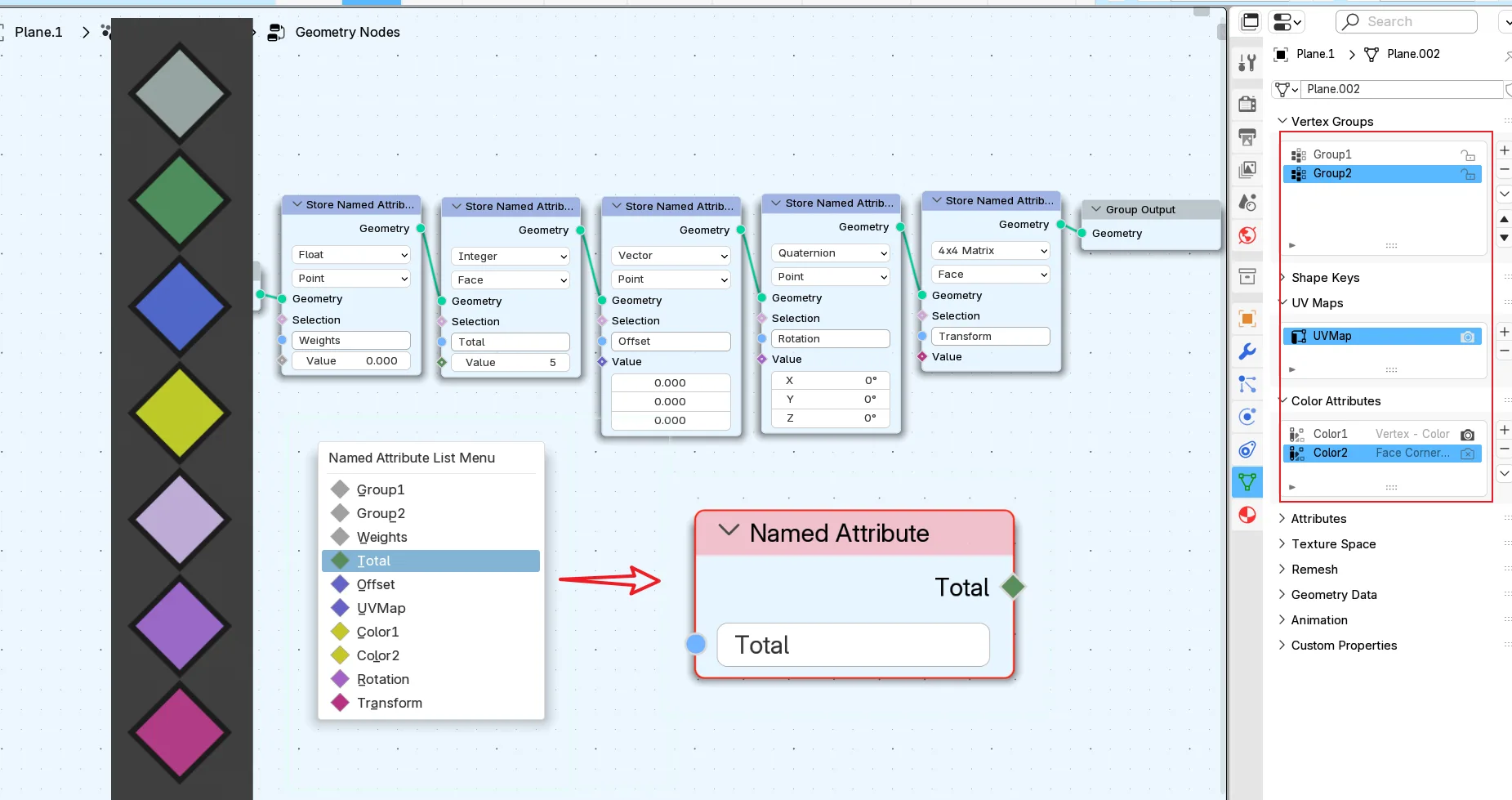
The Blender Extensions API record lists version 1.2.1 and Blender 4.2.0 as the minimum version. The extension requests file-system access for storing custom nodes. Its developer says some third-party nodes work, but their accuracy is not guaranteed, so check important setups in your Blender version before relying on them.
For add-on developers
Hot Node's README documents a reusable serialization API with a SerializationManager and methods such as serialize_preset() and deserialize_preset(). Using the serialization code in another add-on requires copying its serialization module and providing replacements for helper dependencies, including utilities, constants, file management, and user preferences. The Extensions record lists the license as GPL-3.0-or-later.