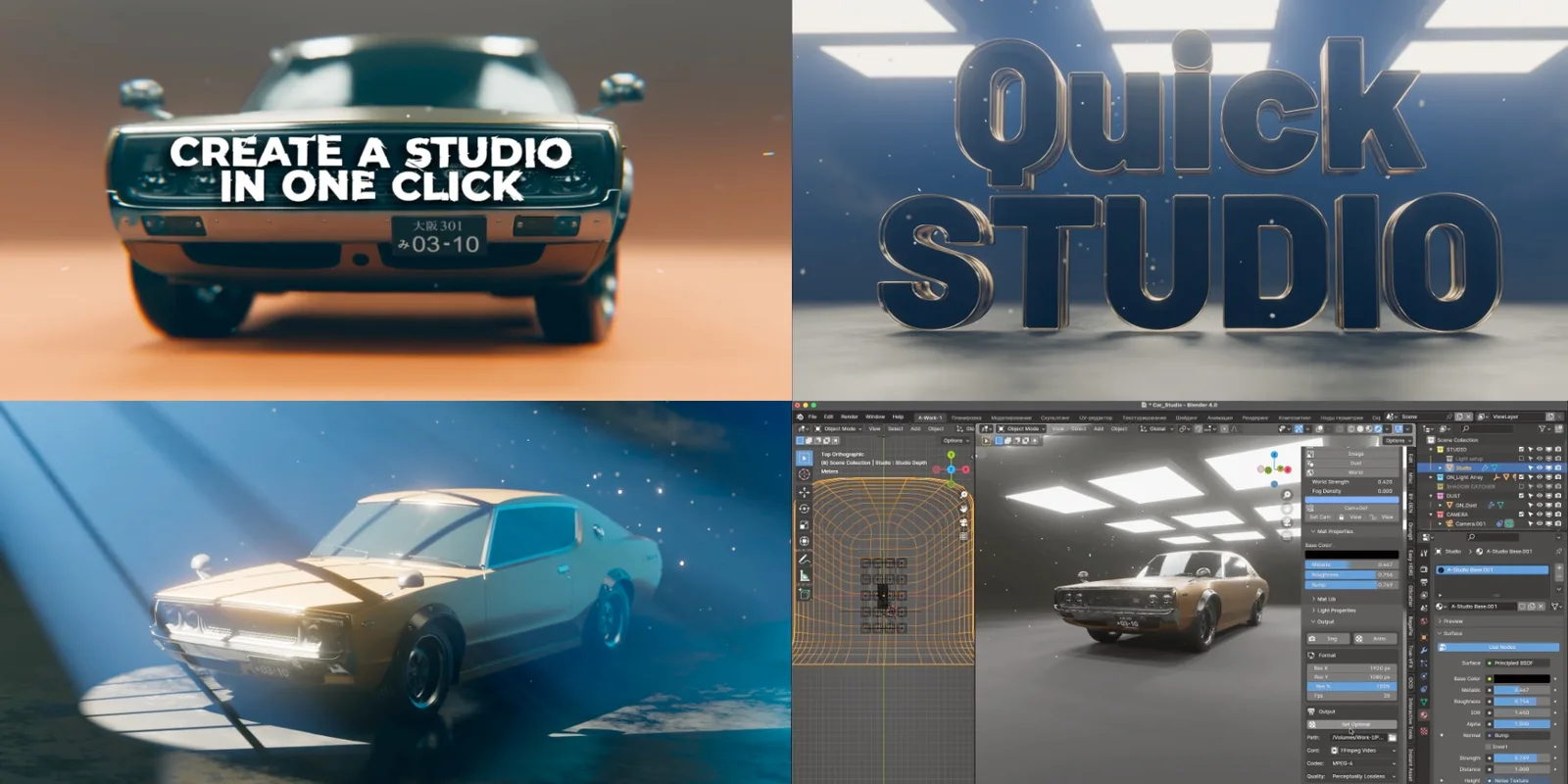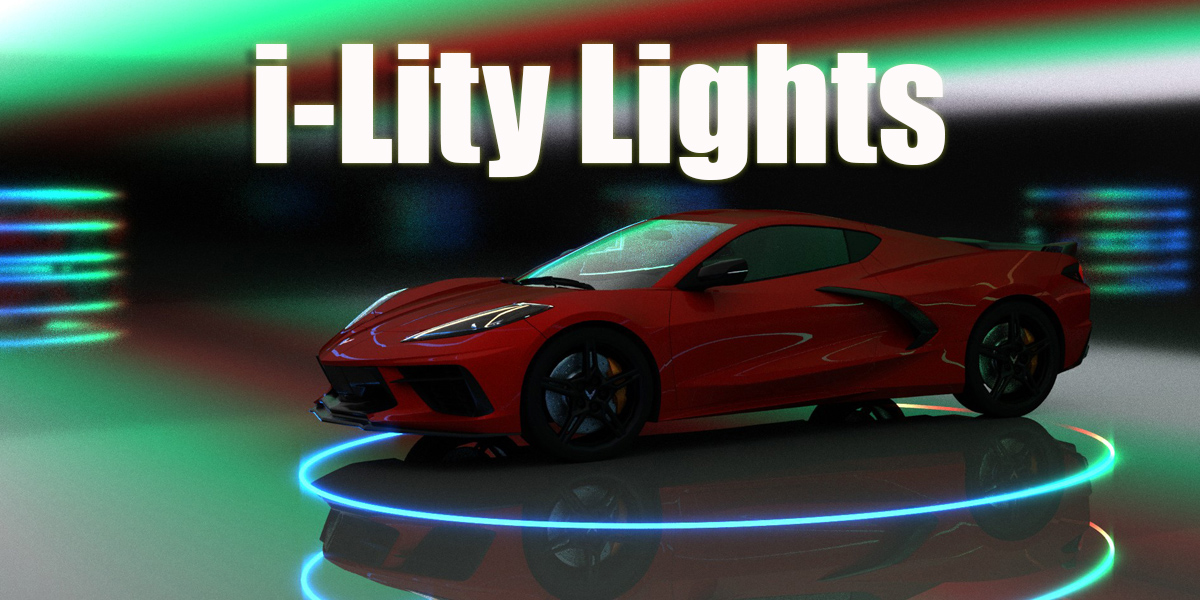
I-Lity Lights is a Blender add-on by Gtech-i-Design LLC for setting up studio lighting and preparing a scene from the 3D Viewport. Its controls include lighting and HDRI previews, camera setup, and tools for backdrops and objects. The Superhive product listing describes its main features, while the product documentation gives panel instructions and additional controls.
Lighting and HDRI controls
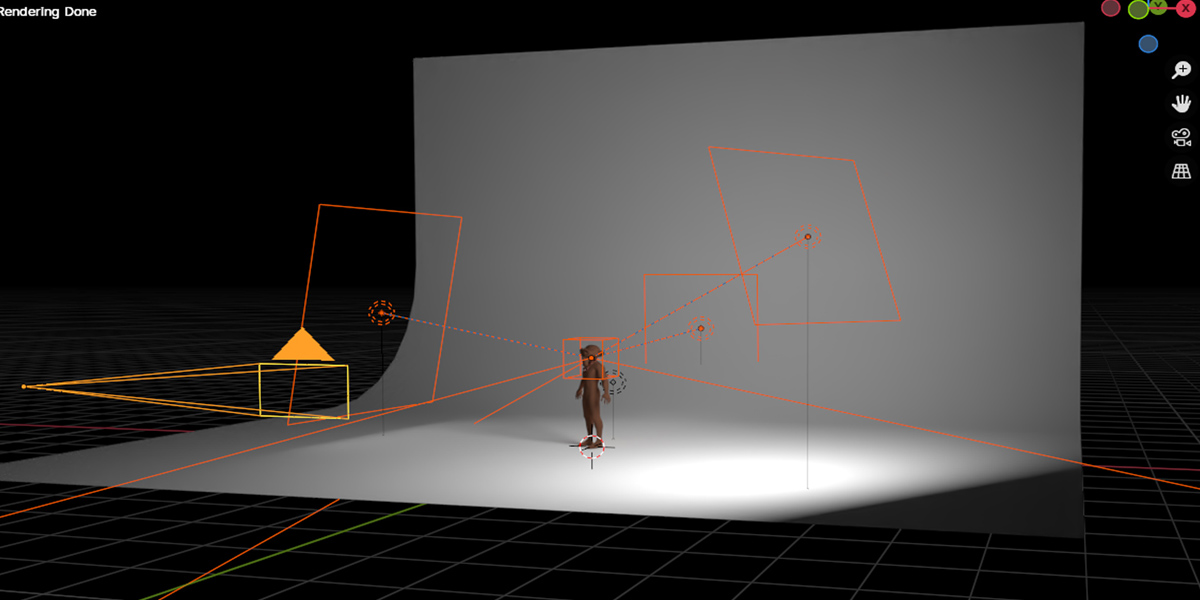
In the sidebar's i-Lity tab, thumbnail previews let you choose lighting presets. The add-on also lets you preview and select HDRI environment textures for scene lighting. Its HDRI Dome feature adds a dome to the scene and projects a chosen HDRI image as the background.
To set up the dome, choose the HDRI Dome thumbnail, add it to the scene, enable render view, then use the set-dome-HDRI control to select an image. Adjust the ground value as needed. The product listing describes dome projection as a way to place an HDRI background within a half-sphere.
Camera and scene tools
The camera controls can add a camera and align it to the current view, when one is available. A camera-lock toggle helps keep the camera aligned while navigating and framing a shot. Render controls in the panel include resolution, percentage, and depth of field settings.
For object and backdrop work, the add-on can snap selected objects to ground level and append objects from Blender files. Its panel also includes material controls such as emission, base color, and roughness, along with options for modifying backdrops and setting up a seamless background. Some controls may require an active object or a particular selection.
Accessing the panel
Install the provided script through Blender's Edit > Preferences > Add-ons > Install path. After installation, open the 3D Viewport sidebar and select the i-Lity tab. From there, use the lighting thumbnails to choose a preset, or select an HDRI and apply it to the scene.
Compatibility and license
Superhive's listing names Blender 4.0, 4.1, and 4.2. The documentation describes the add-on as designed for Blender 4.1.1 and later, so the ranges differ. Check the current product information for your specific Blender version before installing. The listing identifies the license as GPL.