Lucero is a Blender add-on for managing lighting, cameras, compositing and render settings in one workflow. Its N-Panel controls cover scene lights, while separate tools handle GOBOs, HDR files, camera setup and post-processing.
Manage scene lights from the N-Panel
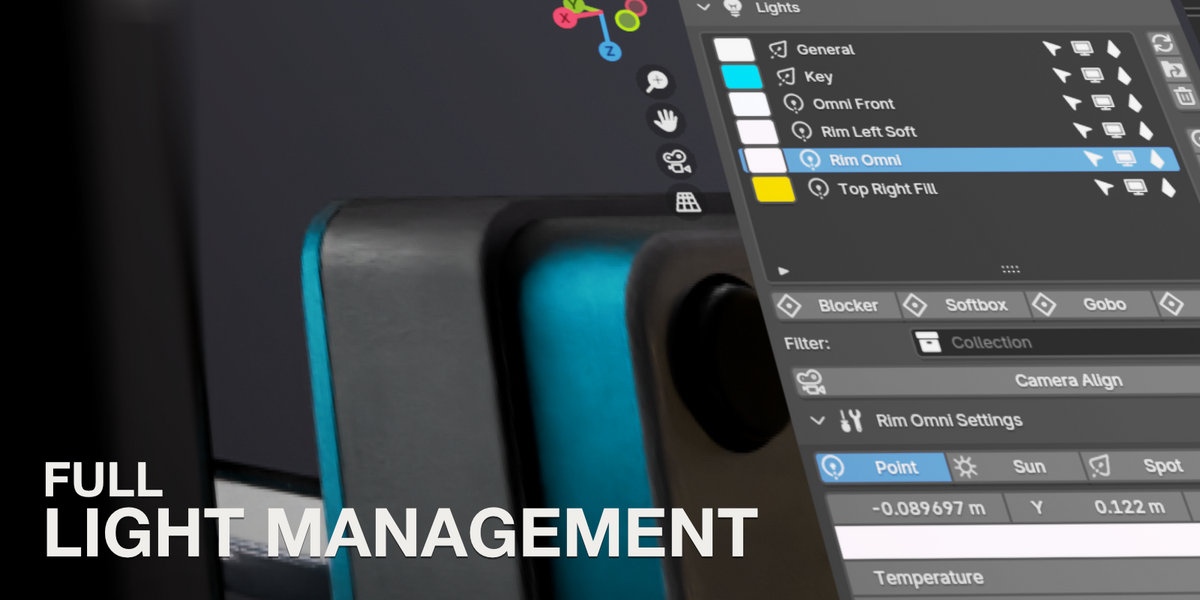
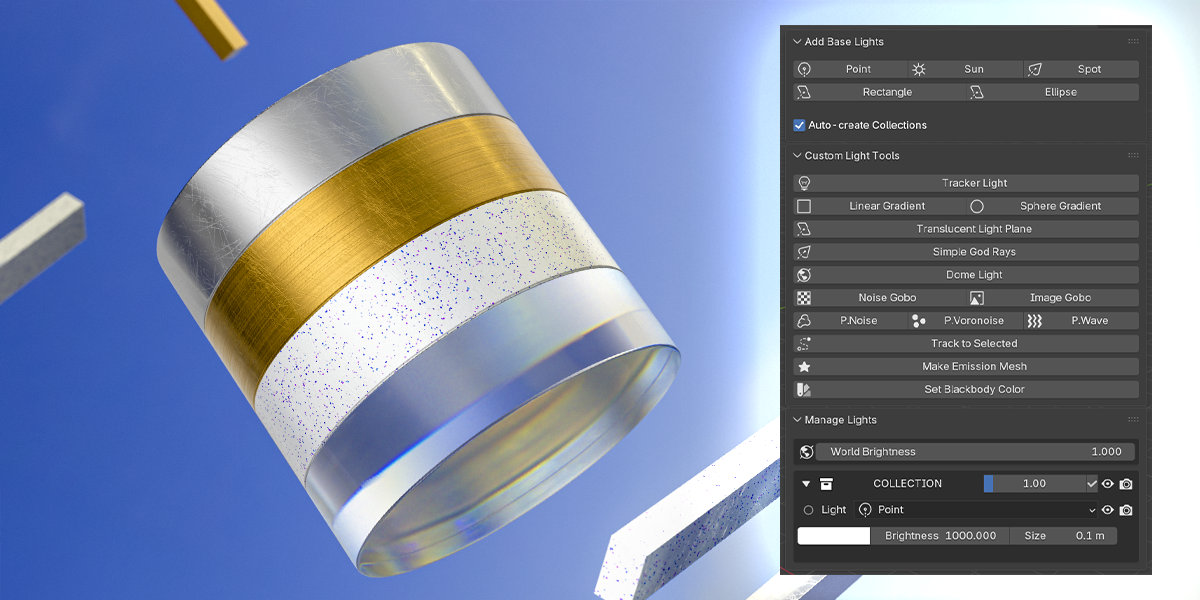
Lucero gives you access to scene light settings from Blender’s N-Panel. You can align lights to a camera or surface, adjust color and temperature, shape falloff with a custom curve, and use IES lighting. A custom Light Editor supports interactive light placement and modification.
Shape light with GOBOs and HDR files
The GOBO system accepts images or video, including animated GOBOs. It includes animation speed and tiling controls, a Caustic GOBO, and multiple free GOBOs. These controls let you use image or video patterns to create shadows in a scene.
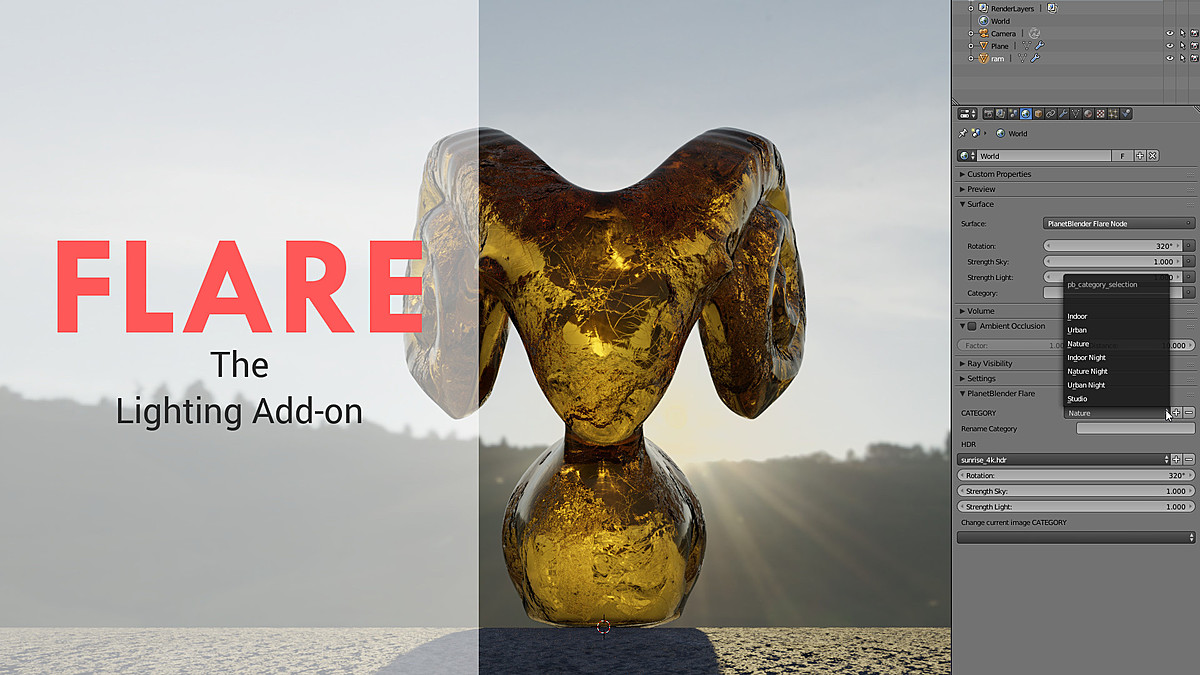
Lucero’s HDR system imports custom HDR files and can display a solid or blurred background. Tint, saturation and perspective controls let you adjust how the environment appears in the scene. Free HDRs are included.
Set up and switch between cameras
The camera tools support creating and positioning multiple cameras, creating depth-of-field empties, adding compositing guides and switching the active camera.
Composite and prepare the render
Lucero includes a Master Compositor Node for post-processing. Its controls include exposure, contrast, boost and saturation, as well as soft vignette, bloom, glare and halation. You can also use black-and-white or gradient mapping, lens distortion, aberration and film grain.
A separate Rendering Panel provides export settings, and custom presets can be saved and loaded. For current compatibility, license and download details, check the Lucero listing on Superhive.