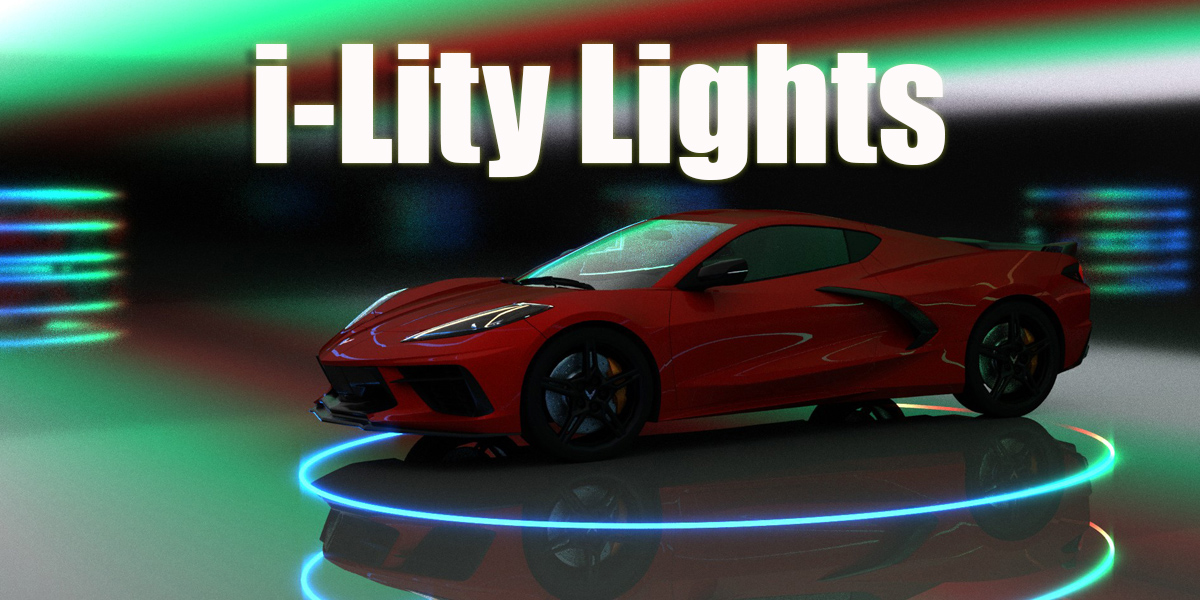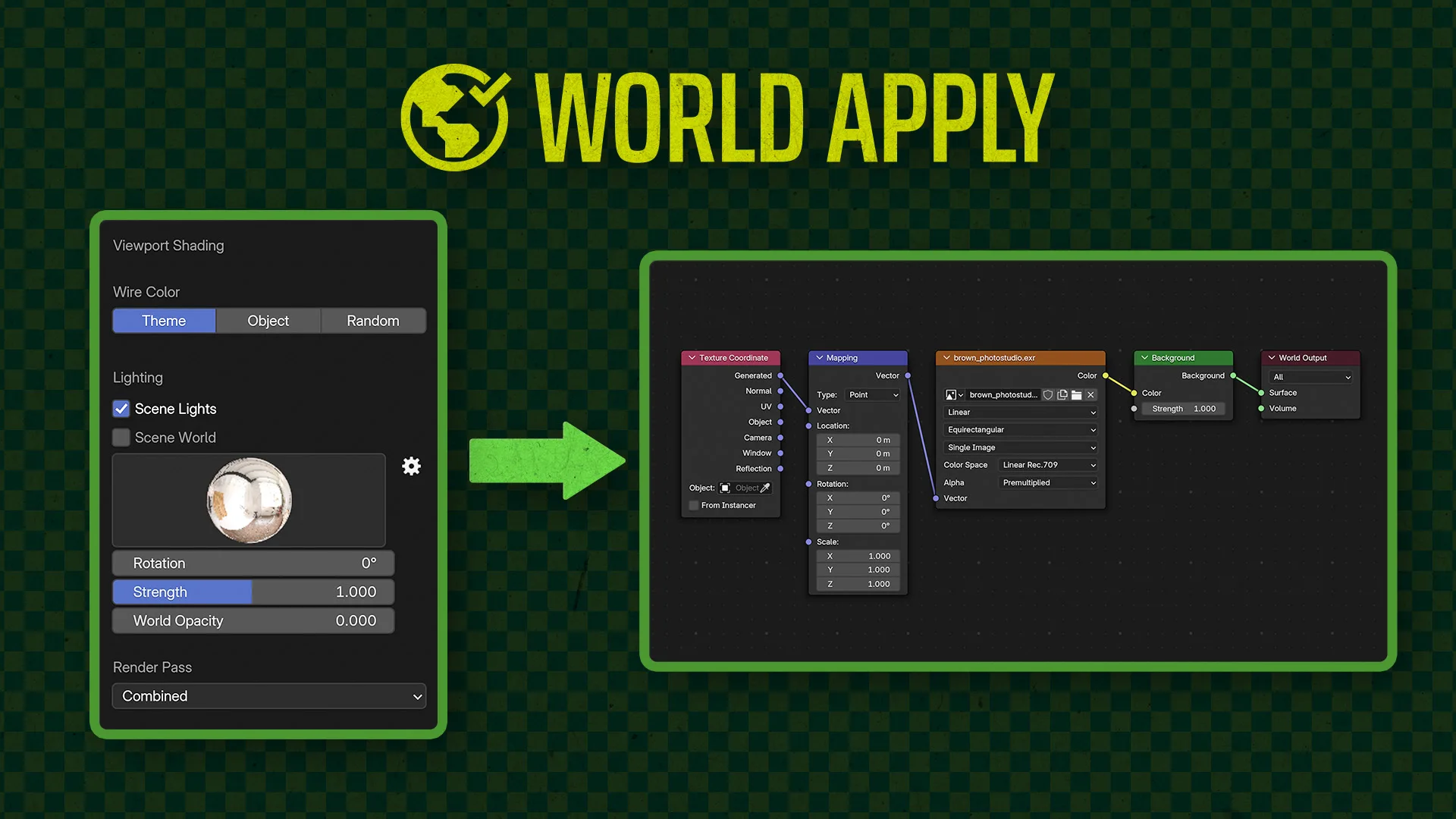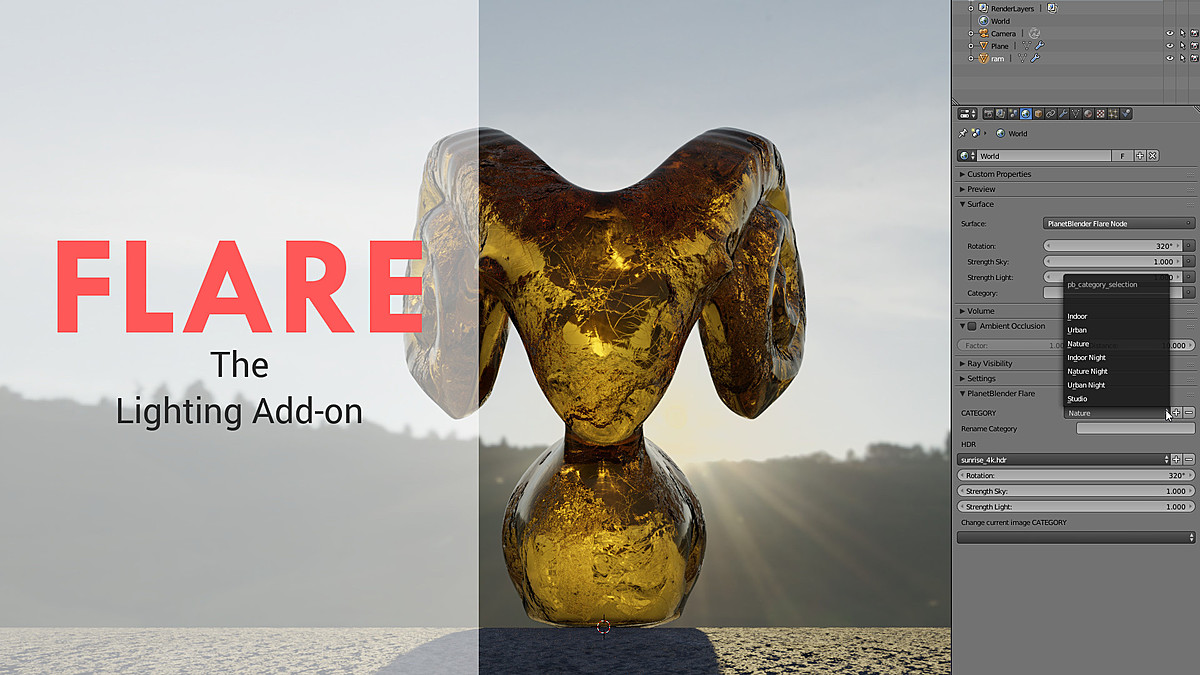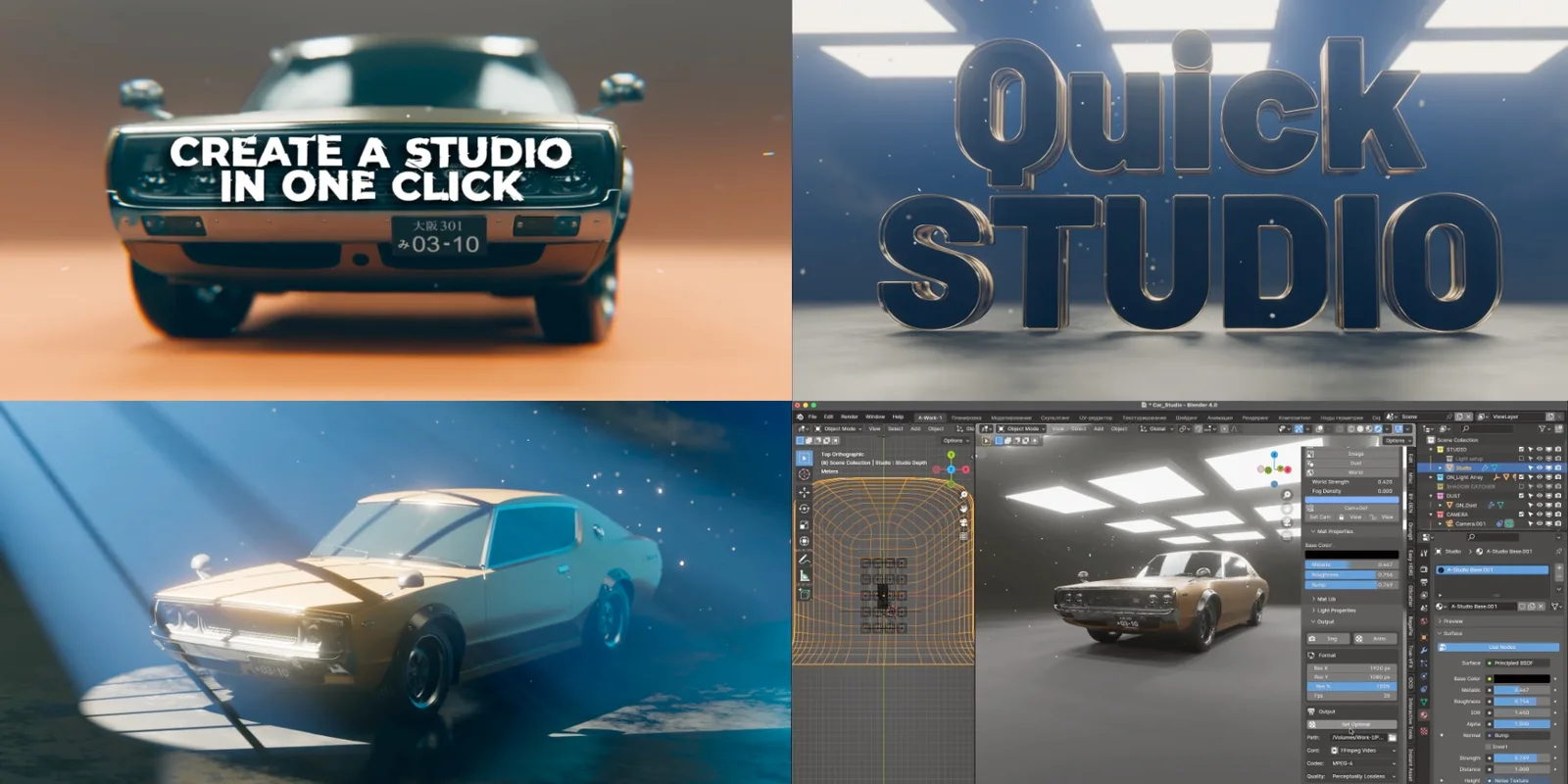
Fast Studio Creator (Quick Studio) is a Blender add-on by Alexandr Zhuravlev for creating a 3D studio setup in a few clicks. It can add lighting, an array of light sources, Gobo light, Dust, a World with a preinstalled HDRI map, and quick Fog settings. The developer describes it as a collection of tools they often use in their own 3D work. The add-on is suited to artists preparing scenes to display 3D work or product visualizations.
Studio setup and presets
After installation, the add-on appears on Blender’s Item tab. Version 3.2 adds a meeting gallery and 30 custom big studio lighting presets. The presets are also available through the Asset Browser.
Correcting light alignment after adding an Asset Browser object
The product documentation says an object added from the Asset Browser may not land at the center of the 3D World. Select the main Lamp and press Alt+G to reset its location. Without that reset, the Lamps will not line up with the Light.
Version and compatibility
The catalog lists the add-on version as 3.2. The Superhive product page lists Blender 4.1, 4.0 and 3.6. These are the Blender versions listed for compatibility, separate from the add-on’s version number.
The developer also notes a slight slowdown on macOS with Blender 4.1 when a material uses a Noise texture. The developer suspects it may be a bug in that Blender version.
Price and license
This catalog lists Fast Studio Creator as free. Superhive describes its license as Royalty Free. Check the current product page for the latest price and license terms before using it in a project.