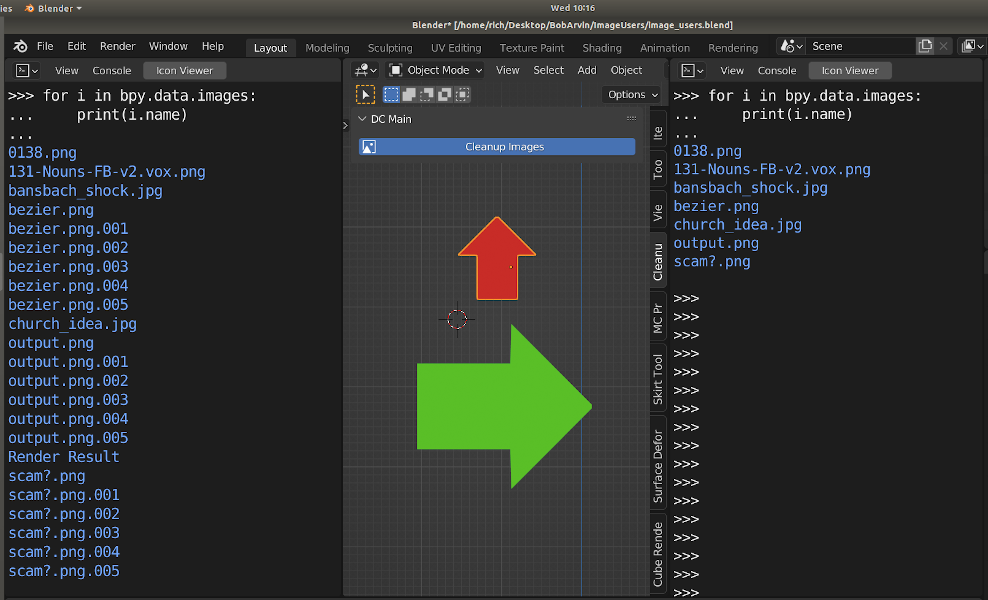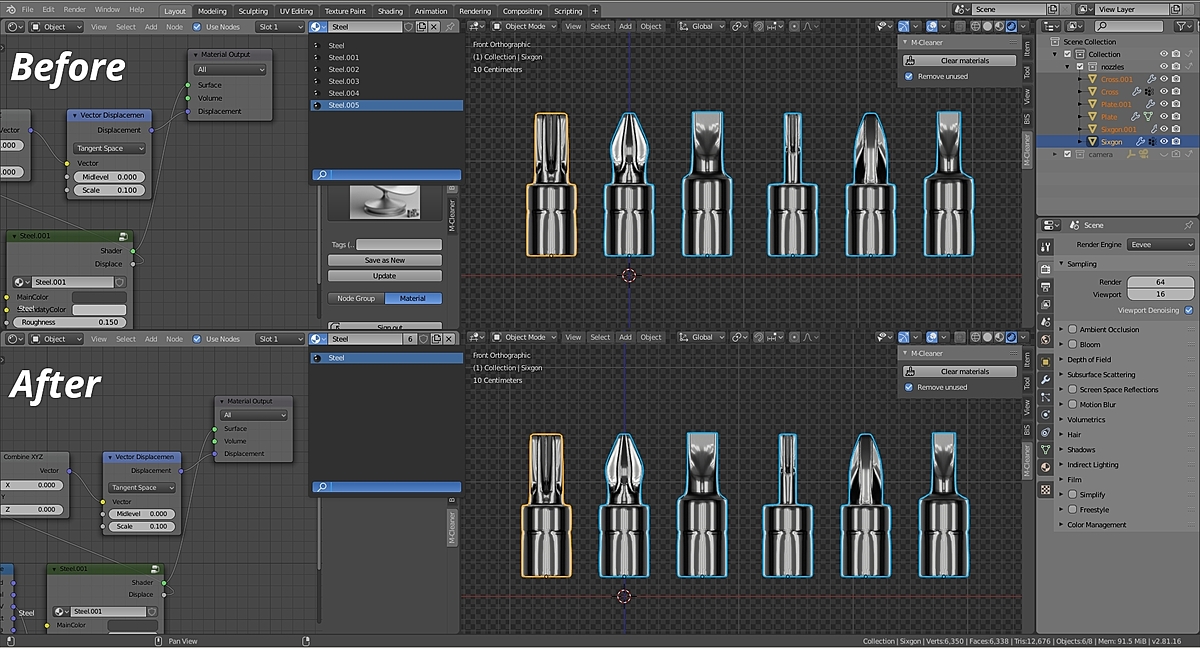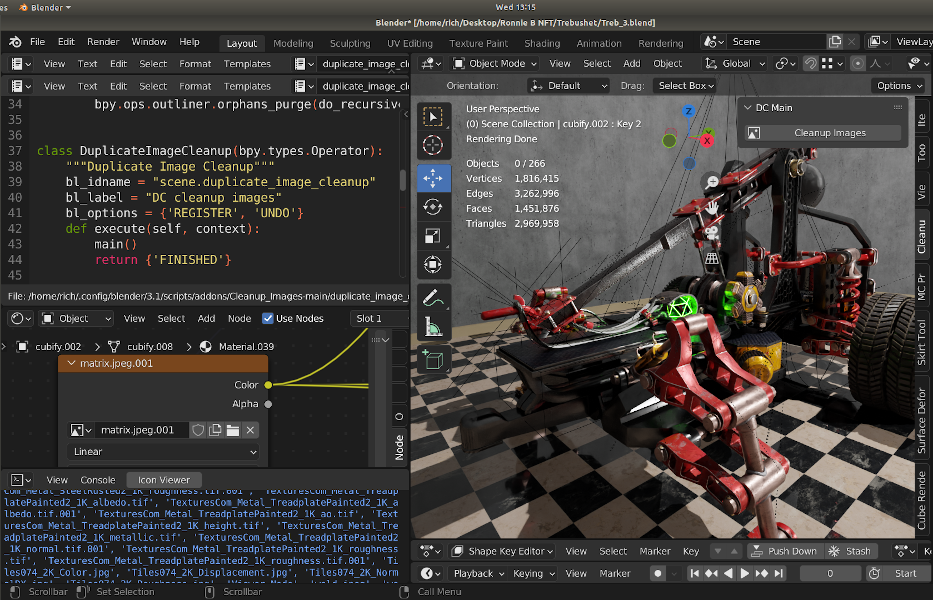
Image Cleanup is a Blender add-on by The 3D Advantage for projects that collect duplicate image copies after files are appended into a render file. It removes redundant copies, reassigns the materials that use them and clears orphan data to free memory.
What Image Cleanup removes
The add-on looks for image names such as image_name.png.001, a duplicate naming pattern described in the Superhive product listing. The listing gives no estimate of how much memory it frees.
How to run it
Install Image Cleanup like any other add-on. It adds a tab to the N panel in Blender's 3D View, with a single button labeled Cleanup. Press the button to remove duplicate images and reassign the materials that used them. The product documentation describes this workflow.
Best fit and Blender versions
Image Cleanup is aimed at large projects where appending multiple files into one render file has created redundant image copies. The Superhive listing names Blender 2.8, 2.81, 2.82, 2.83, 2.9, 2.91, 2.92, 2.93, 3.0, 3.1 and 3.2. It does not state support for later releases, so check with The 3D Advantage before relying on it with a newer Blender version.