Import Paint Brushes by chsh2 imports brush files from painting software into Blender. The Blender Extensions release is version 0.5.1 and requires Blender 4.2.0 or later; the developer's archive version supports Blender 3.3 through 5.3 with the same functionality. The add-on is licensed under GPL-3.0-or-later. The add-on requests permission to read brush files from disk.
Supported brush formats
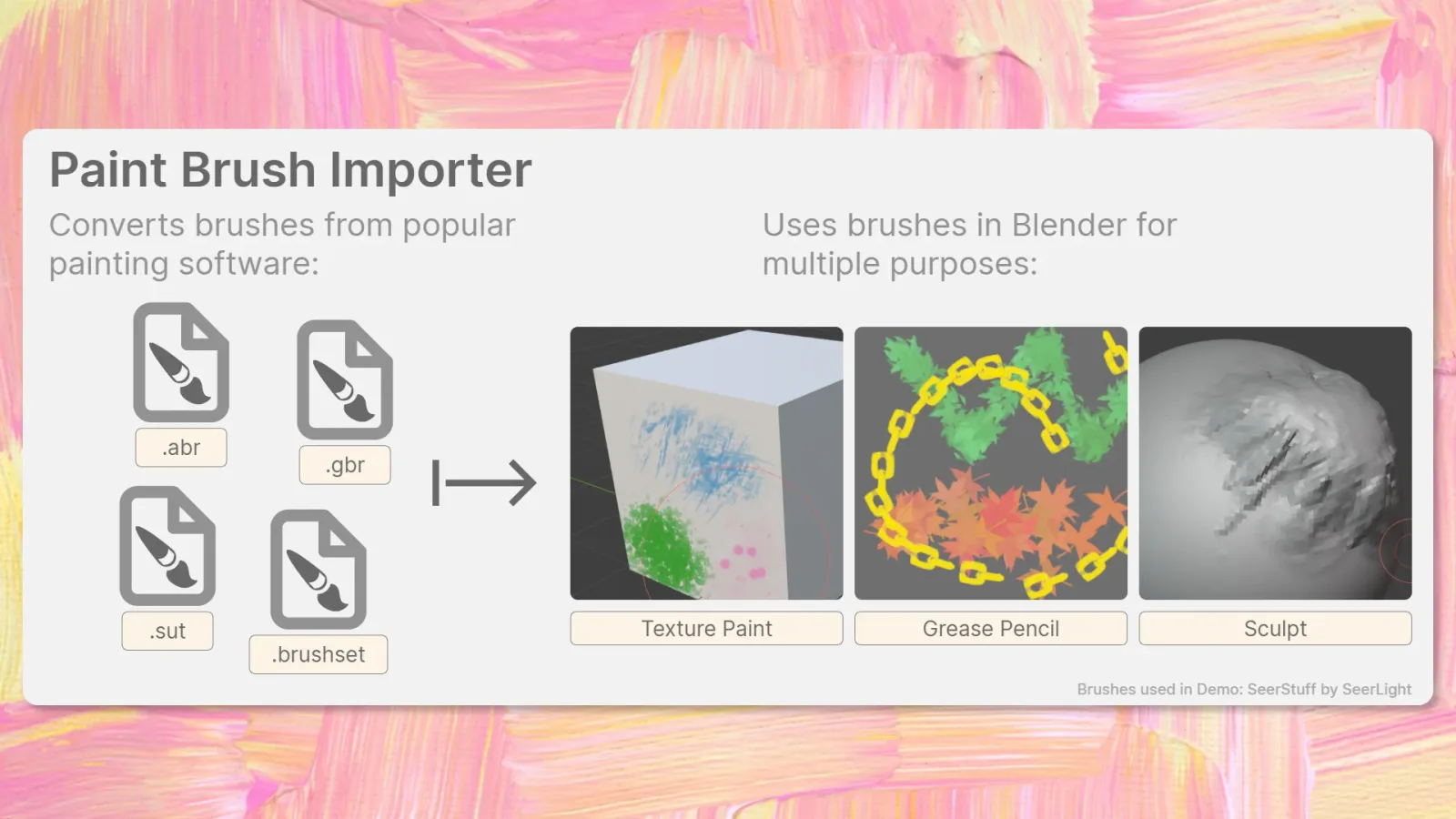
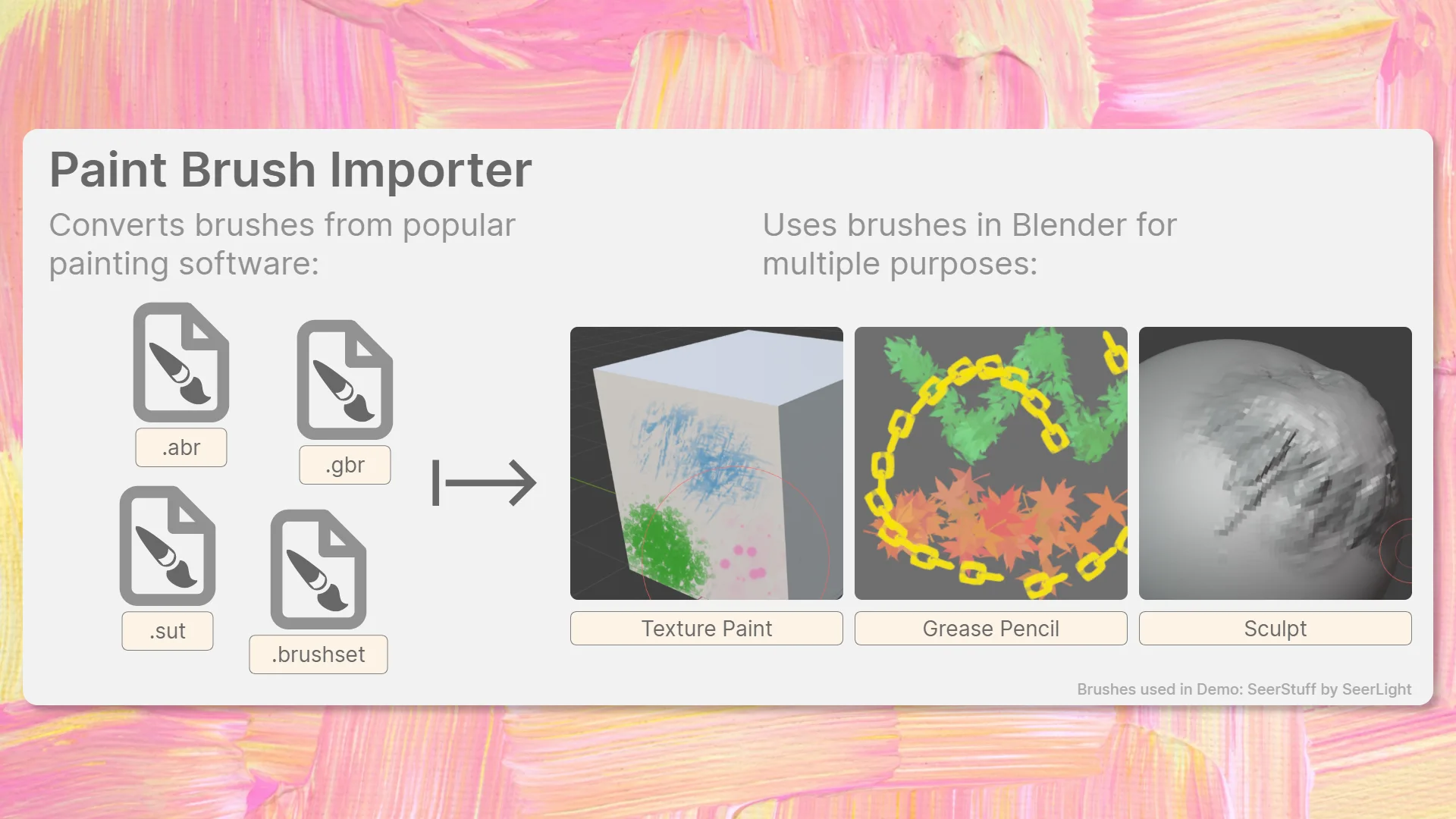
The add-on supports .abr, .gbr, .gih, .brushset and .sut files, plus Krita .bundle brushes that use Pixel Engine. Krita brushes that use other engines and brushes with SVG textures are unsupported. A file's extension alone does not guarantee every brush inside it can be imported.
Choose a Blender mode for imported brushes
Use Blender's File > Import menu, select the target Blender mode, and choose one or more brush files. Imported brushes appear in the selected mode. The listed modes are Texture Paint, Sculpt, Vertex Paint and Grease Pencil.
Multi-texture files and adjustments
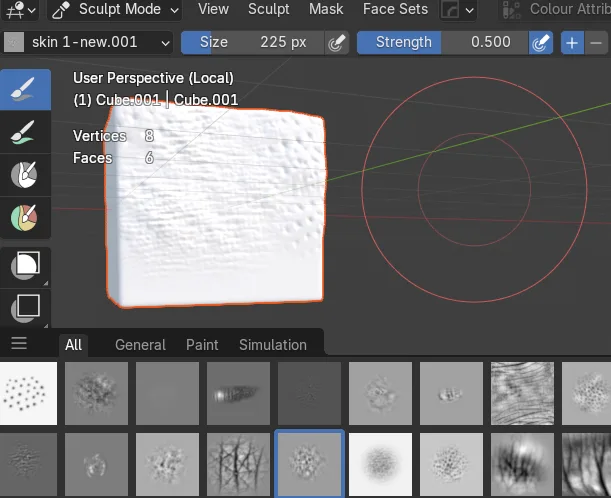
For .gih and .sut files that contain multiple texture images, the default import separates the images into individual brushes. The Import Brush as Image Sequence option supports an image-sequence workflow with the separate Animated Texture Brush add-on. If an imported texture needs adjustment, image utilities under Tool > Brush Settings > Texture can modulate its color and alpha channels.
Reuse and import limits
Converted brushes are stored in the current .blend file. To reuse them in other projects, save that file to a Blender asset library. Brush files that contain parameters but no texture images cannot be imported. The add-on does not change the original brush asset's license, so check its terms before sharing converted assets.
For the current release details and developer information, see the Blender Extensions listing