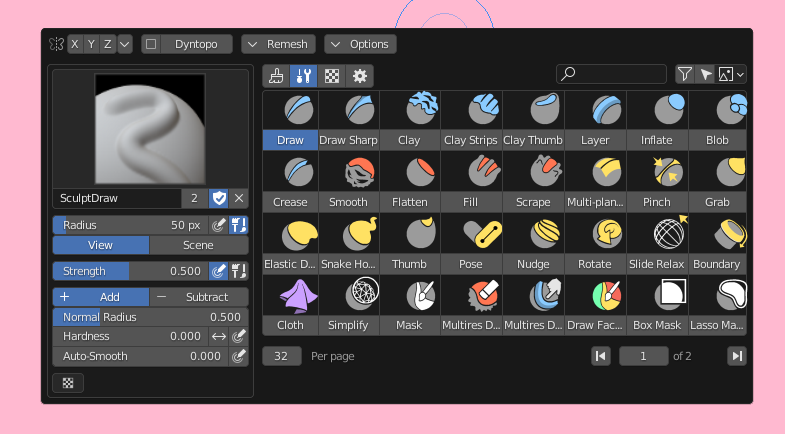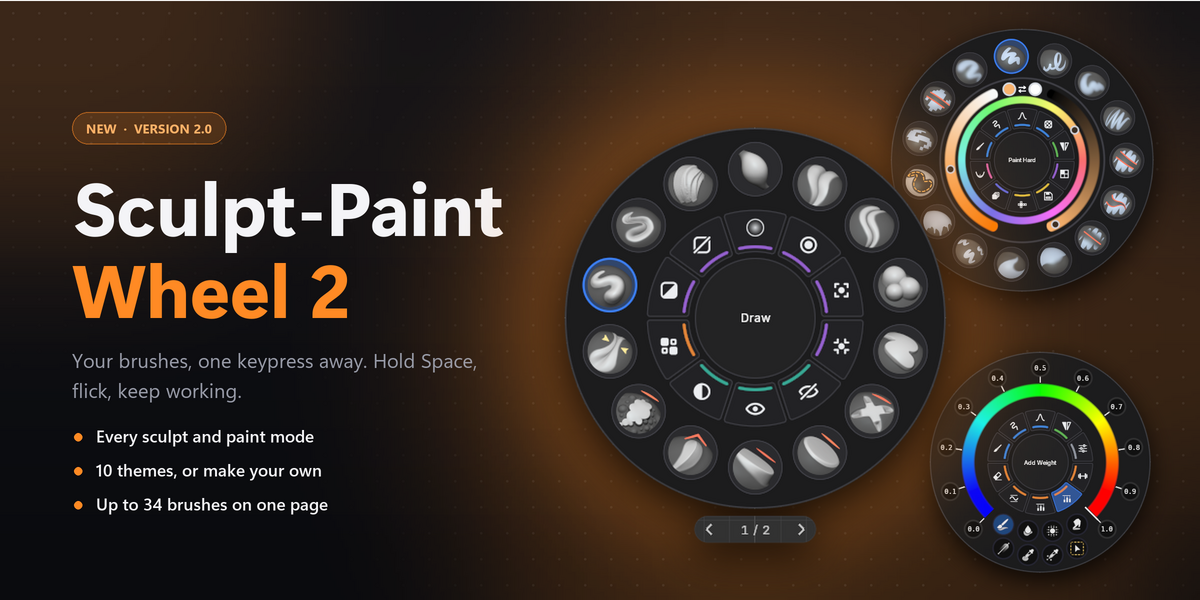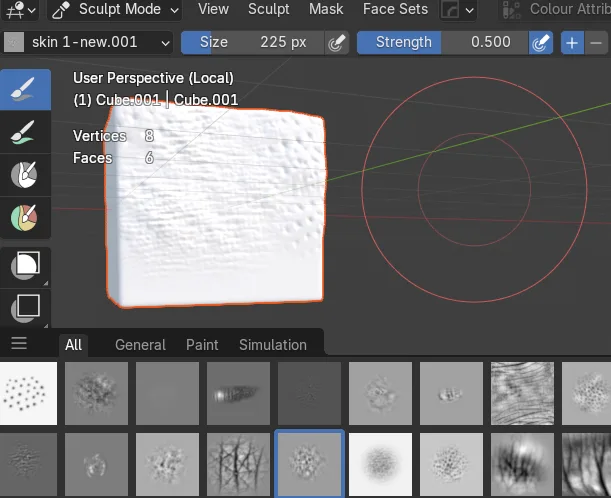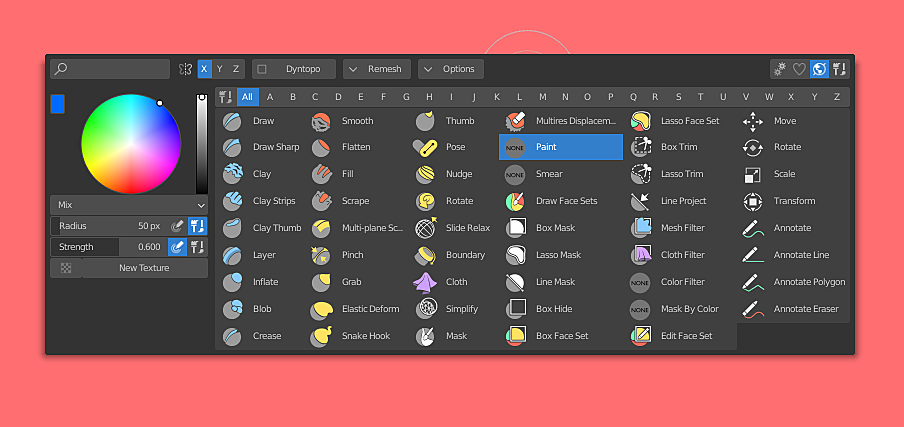
Quick Toolbox For Blender 2.8+ is an add-on by Me Bman that brings Blender tools, brushes, and custom preset brushes into one mode-aware panel. Version 2.3 shows mode-specific tools in Object, Sculpt, Node Editor, and Video Editor modes.
Open tools for the active mode
Press Spacebar to open the toolbox, or use its button at the top right of the editor. The panel shows tools for the mode you are using and lists them alphabetically. Its listed modes include Grease Pencil, Object, Sculpt, Edit, Vertex Paint, Weight Painting, Texture, Node Editor, and Video Editor.
If Spacebar does not open the panel, the product documentation says to check Edit > Preferences > Keymaps and set Spacebar Action to Tools.
Adjust the layout and shortcuts
Settings let you change the grid column count, toolbox window width, and sidebar width. You can change shortcuts from the toolbox Settings button or the add-on preferences. The add-on can automatically add new tools and brushes as Blender updates arrive. Version 2.3 adds automatic updating of Quick Toolbox when a new add-on update is available. The listing says automatic updating can be disabled in settings but does not specify whether that control applies to add-on updates, Blender tool and brush additions, or both.
What version 2.3 adds
- Centers the toolbox at the cursor position.
- Restores settings such as toolbox width and the search bar.
- Adds Grease Pencil features, including automerge, multiframe, and freeze at the top bar.
- Includes bug fixes.
Installation and compatibility
The installation instructions describe opening Edit > Preferences > Add-on, clicking Install, browsing to the downloaded .py file, then accepting and enabling the add-on. The Superhive listing names Blender 2.8, 2.81, 2.82, 2.83, 2.9, 2.91, 2.92, 2.93, 3.0, 3.1, 3.2, and 3.3 as compatible versions. Its title says 2.8+, but the listed compatibility range ends at 3.3, so check the developer page for current details before installing on a later Blender release. The add-on is released under the GPL license.