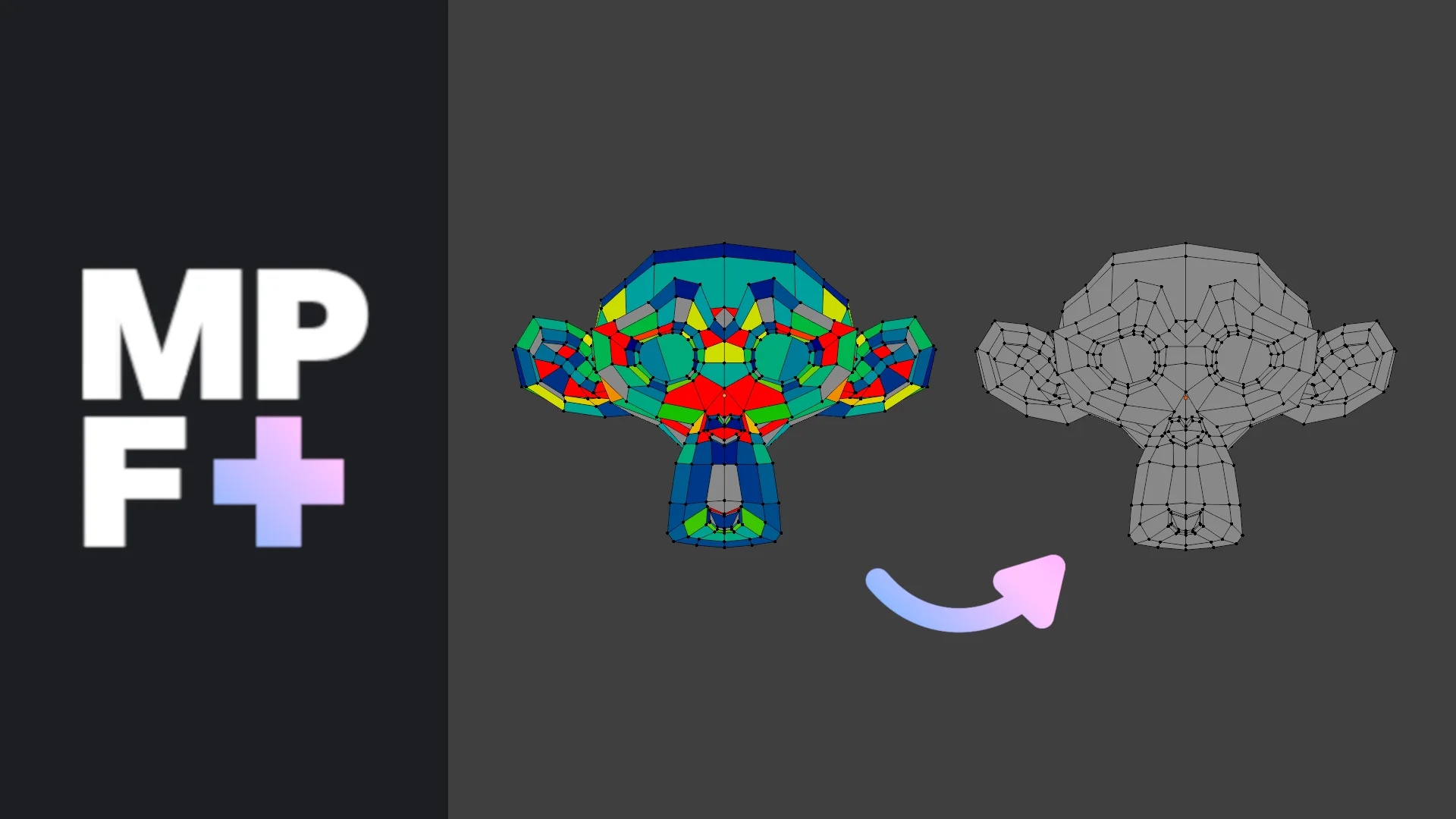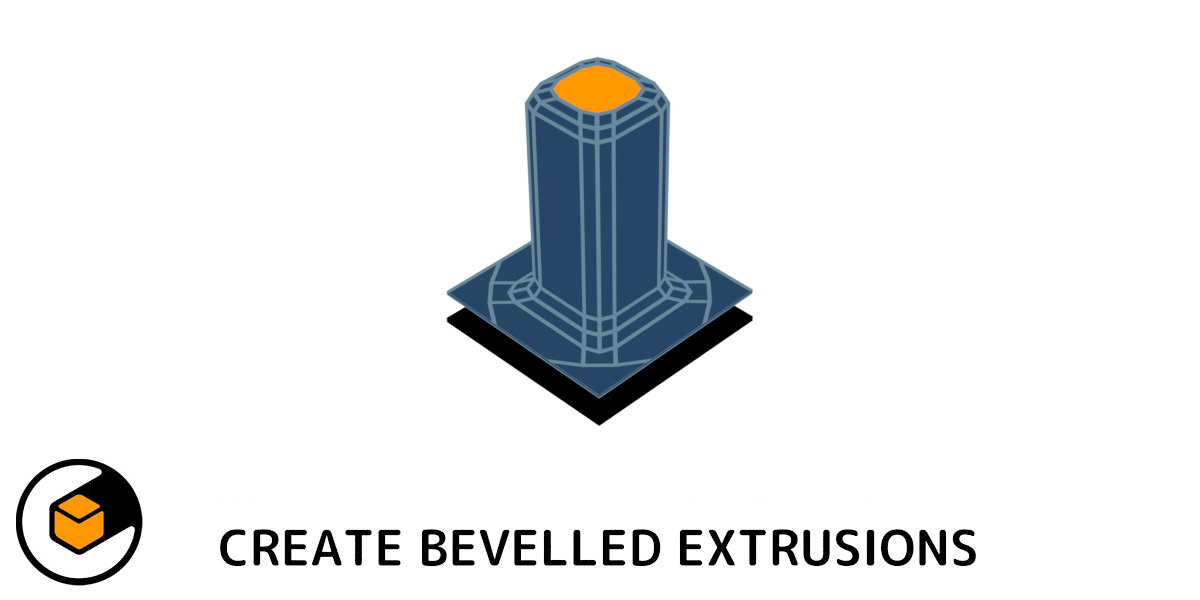
Inset Straight Skeleton is a Blender mesh add-on for creating insets inside selected faces. It advances polygon edges inward at a constant rate. When an advancing concave corner hits an edge, the inset polygon splits into two, and insetting can continue inside the new polygons. An advancing edge can also shrink to a point.
In Edit Mode, select one or more faces and run the add-on as an operator in the 3D View. The Blender 4.1 manual describes groups that form a complex polygon, including regions with holes, being inset as a unit.
Inset controls
- Amount sets how far the edges move inward.
- Scale lets you express amounts as a percentage of a full inset or in scene units.
- Height moves the inset polygons perpendicular to the inset plane. The manual notes that moving them up or down at a constant rate can produce roof-like forms with a fixed pitch.
- Region treats connected selected faces as one region instead of processing each face separately.
Version and support
The Blender Extensions listing identifies version 1.1.0, published May 14, 2024, and compatibility with Blender 4.2.0 and newer. The add-on was part of Blender 4.1's bundled add-ons and is now offered as-is with limited support. The listing gives its license as GNU GPL v2.0 or later and says there is no changelog for this release.
The official listing provides drag-and-drop and Install from Disk options. Check the Blender Extensions page for the release and installation details, and the Blender 4.1 manual entry for the documented selection and inset controls.