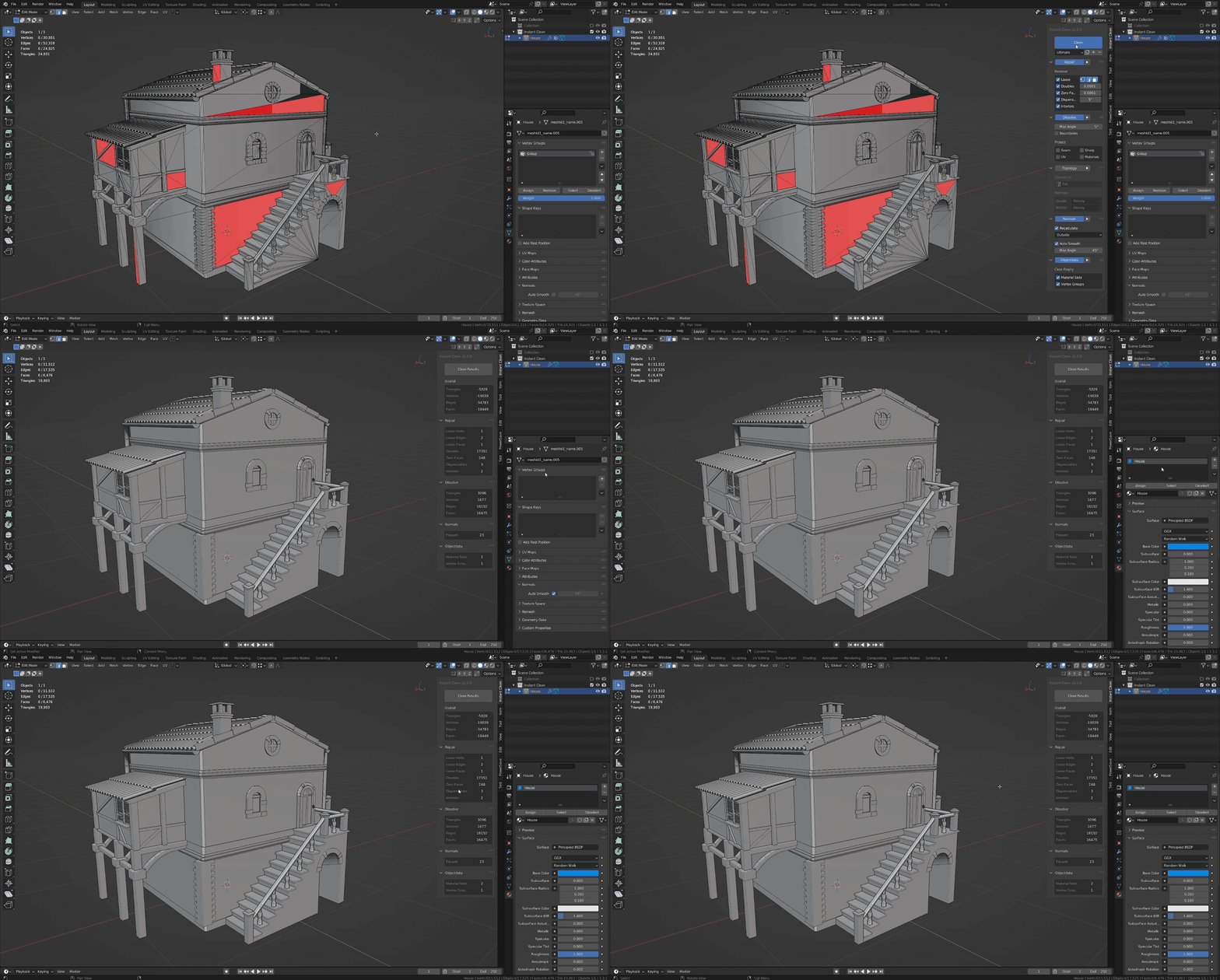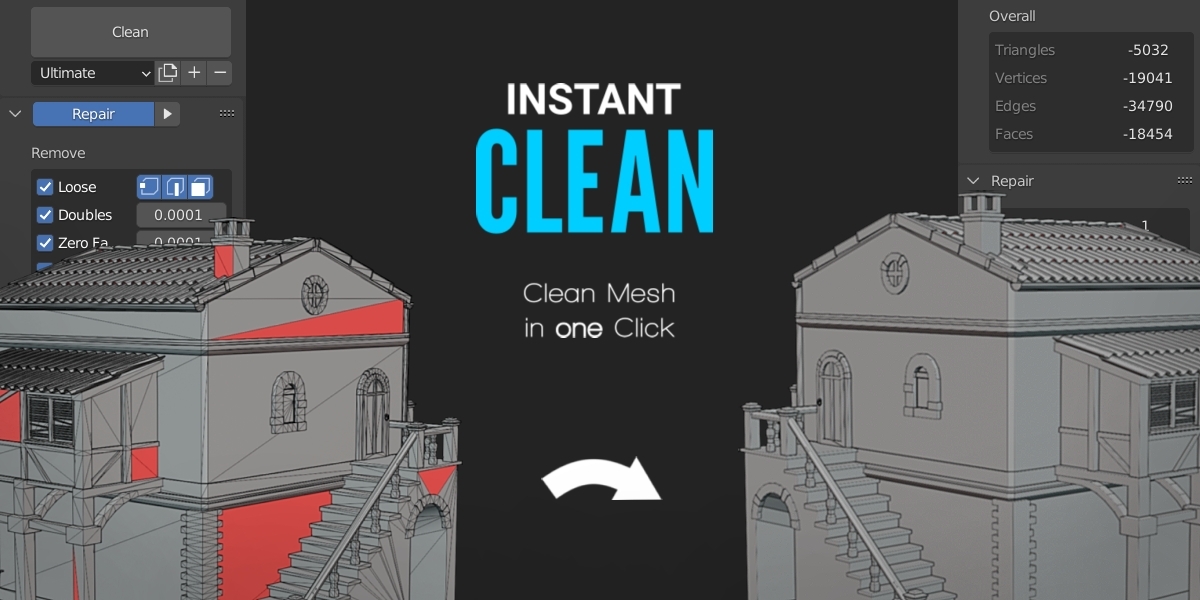
Instant Clean - The Ultimate Mesh Clean is a Blender add-on by Ruben Messerschmidt for cleaning up imported meshes from CAD software, 3D scans and asset libraries. Its tools address geometry problems, face orientation, topology and object data, with workflows for preparing models for rendering, 3D printing or game engine export.
The preset system lets you save reusable cleanup routines. Single Execution runs an individual part of the cleanup process and returns detailed results, so you can choose a step for the issue at hand. Individual steps can also be added to Blender’s Quick Favorites menu.
Choose the tool for the mesh issue
Mesh Repair addresses common problems such as non-manifold geometry, flipped normals and broken edges. Fix Normals handles face orientation, clears custom normals and enables auto smooth. Geometry Dissolve removes unnecessary geometry while keeping the original mesh shape intact.
For topology work, Alter Topology converts a mesh to quads or tris, which can help with retopology or game asset export. Clean Objectdata merges duplicate materials and clears empty material slots and vertex groups. Make Manifold helps prepare a model to be manifold and watertight for 3D printing, with tools to identify and fix problematic geometry.
Where Instant Clean fits
The add-on is suited to Blender users who regularly bring in CAD models, scanned assets or meshes from online libraries and need to address different cleanup issues. Use a single operation for a specific cleanup issue, and save a preset when you want to reuse a routine. Review the detailed results after running an operation to see what changed.
At retrieval, the Superhive product listing stated Blender 3.6–5.3 compatibility and a GPL license. Check the listing for current compatibility and terms. The developer documentation has further setup and usage details.