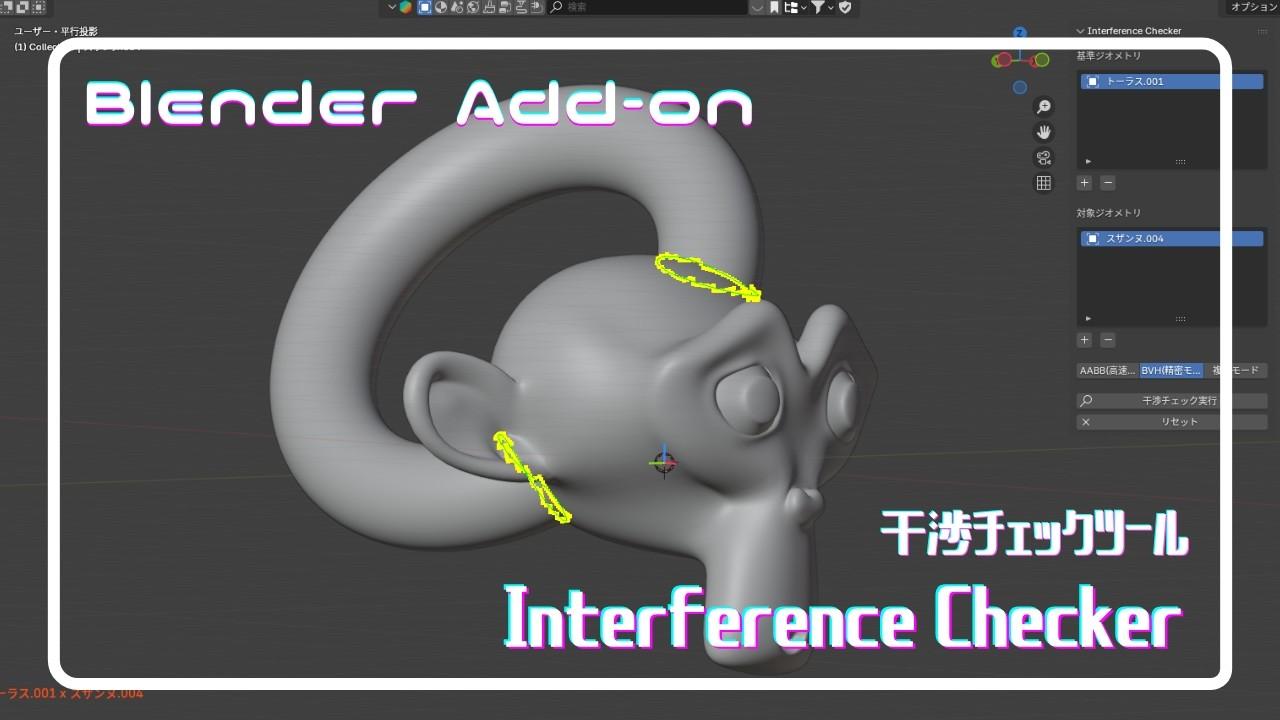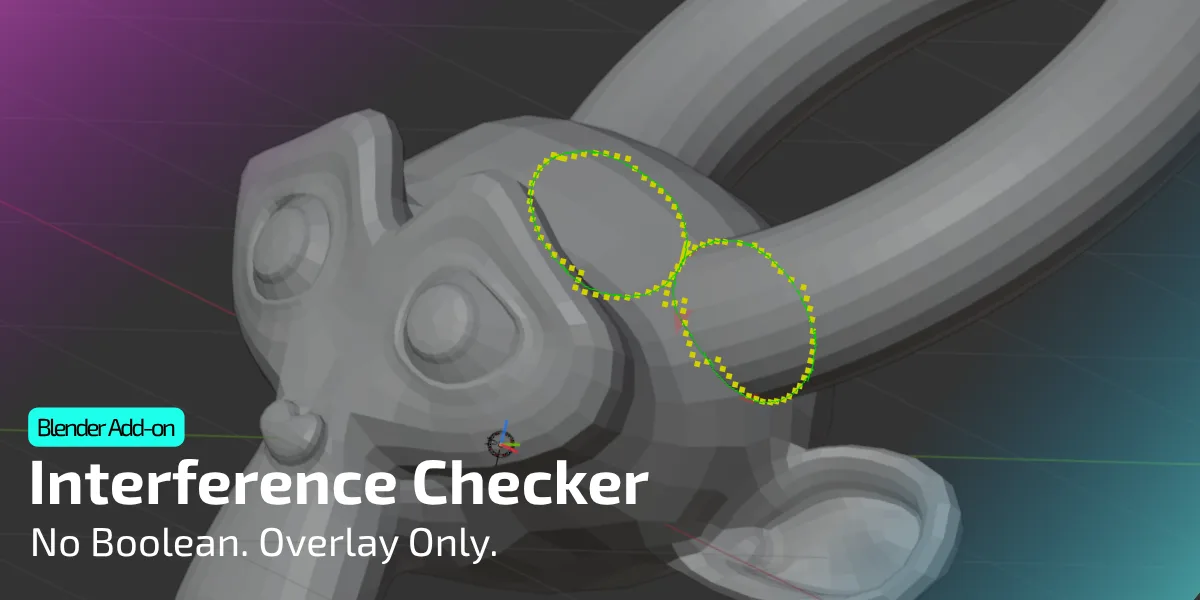
Interference Checker is a Blender add-on for checking where objects intersect or sit within a chosen clearance. It draws GPU overlays and heatmaps without using Boolean operations, so you can inspect fit while leaving the underlying mesh unchanged.
Check intersections and clearance
For interference checks, add objects to the Base Geometry and Target Geometry lists, then choose AABB, BVH, or Combined mode. The overlays can mark intersecting faces, boundary points, and intersection segments, and the check can include multiple base and target objects. The add-on reads evaluated meshes, so it works with subdivision and Boolean modifiers already on the objects.
The proximity check uses an observation box named IC_ProximityBox to inspect a selected area. Its face heatmap has two modes: Clearance Monitor marks faces below the threshold in red and uses a green-to-blue gradient for faces within range; Fit Check marks faces matching the target value in green and other faces in red. A Correction value in millimeters can compensate for printer expansion or shrinkage.
Set up a check
- In Blender 4.5 or later, drag the downloaded ZIP into the viewport and click OK to install and enable the add-on.
- Add mesh objects to the Base Geometry and Target Geometry lists. The documentation recommends using the male-side geometry as the base.
- Select a detection mode and run the interference check. Use Clear Overlay to remove its display while keeping the lists, or Reset to clear them.
For a local clearance check, place the 3D cursor at the area of interest, use Put to add the observation box, and position or scale it with Blender's standard transform tools. Set a threshold in millimeters, choose Clearance or Fit mode, then run Check Proximity.
Known limits and requirements
Boolean hole interiors can produce less accurate proximity results because their topology is complex. The documentation recommends increasing the subdivision level on both geometries to improve accuracy. A proximity check may also slow down with many objects; reducing the Face Limit or making the observation box smaller can help.
Interference Checker requires Blender 4.5 or later. The product listing identifies it as Blender Extension Compatible and lists the GPL license. Its documentation also notes that mesh-to-mesh clearance checks can be used outside 3D-printing workflows.