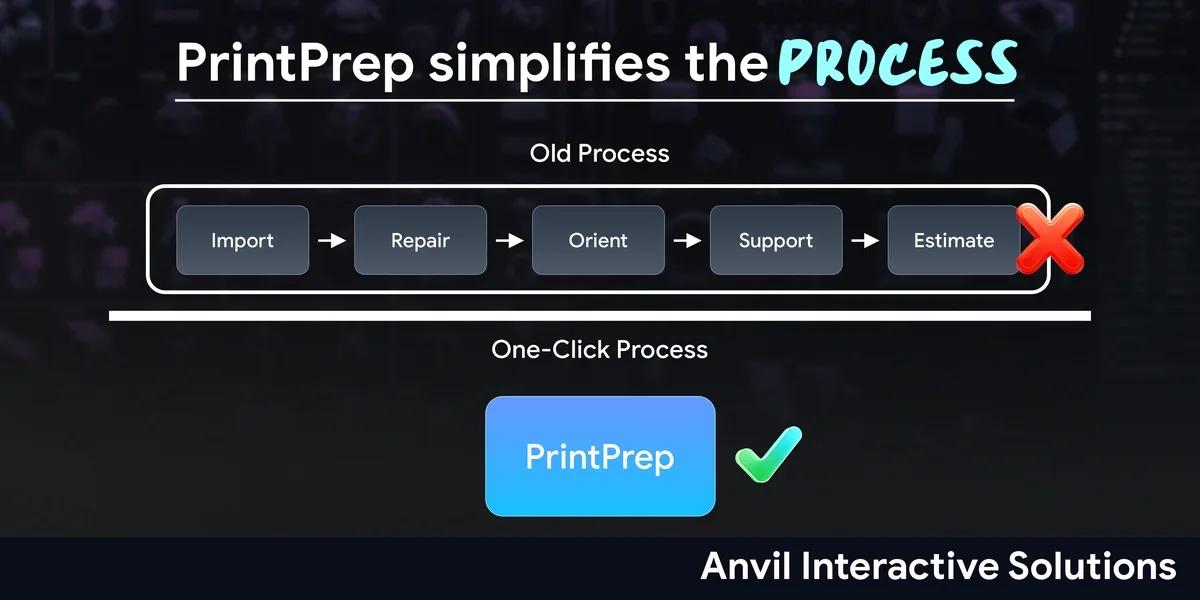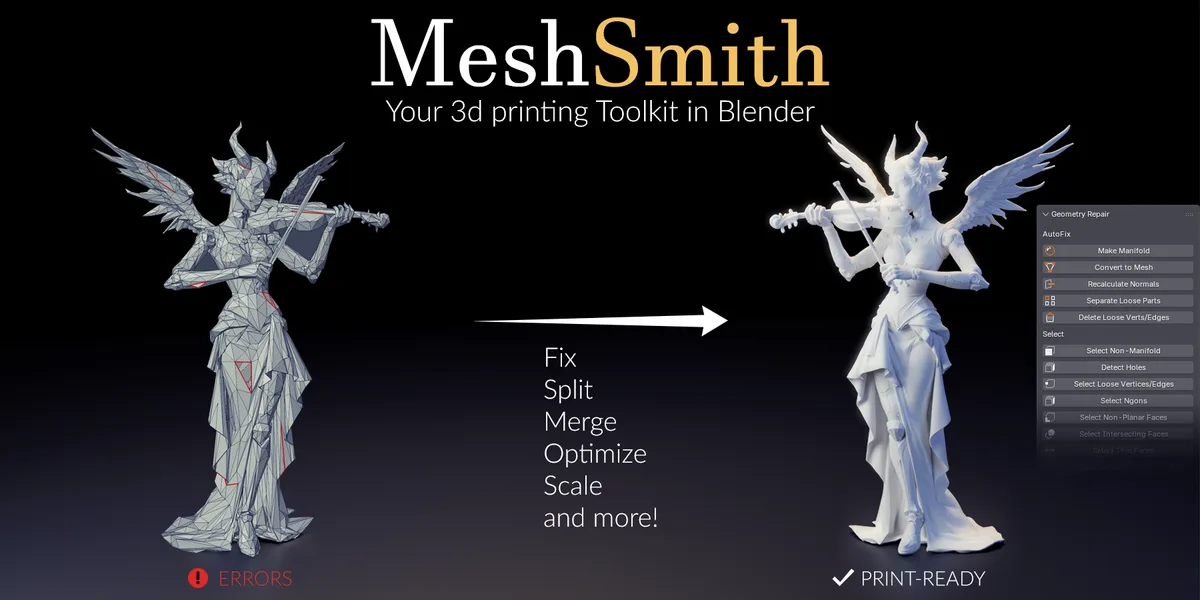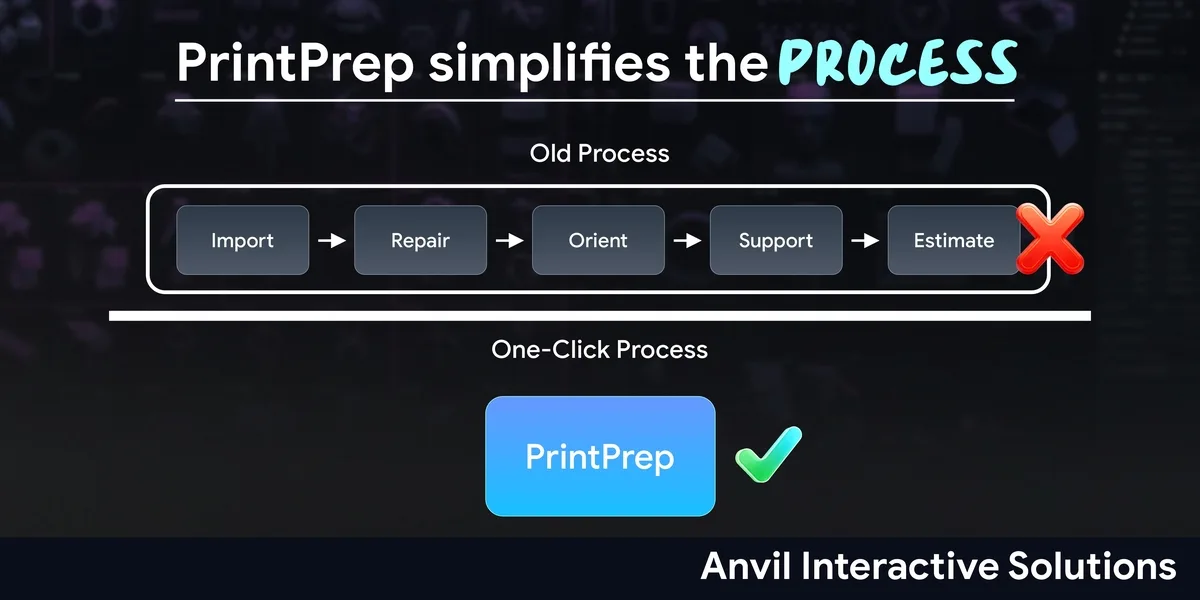
PrintPrep 3.0 is a Blender add-on for preparing AI-generated models, game assets, scans and miniatures for FDM or resin printing. Its Make Printable tool creates a new, watertight copy of a model, scales it in millimetres and places it on the printer bed. The developer lists support for Blender 4.2 LTS through 5.x, with 4.2 and 5.2 tested. See the Superhive PrintPrep product listing for current details.
Prepare a printable copy
Choose a printer and target size, then run Make Printable. PrintPrep merges overlapping parts, closes holes, corrects inside-out faces and thickens thin regions. It leaves the original model unchanged and makes a separate copy for printing. A report shows dimensions, volume, estimated material weight and cost, along with issues that may need a closer look.
The developer's listing reports 38 seconds for its 32 mm knight example and says a typical AI model takes under a minute. Very large models take longer, so treat that example as a reference rather than a fixed processing time.
Check wall thickness and surface detail
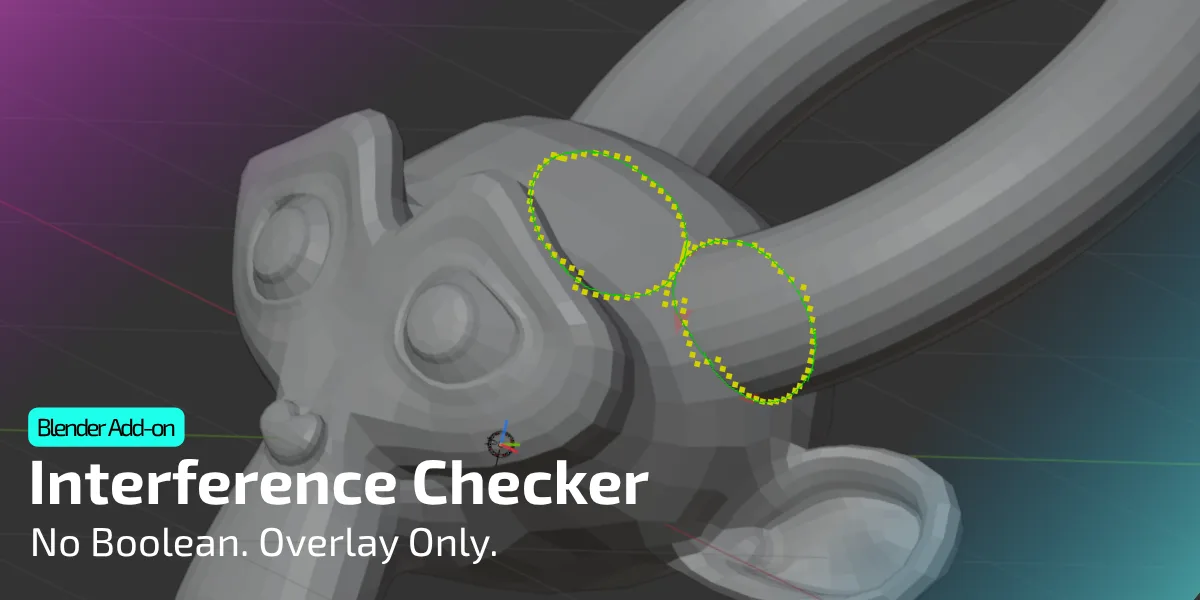
The printability check looks for holes, overlapping parts, inside-out faces, thin walls, overhangs and size issues. A wall-thickness heatmap marks areas below the selected printer's minimum in red, borderline areas in yellow and safer areas in green. Thicken grows thin regions toward that minimum, which can make very thin features slightly chunkier.
Make Solid rebuilds the model at a chosen Low, Medium or High detail setting, then snaps the surface back toward the original to retain edges and folds. Fine engraving can soften if it is smaller than the rebuild resolution; High detail is the better choice for small, detailed figures.
Hollow, split or add a base
For resin printing, the hollowing tool lets you set wall thickness and drain holes. Parts that are too thin to hollow stay solid, and PrintPrep can report when hollowing would save little material.
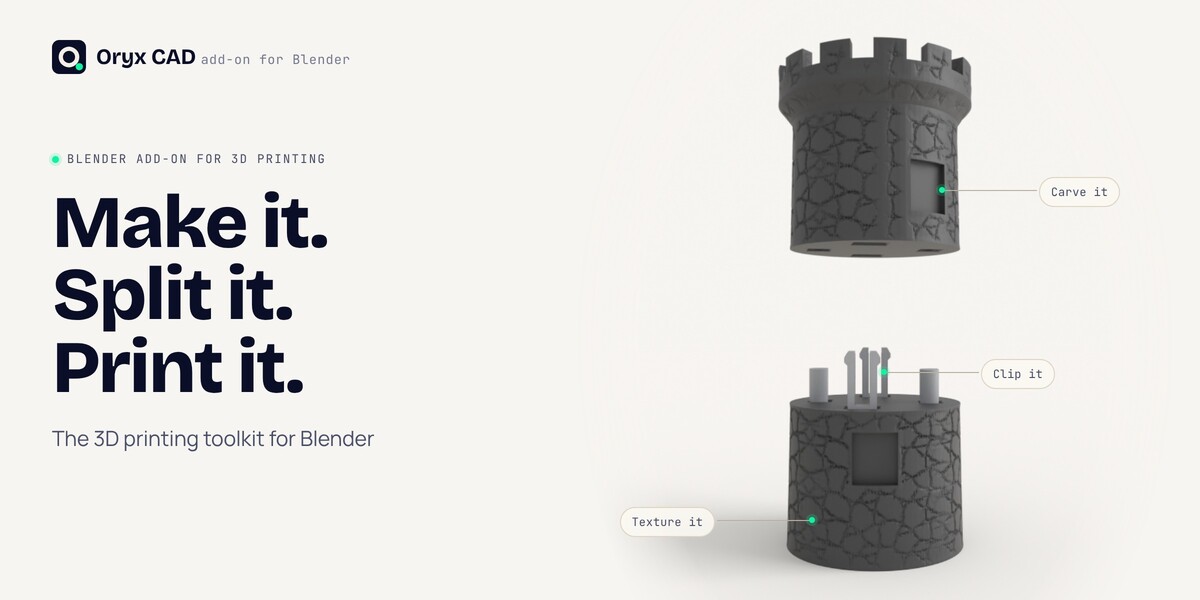
Split to Fit Bed cuts an oversized model into pieces sized for the printer bed. It can add matching pin holes, apply a fit tolerance and create pins to print. For miniatures, you can add a round or square base from 25 to 60 mm. If the model's feet do not fit, PrintPrep increases the base size and reports the change.
Printer presets and exports
Printer presets provide bed dimensions and minimum wall settings for supported models, or you can enter a custom bed. Material and cost estimates cover PLA, PETG, ABS, TPU and resin; you can enter your own price per kilogram for the cost estimate. PrintPrep exports STL and 3MF files in millimetres.
What happens after preparation
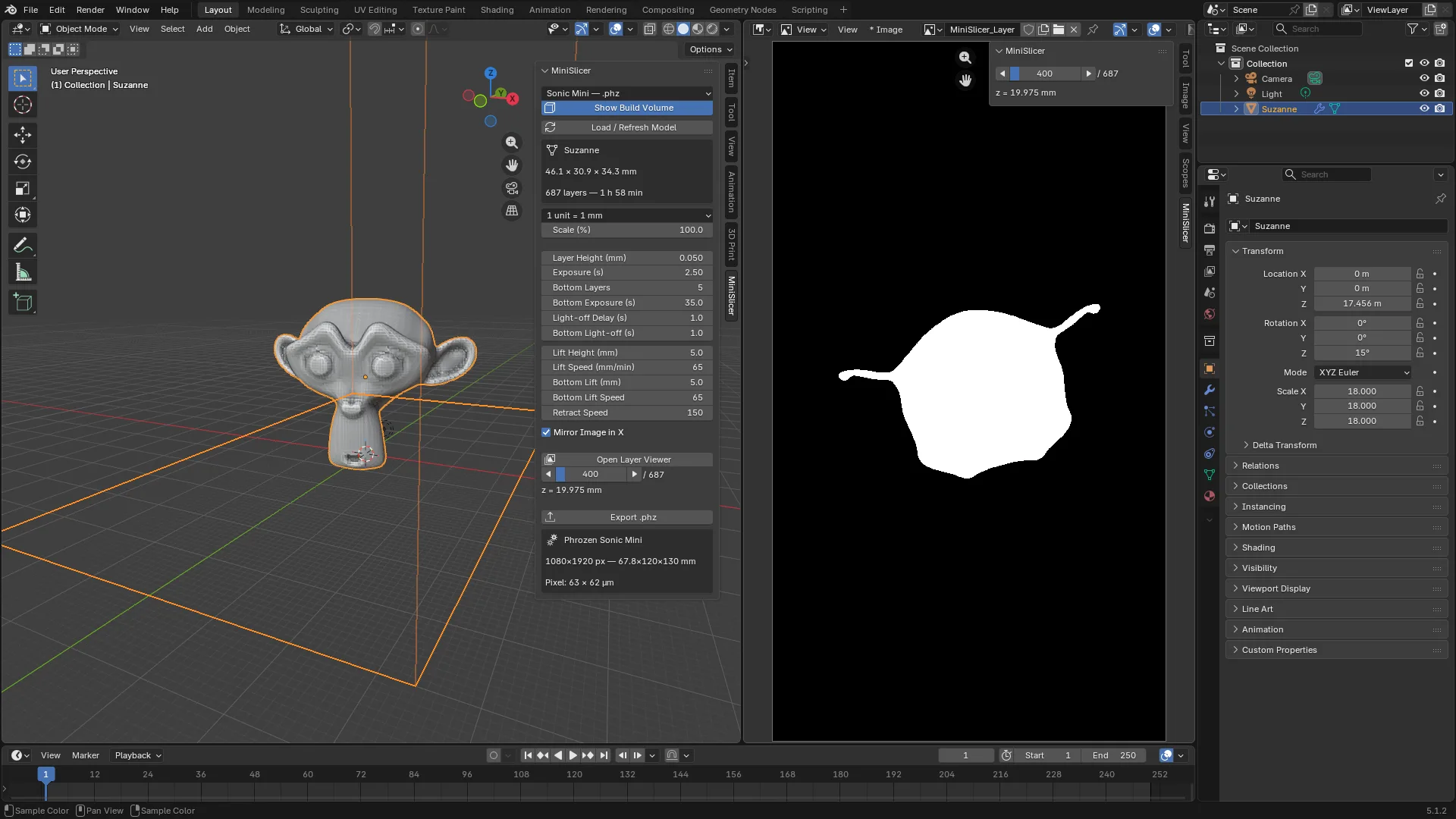
Once the mesh is ready, take it to your slicer for supports, infill and print settings. PrintPrep handles model preparation inside Blender, while slicing and those print-stage choices remain in tools such as Bambu Studio, PrusaSlicer, Cura, Orca, Chitubox or Lychee.