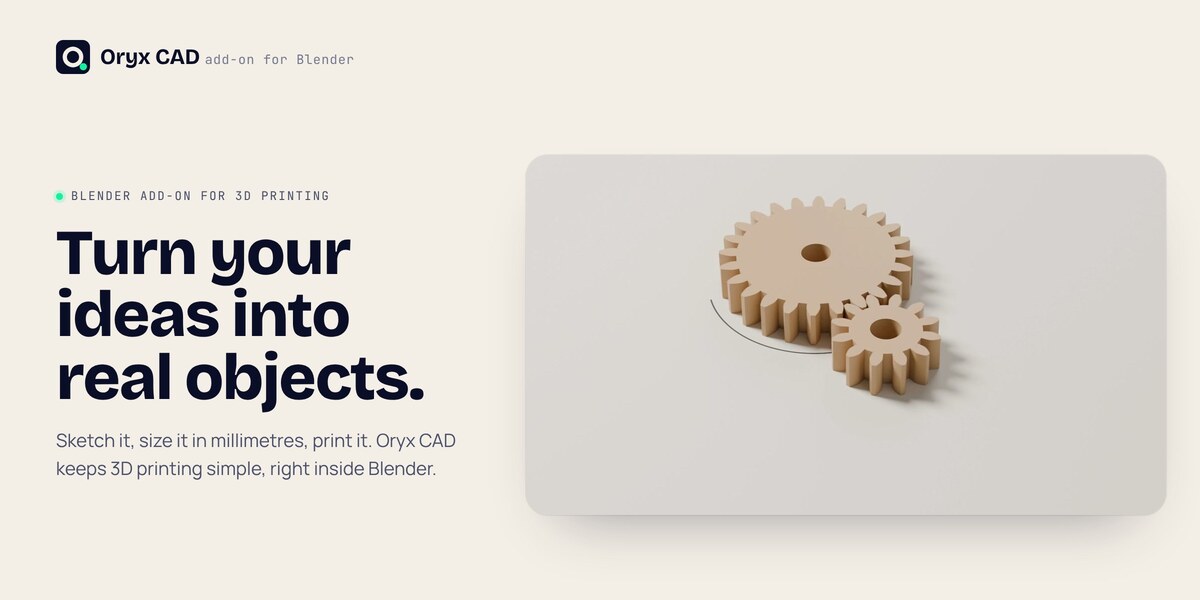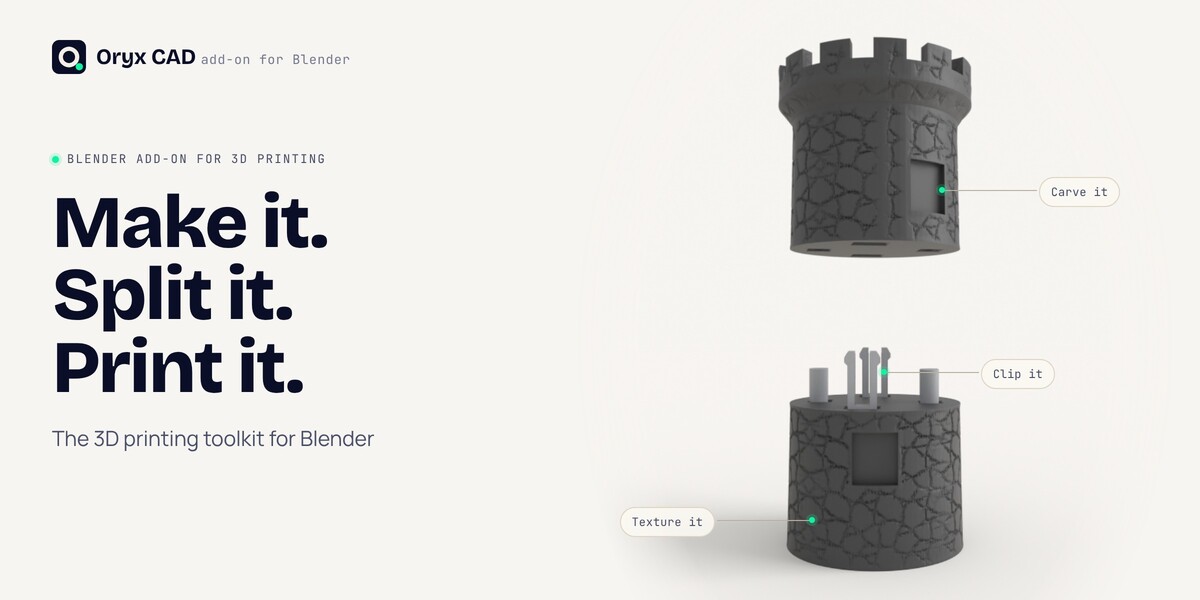
Oryx CAD is a Blender add-on for designing mechanical parts for 3D printing. It combines tools for splitting oversized models, building gears and standard hardware, shaping geometry to measurements, checking meshes, and exporting files in millimeters. Modeling and fit adjustments stay in Blender until the model is ready for a slicer.
Make gears and mechanical parts
The gear tools create spur, helical, and herringbone gears. Choose a tooth count to add a matching gear; the module and spacing follow. Helix angles range from 0 to 45 degrees, and the starting gear play is 0.15 mm, which you can adjust. A live flank-angle check indicates whether supports are needed.
Oryx CAD also generates ISO screws and nuts from M2 to M16, compression and zigzag springs, and snap clips. With Oryx Fit, select a hole to create a matching screw or shaft, with optional clearance for parts that need to turn. Dimensions and clearances use millimeters.
Split and shape models for printing
For a part that exceeds the printer bed, set the bed dimensions and move the printer box over the model to place a cut. Repeat the split as needed. Oryx CAD can add hook clips and alignment pins, with options for removable or permanent joins, then lay the pieces flat for printing. A separate cut plane provides a direct way to place a clean cut.
Sketch circles or rectangles on a model face, enter dimensions, and pull the shape to add material or cut a pocket. Shape Drilling creates holes, while sizing, alignment, and snapping tools help position parts and set exact dimensions.
Check, texture, and export the mesh
Texture tools apply 11 patterns or an image as raised relief. You can apply a texture across a part, paint it with a brush, or place it between two edges. Blender 5.0 or later is required for these tools. Mesh optimization removes unnecessary faces, and Clean Merge fuses multiple parts into one solid.
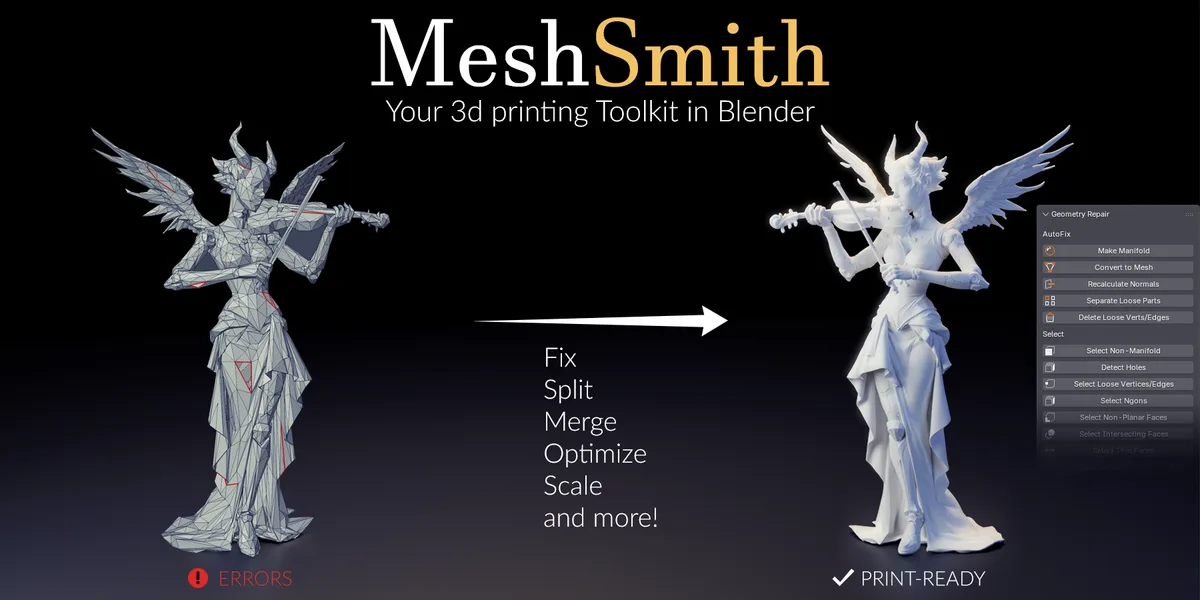
Diagnostics find holes and broken faces, and SmartRepair closes them. Oryx CAD exports selected parts or a whole model as STL, OBJ, or 3MF, using a scale of one unit per millimeter.
Compatibility and support
The Superhive product listing states support for Blender 4.2 LTS through 5.3. Texture tools require Blender 5.0 or later. The listing describes a one-time purchase that includes 12 months of product updates and support.