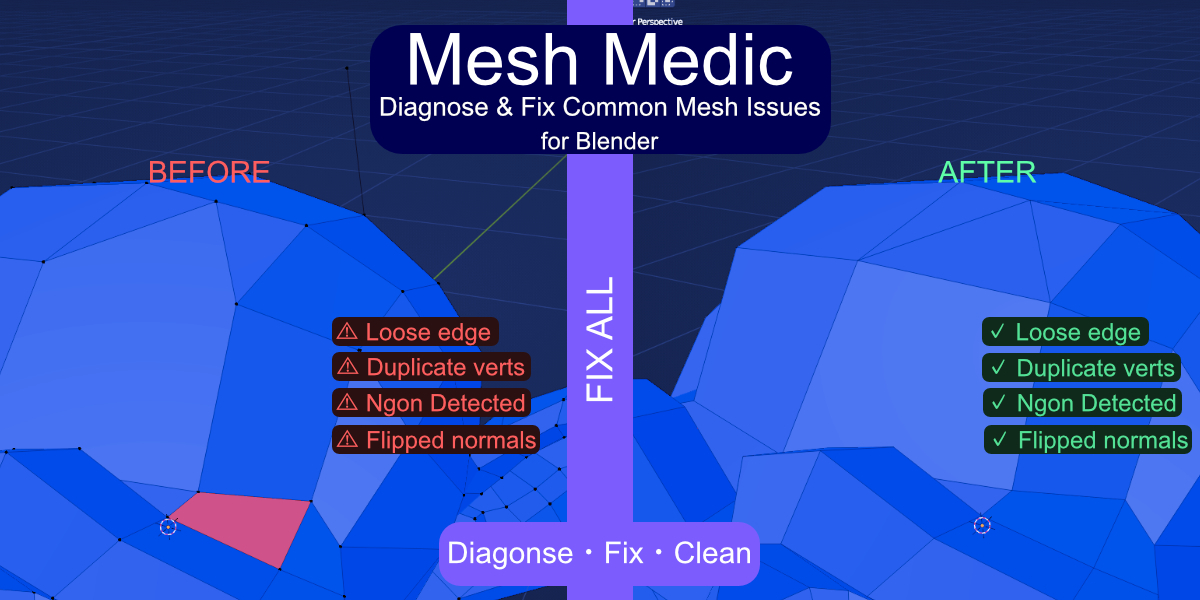
Topology Doctor is a Blender add-on for checking topology on a selected mesh. Its Blender Extensions record describes it as a one-click topology analysis and repair assistant. After analysis, it reports flaws and selects and zooms in on them, so you can inspect the affected area and make any repair yourself. Version 1.0.0 requires Blender 4.2.0 or later.
Review a selected mesh
Run the analysis, review the reported flaws, then use the add-on's selection and zoom behavior to inspect each area in the viewport.
The published description does not name specific defect categories. If you need to check for a particular issue, confirm that the current extension details or project source cover it before relying on the add-on for that check.
Who may find it useful
Topology Doctor may suit Blender modelers who want help locating topology flaws on a selected mesh while keeping the correction process in their hands.
Compatibility and installation
The Blender Extensions API lists version 1.0.0 with Blender 4.2.0 as its minimum version. The extension is maintained by Arman-Jangmiri and is licensed under GNU GPL version 3.0 or later. The Blender Extensions listing provides the add-on package. For installation, follow Blender's Install from Disk guidance or the current Extensions workflow. The developer's project repository is the place to check source code and report issues.
Clipboard permission
The extension record declares clipboard permission for copying the topology analysis report text. That permission supports moving the report into another place for reference. Review the current extension details when installing to confirm the permissions and compatibility for the release you choose.