Mesh Medic is a Blender add-on for diagnosing and repairing common mesh problems from the View3D sidebar. It can scan one or several selected mesh objects, which makes it useful when cleaning up AI-generated models, scanned geometry, or downloaded assets.
What the diagnosis checks
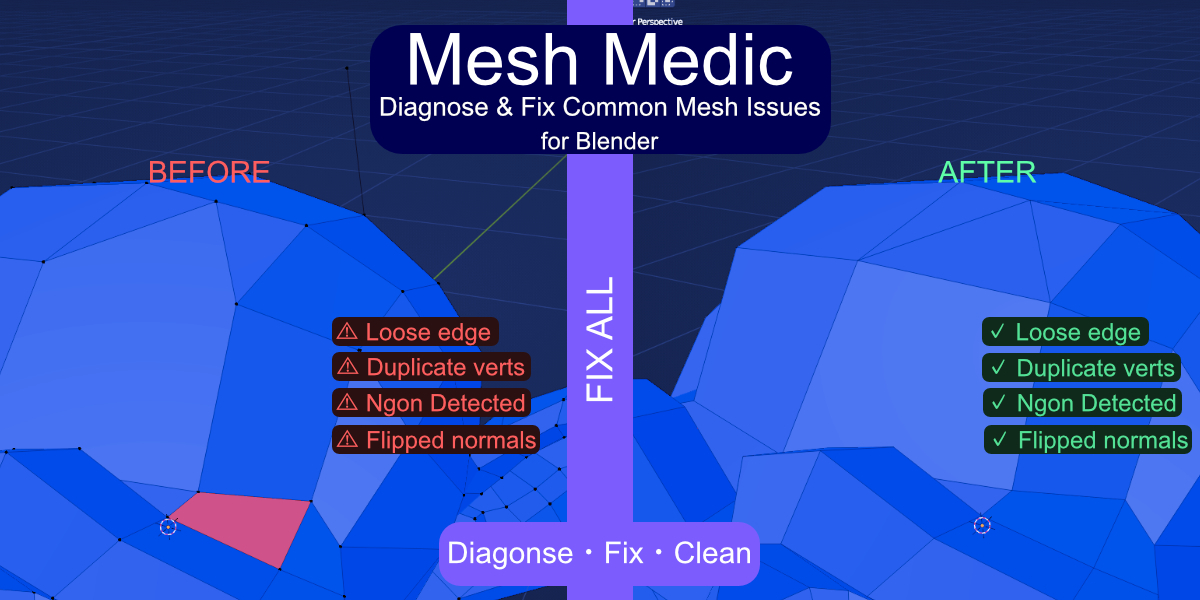
The report can flag duplicate vertices and faces, Ngons with five or more sides, zero-area faces, loose vertices and edges, unapplied scale or rotation, and flipped normals. Mesh Medic uses Blender's Face Orientation overlay to identify flipped normals; blue indicates OK and red indicates flipped.
Choose which issues to fix
Use the Fix button beside an issue to address it individually, or choose Fix All to apply the available fixes together. Mesh Medic can merge duplicate vertices by distance, remove duplicate and zero-area faces, delete loose vertices and edges, apply scale and rotation, recalculate normals, and convert Ngons to tris or quads.
Inspect the affected geometry
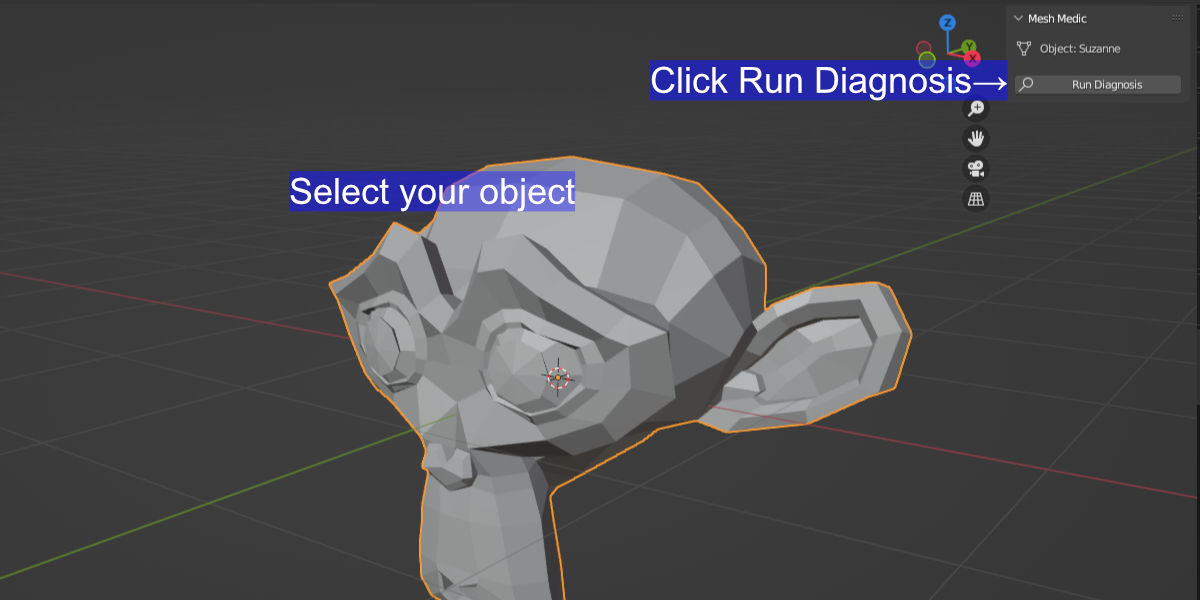
Select the mesh objects, press N in the 3D Viewport to open the sidebar, then choose the Mesh Medic tab and click Run Diagnosis. With multiple objects selected, the report shows a combined total. A Select button switches to Edit Mode and highlights the affected geometry so you can inspect it before making a change. Fix operations can be undone with Ctrl+Z.
Blender versions and installation
The Superhive listing identifies Blender versions 3.6 to 5.1. For Blender 4.2 and newer, install the included .zip file as an Extension. For Blender 4.1 and earlier, install the included .py file directly. Both files are included in the download.
For current package details and setup steps, see the Mesh Medic product listing and its getting-started documentation.