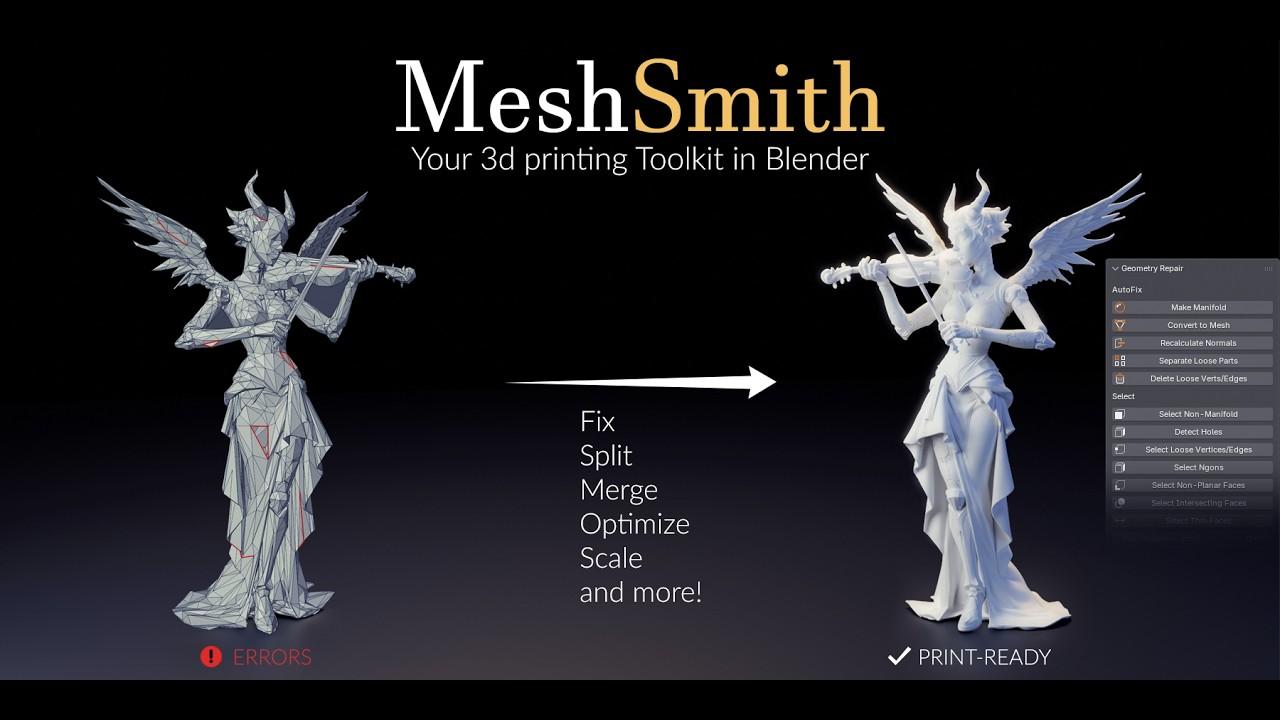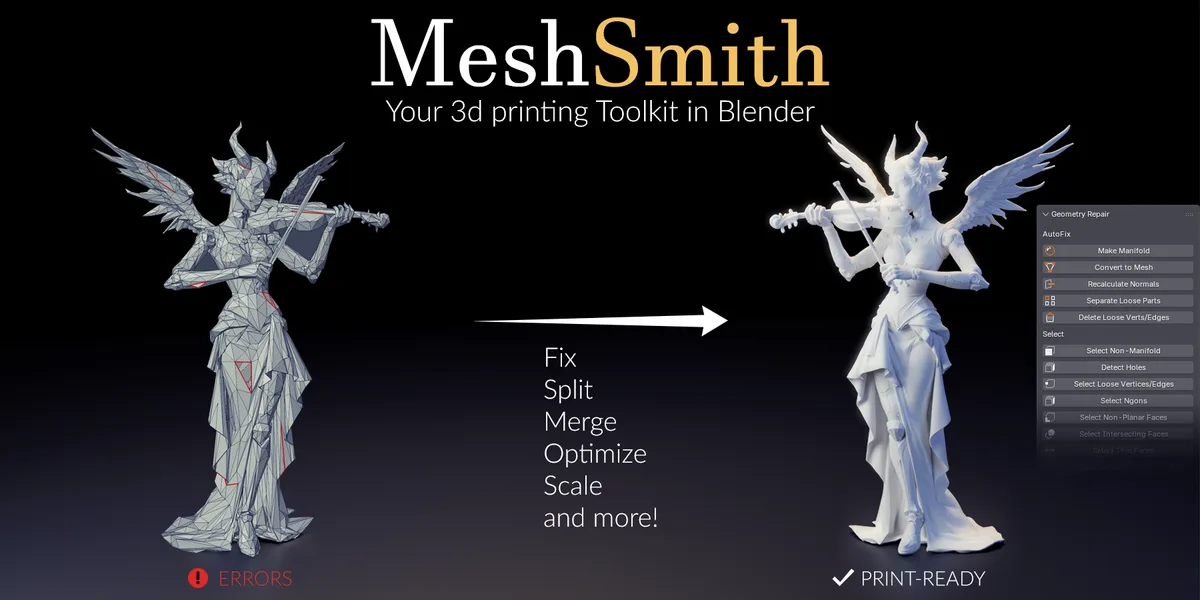
MeshSmith is a Blender add-on for preparing models for 3D printing. It brings mesh repair, printability checks, wall-thickness visualization, model cutting and STL export into Blender. Its tools suit creators working on miniatures, tabletop terrain, cosplay props, figures and functional parts.
Find and address mesh issues
MeshSmith’s repair tools detect and fix common problems such as non-manifold geometry, holes, loose vertices, flipped normals, N-gons and overlapping faces.
Printability analysis reports watertight status, manifold checks, loose geometry, wall-thickness problems, unapplied transforms and print-bed compatibility. A wall-thickness view highlights areas that are too thin, so you can inspect them while the model is still in Blender.
Split, refine and orient models
Print cutting tools divide oversized models into printable sections. Split-and-combine tools also support kitbashing. For geometry refinement, MeshSmith includes decimation to reduce polygon counts and voxel remeshing. Auto orientation finds placements that can improve printability and lets you evaluate your own orientation.
A one-click setup configures Blender for real-world printing units. Built-in human reference scales help keep characters and props consistently sized.
Export batches of objects
Batch STL export applies modifiers automatically and exports one STL file per object with a single click.
Compatibility and installation
The Superhive MeshSmith listing identifies it as a Blender add-on, marks it Blender Extension compatible, lists Blender 4.2 through 5.2, and gives its license as GPL. The MeshSmith documentation describes installation and the add-on’s sidebar panels.
To install it, download the ZIP file, then in Blender open Edit > Preferences > Add-ons and choose Install from Disk. Select the ZIP and enable the add-on. Press N to open the sidebar, where MeshSmith provides two tabs.