How Inverse Lock Bone handles mocap foot sliding
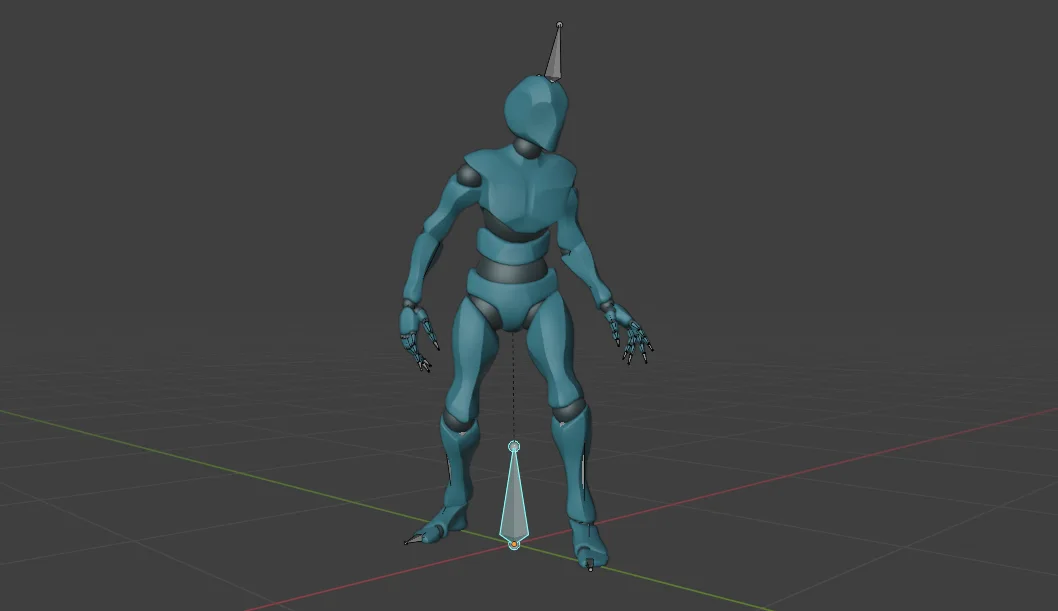
Inverse Lock Bone is a Blender add-on for cleaning up motion-capture animation when a foot slides. It holds a chosen point on a bone in place by recalculating the master or root bone's location across a frame range. This helps when one foot supports the character during a step and the root needs to move with that support.
Process each stance in turn: set the supporting foot as the Lock Bone, recalculate the range, then switch bones where the character changes support. The add-on handles one locked bone at a time.
Choose a lock type
Head,Tail, andCenterlock the corresponding point and recalculate the master or root bone's location.Entirealso recalculates the Lock Bone's rotation.
The add-on inserts a root-location keyframe on each recalculated frame. With Entire, it also inserts rotation keyframes for the Lock Bone. You can decimate these keys in Blender's Graph Editor.
Run a locking pass
- For mocap, smooth the animation first if needed. If recalculating the master or root location from scratch, the developer recommends deleting its existing location keyframes.
- At the starting frame, select the master bone, set it in the add-on, position it so the Lock Bone is at the intended starting location, and insert a location keyframe.
- Select the Lock Bone, click
Init Start Params, and choose a lock type if the default is not what you want. - Move to the end of the locking range. Use the original video as a reference when available, then click
Get End FrameandStart Recalculate. - If the rig lacks IK controllers or IK/FK baking, review the start and end frames of the range. If the non-supporting foot sinks or misses the floor, adjust the leg, then switch the Lock Bone and repeat for the next range.
When an IK rig helps
Without IK controllers, switching the supporting foot can require manual leg adjustments. For a workflow that locks both feet, the developer recommends retargeting to a rig with IK and FK controls, such as Rigify or Auto-Rig Pro. Use this add-on to lock one FK foot and recalculate the hips or root location, bake the FK motion to IK, then finish locking the feet with IK controllers or constraints.
Compatibility and details
The Superhive product listing reports Blender 3.0–5.0 compatibility, Blender Extension compatibility, and a GPL license. Check the listing for current product details.