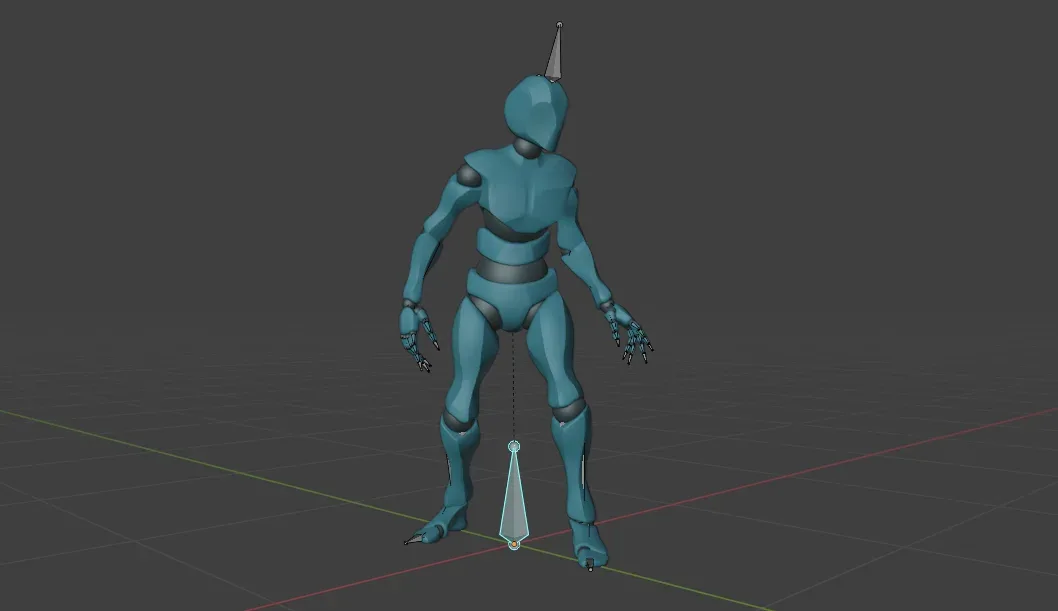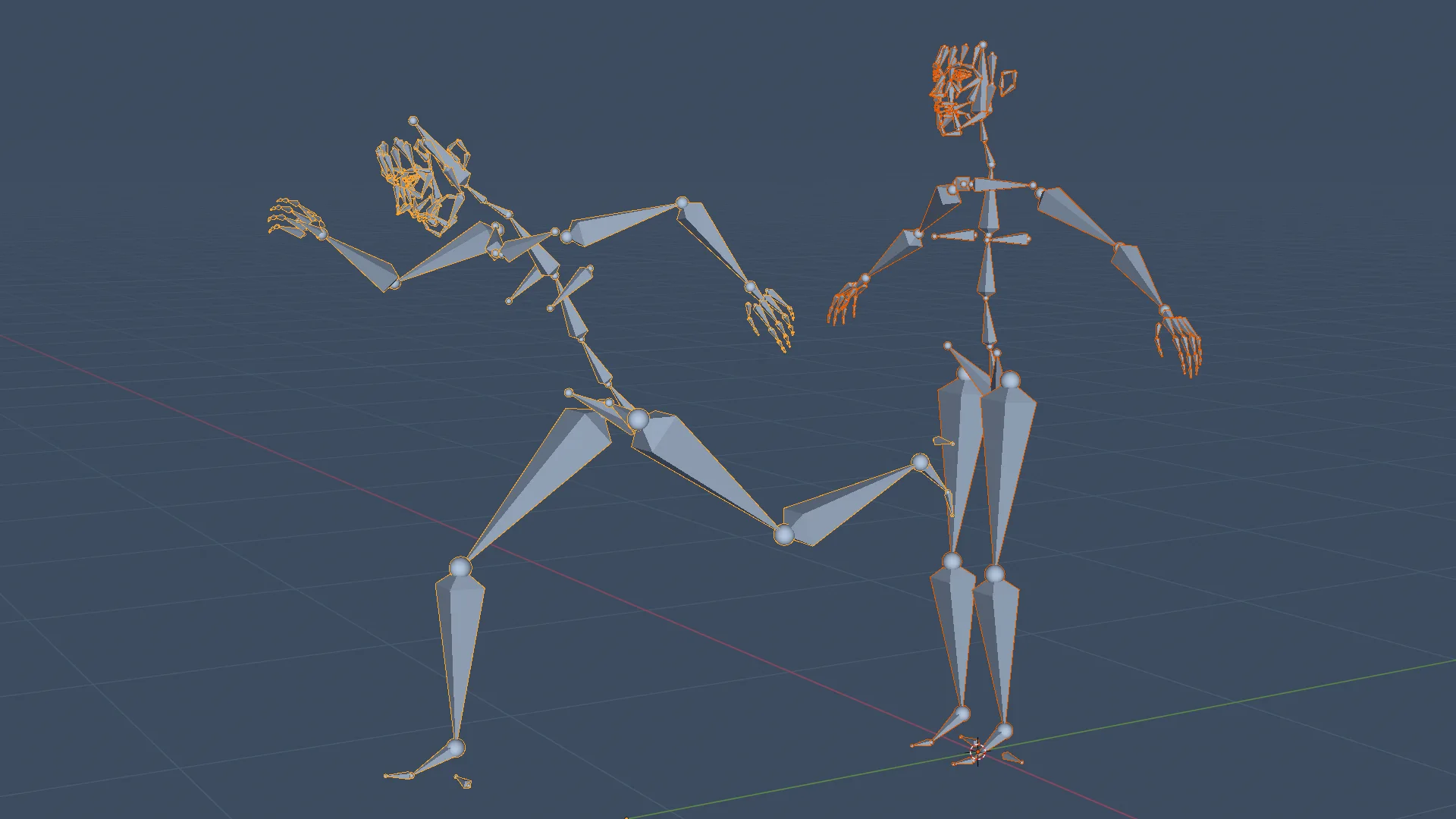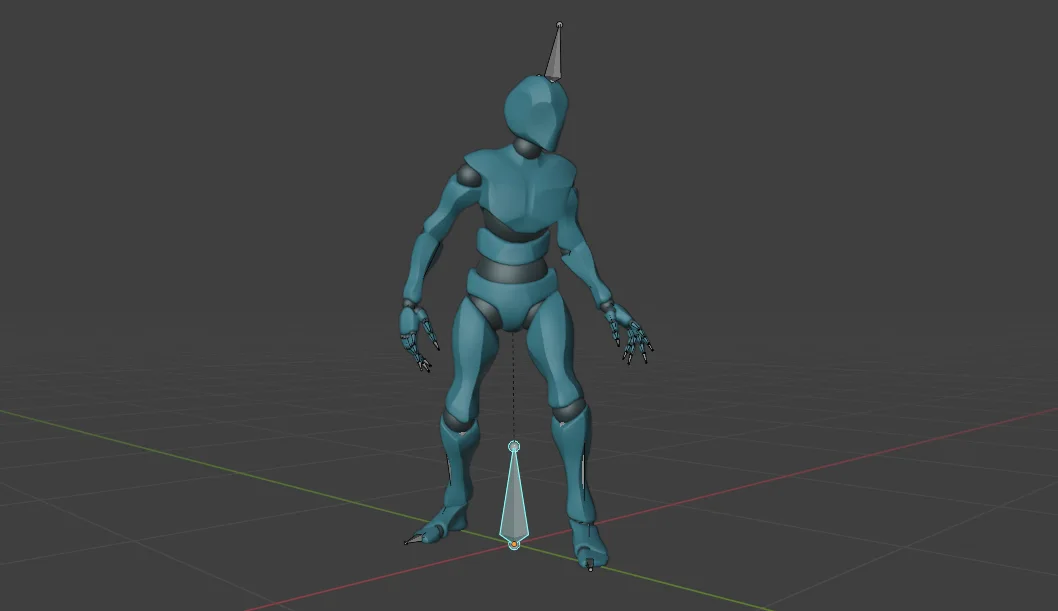
RootMaker is a Blender add-on for adding a root bone to an armature and baking it into animation actions. It can also bake a root bone that already exists on the armature into actions.
Set up the bake
Choose a target armature, set the root bone name and length, then select actions in the Actions to Affect list. Add All and Remove All let you populate or clear that list. The Bake Only Root Bone option limits the bake to the root bone, leaving the other bones unchanged.
Choose a root bone mode
- Keep at Armature Origin keeps the root bone at the armature origin.
- Keep on Ground lets the root bone move with the animation while staying on the ground.
- Allow Offset in Air lets the root bone rise with the animation while maintaining its offset and preventing it from going below the ground.
The ground and air modes use a Follow Bone setting. The offset is the distance between the follow bone and the root bone in edit mode.
Check the action name
RootMaker has a postfix option for the baked action. If you leave the postfix empty, the original action is overwritten. Set the postfix deliberately and check which actions are selected before baking, especially when you need to keep the original actions.
Compatibility and source
The Blender Extensions catalog lists RootMaker version 1.0.1 with Blender 5.0.0 as its minimum version. It identifies Manas-R-Makde as the maintainer and lists the GNU General Public License v3.0 or later. Check the Blender Extensions listing for the current release and compatibility details. Blender's Install from Disk instructions explain how to install an extension archive.
RootMaker is suited to a focused rigging task: adding or baking a root bone across armature actions. Its mode and action controls are useful when the bake needs a specific ground or air behavior, or when only the root bone should change.