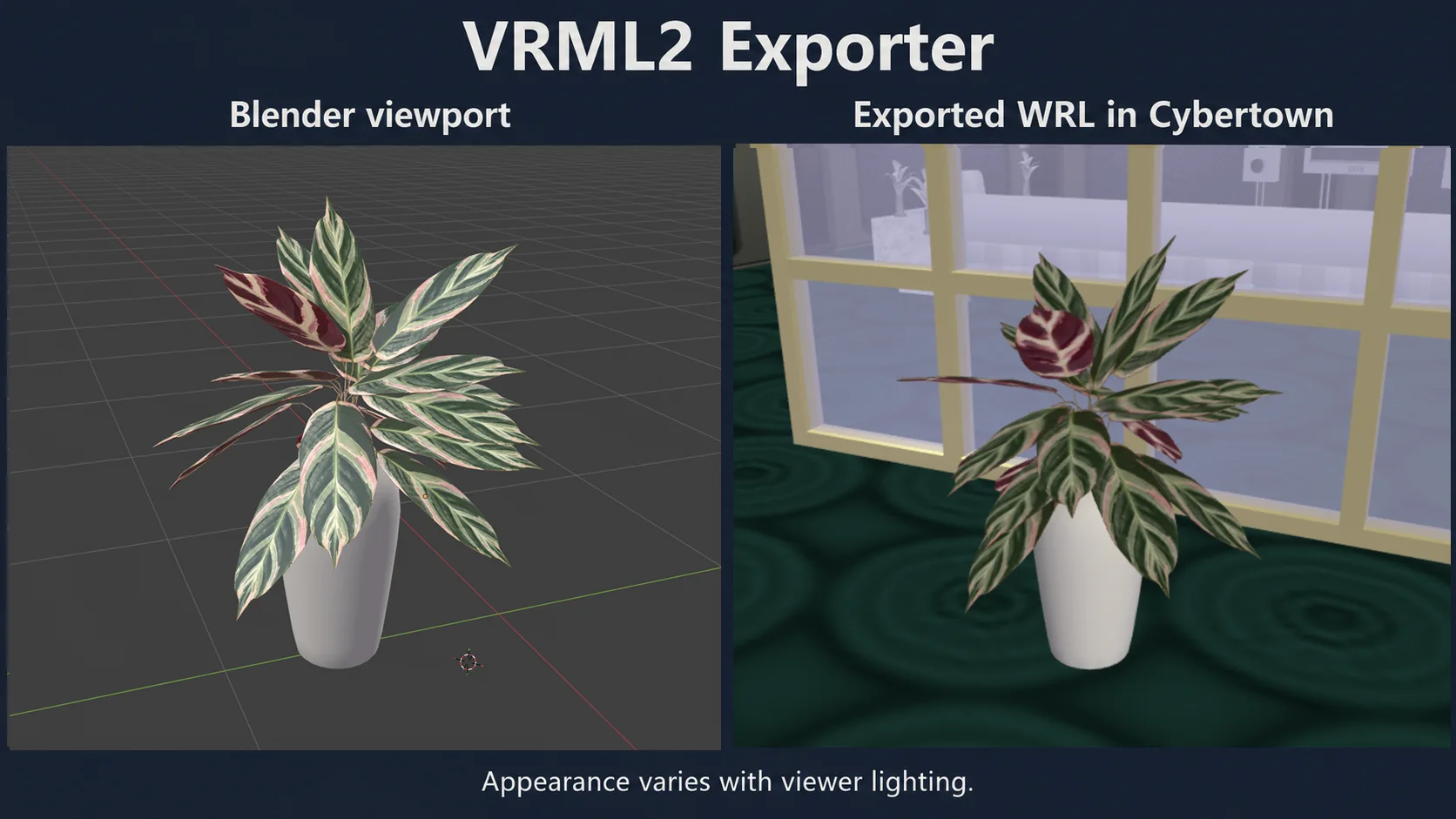
VRML2 Exporter exports Blender mesh objects to VRML 2.0 (.wrl) for virtual worlds and compatible 3D viewers. You can export all scene meshes or selected objects, with an option to include evaluated modifiers. The Blender Extensions listing specifies Blender 4.2.0 or newer.
Geometry, shading, and materials
Exported geometry is triangulated. Shade Smooth and Smooth by Angle are converted to VRML creaseAngle values, while edges marked Sharp are preserved.
The exporter can include mesh color attributes, material viewport colors, UVs, and image textures. Ordinary Blender materials fall back to their viewport diffuse colors. For VRML material properties, it can read all six stored VRML97 fields from enabled VRML2 Material Studio data. That add-on does not need to be installed for the exporter to read the stored data.
Object reuse and file options
Linked objects can share geometry through VRML DEF/USE while keeping separate positions, rotations, and positive non-uniform scales. An optional mode also reuses geometry from independent objects when it is identical.
File-size controls include configurable decimal rounding, UV deduplication, compact output, and optional compressed .wrz copies. Precision safeguards help prevent rounding from collapsing thin faces or small UV triangles. The exporter can optionally copy textures, and it has a Two-Sided Faces setting for thin or open meshes.
Export workflow and limits
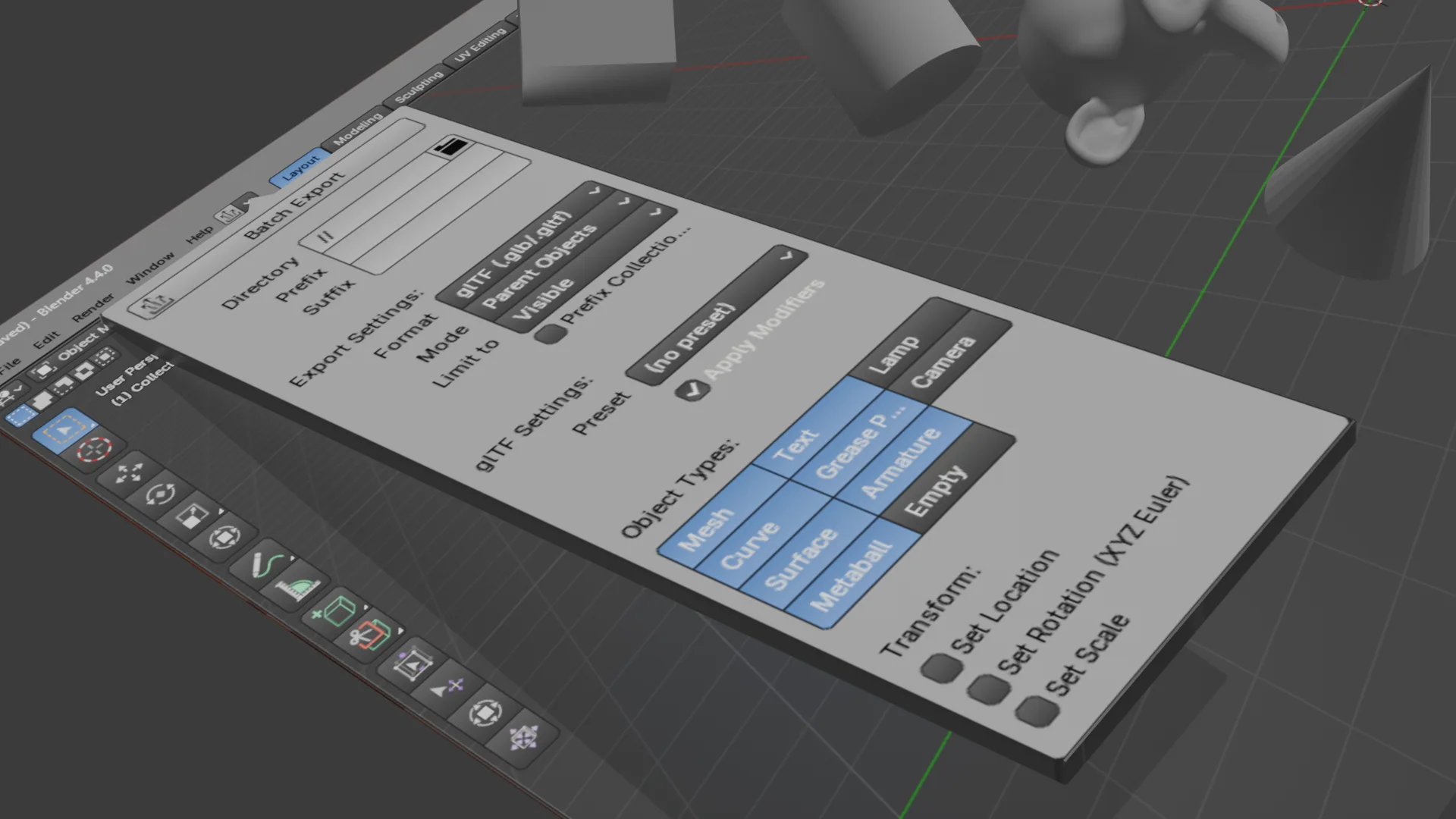
In Blender, choose File > Export > VRML2 (.wrl), set the destination and export options, then click Export VRML2. The project README describes the options.
VRML2 Exporter produces static mesh geometry. It does not export animation or armature deformation, and it does not reproduce complex shader graphs or custom split normals. Test the exported file in the VRML viewer intended for your project.