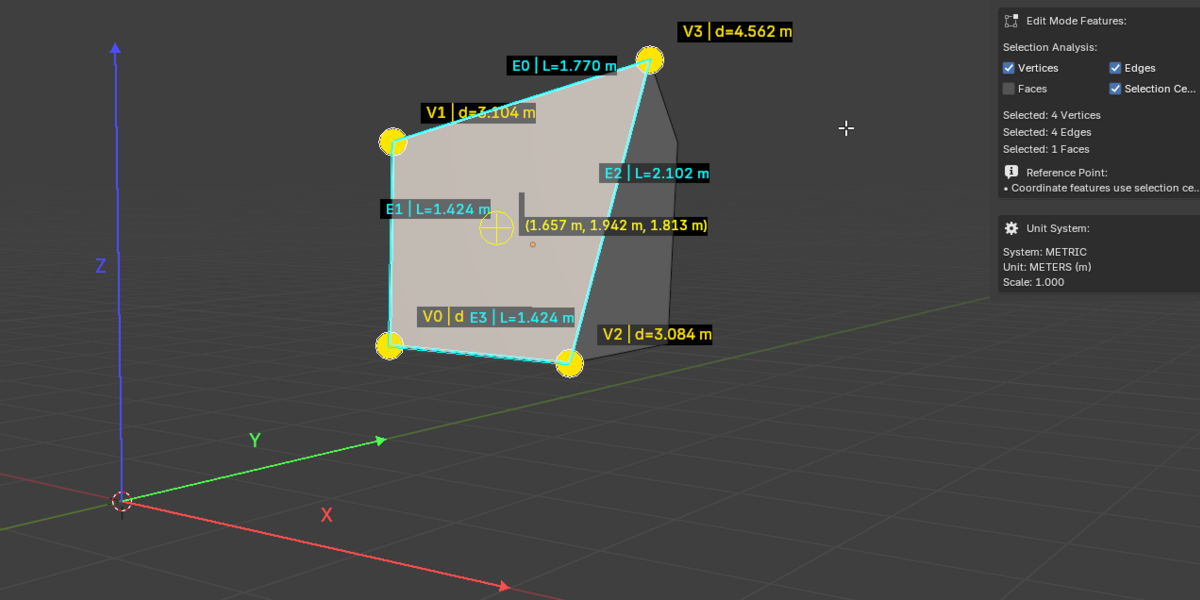
Iruler is a Blender add-on by Nabat for checking distances and coordinates while you model. Its viewport overlay combines ruler-style distance measurements, object position and movement vectors, component values, and mesh measurements in Edit Mode. Measurements update as you work, and unit conversion follows the scene settings.
Measure object positions and distances
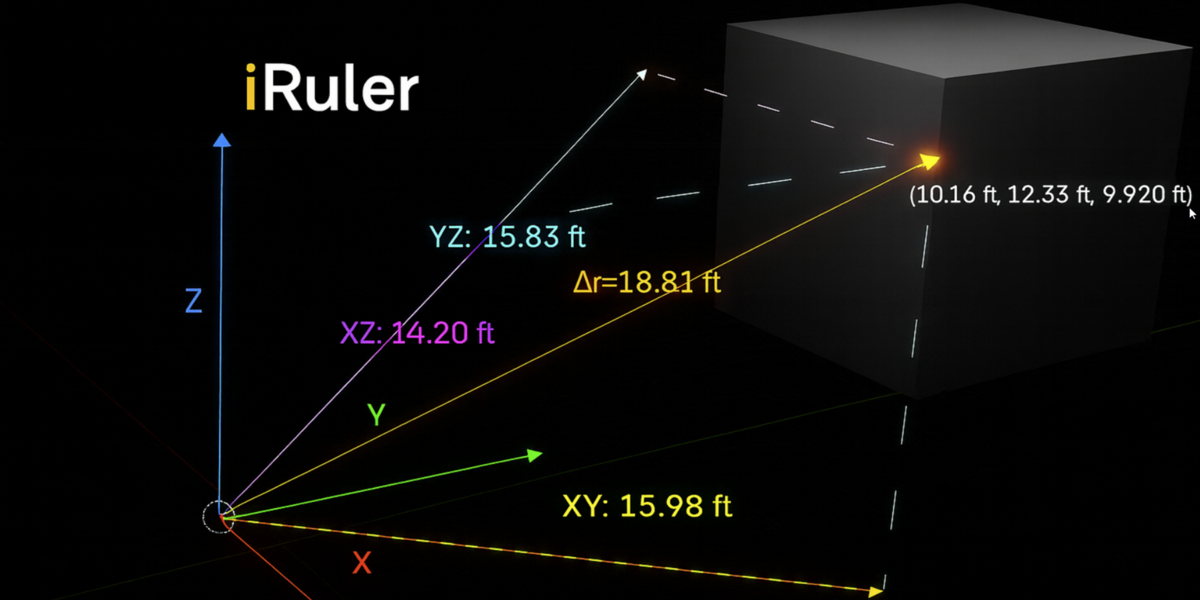
In Object Mode, select two objects to see their distance. Iruler can also show a vector from the origin to an object, its magnitude, and delta vectors that track movement. Component analysis displays the X, Y, and Z components with vector projections, which can help when checking an object's position along particular axes.
Inspect mesh geometry in Edit Mode
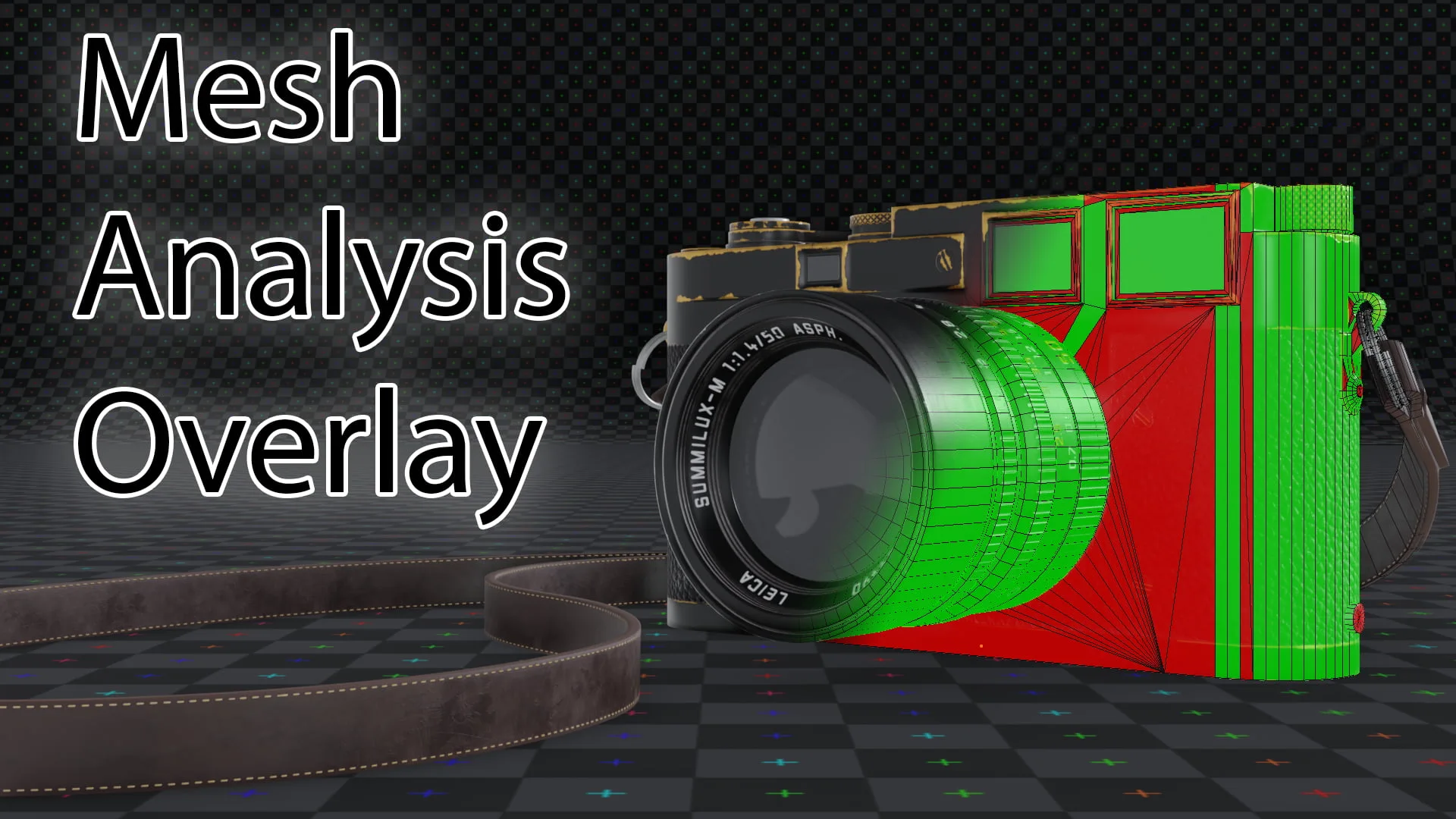
For mesh work, the documentation lists vertex coordinates and distance from the origin, edge lengths, face area with normal-vector visualization, and the center of selected geometry. You can enable or disable measurement types with panel checkboxes. The overlay limits its Edit Mode display to 10 elements at a time.
Units and viewport display
Iruler converts measurements when you change the scene's unit system. Its documentation lists metric units including meters, centimeters, millimeters, and kilometers, imperial units including feet, inches, and miles, and support for custom scene scale. Decimal precision adjusts to the unit size. Labels sit near vector midpoints, use semi-transparent backgrounds, and color the X, Y, and Z axes red, green, and blue.
Installation and compatibility
The documentation describes installing Iruler through Blender Extensions or placing its files in the add-ons folder. You can toggle the overlay with the forward slash key or the Iruler panel in the N-panel. Listed use cases include architectural modeling, engineering, teaching 3D coordinates, and quality-control checks.
The Superhive listing shows an update labeled 1.2.7 and a GPL license. It lists Blender versions 4.3 to 5.0, while the documentation says Blender 4.1.0 or newer. Since those compatibility statements differ, check the current listing or ask Nabat about your Blender version before installing.