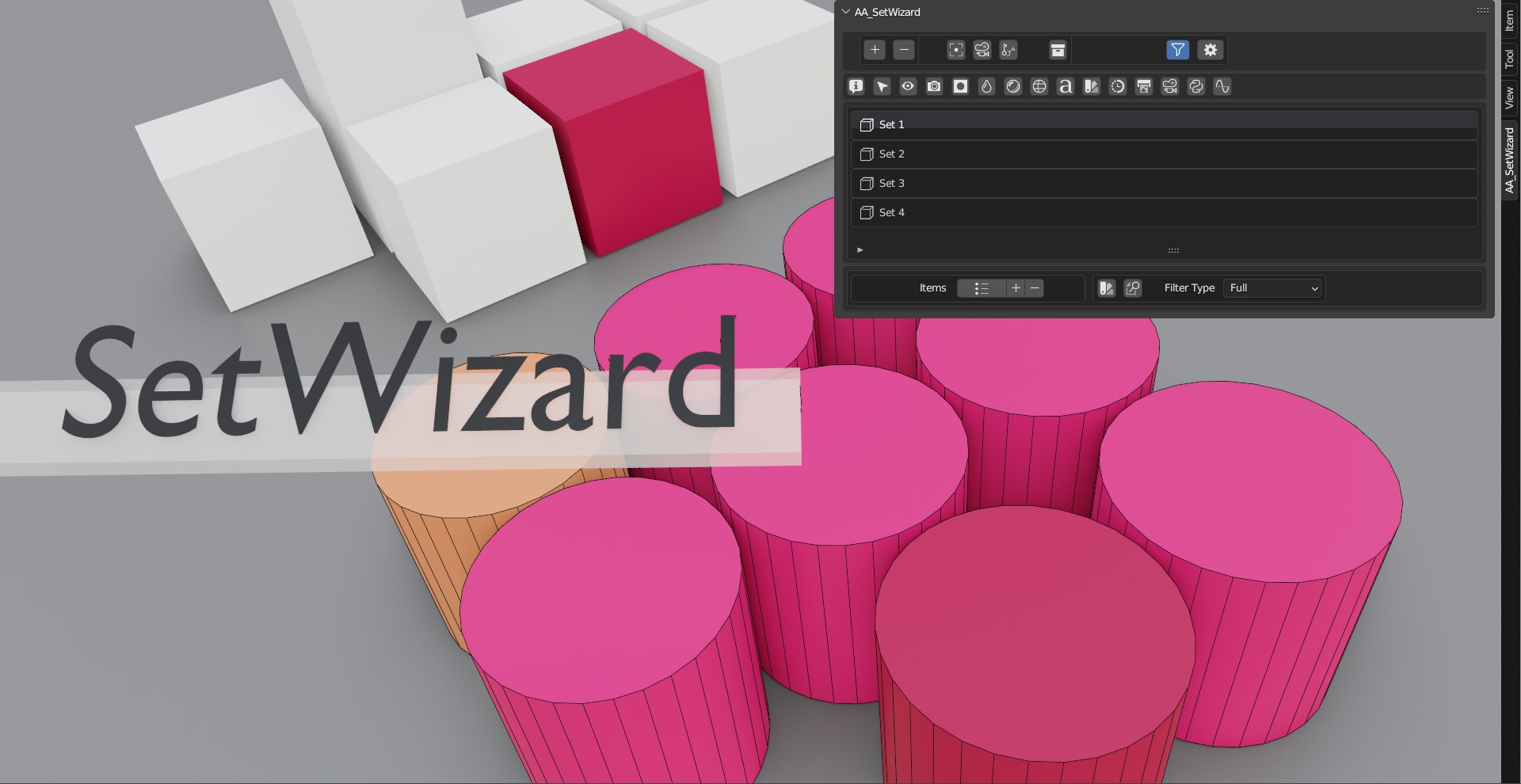
Iso Groups is a Blender add-on for organizing objects into named groups and isolating a group in the 3D Viewport. Select the objects you need, create a group, then use Isolate to hide the other objects while you work. The product listing and its documentation describe the add-on's tools and setup.
Create and manage object groups
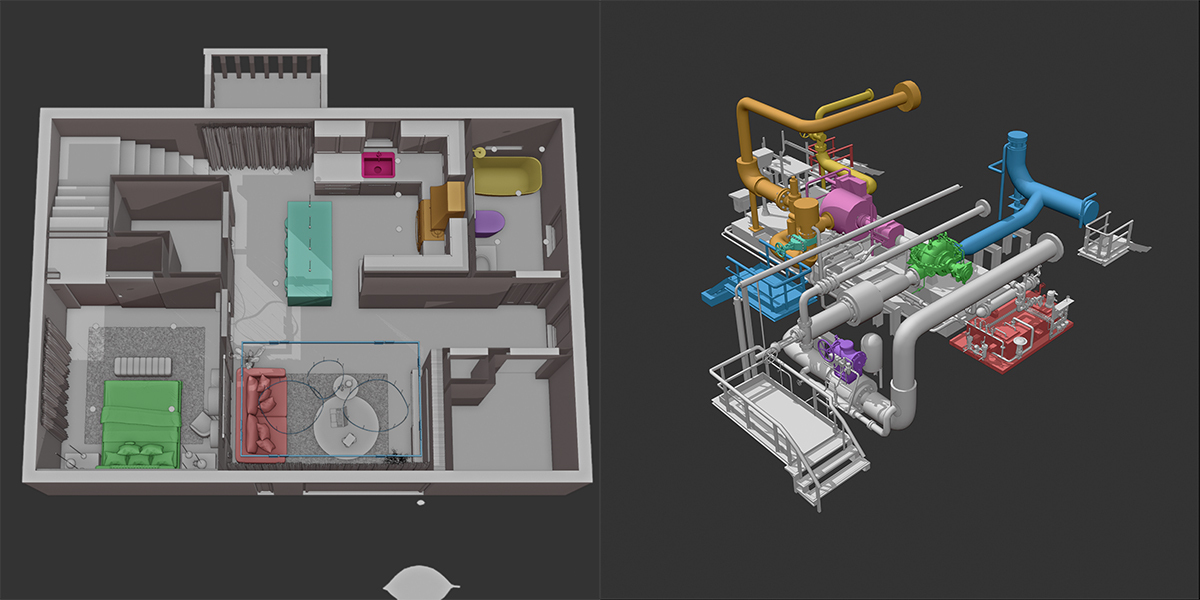
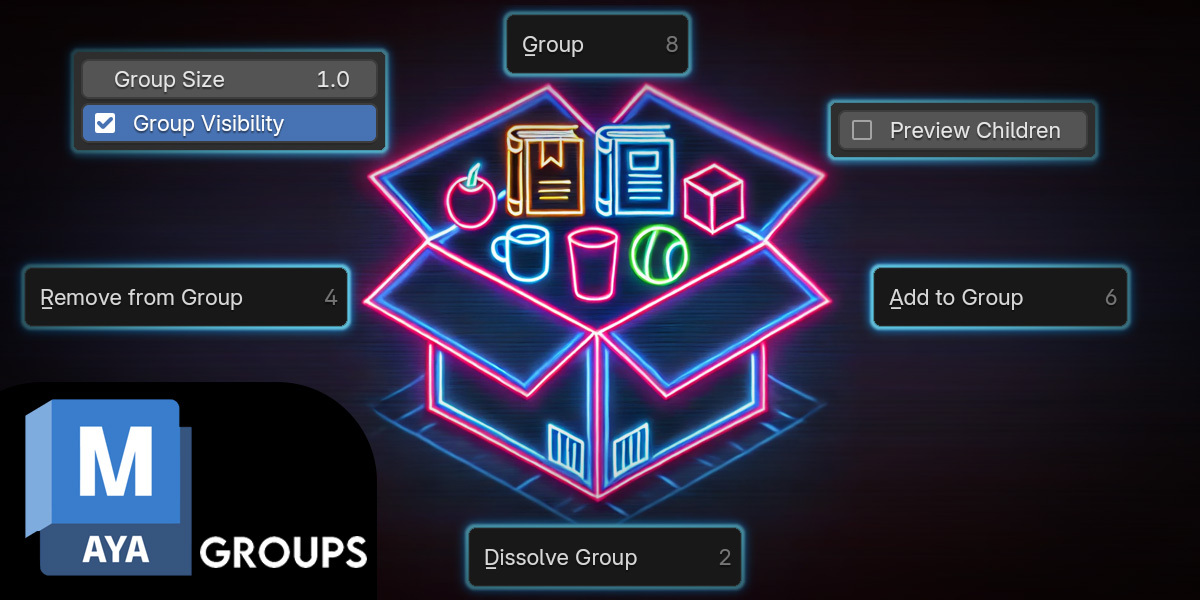
Start by selecting objects in the viewport and choosing Create Group from Selection. Give the group a name that identifies its contents, such as a room, furniture item, or mechanical assembly. Select a group from the panel to make it active. Add Selected and Remove Selected let you adjust its members as the scene changes.
The group list can be reordered with its up and down controls. Optional settings include Auto-Select New Groups, Exclusive Group Membership, and Auto-Hide Empty Groups. Exclusive Group Membership prevents an object from belonging to multiple groups when enabled. Cleanup controls remove empty groups and orphaned colors.
Isolate a group in the viewport
Choose a group and click Isolate to hide objects outside it. This is useful when surrounding geometry makes a part of a dense scene difficult to select or edit. Click the same control, labeled Exit Isolation, to restore the other objects. Group colors provide a visual marker for sets; the documentation also describes a Selected Objects Only option for displaying those colors.
The controls sit in an Iso Groups tab in Blender's N-Panel, the right-side viewport panel. A mini tutorial is included in the add-on interface, so the basic group and isolation steps are available there while you work.
Compatibility and installation
The documentation says Iso Groups requires Blender 3.0 or newer and supports Windows, macOS, and Linux. The marketplace listing's Blender Version field shows 4.2–4.5, so check the current listing if you use a different release. The add-on is delivered as a ZIP file. The documented installation path is Edit > Preferences > Add-ons > Install; select the ZIP, install and enable Iso Groups, then open its tab in the N-Panel.
The listing identifies the license as GPL and describes free updates, built-in documentation, and developer support. It names interior and architectural modelers, product designers, and artists working in technical or dense scenes as likely users. Iso Groups is most relevant when you repeatedly work on the same sets of objects and want to keep their membership ready between editing tasks.