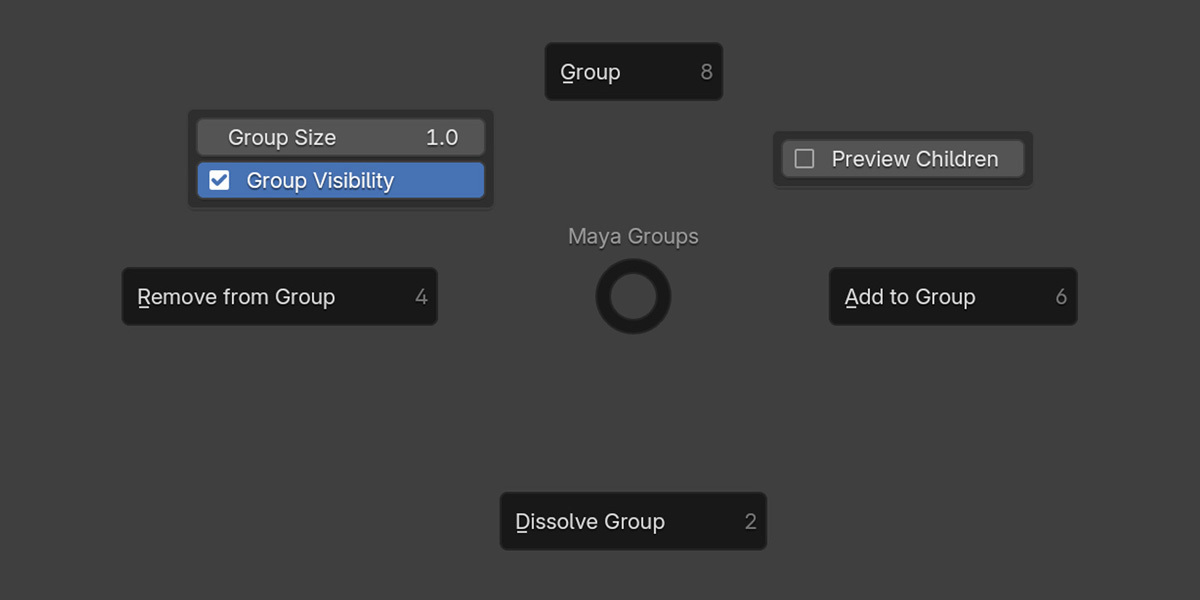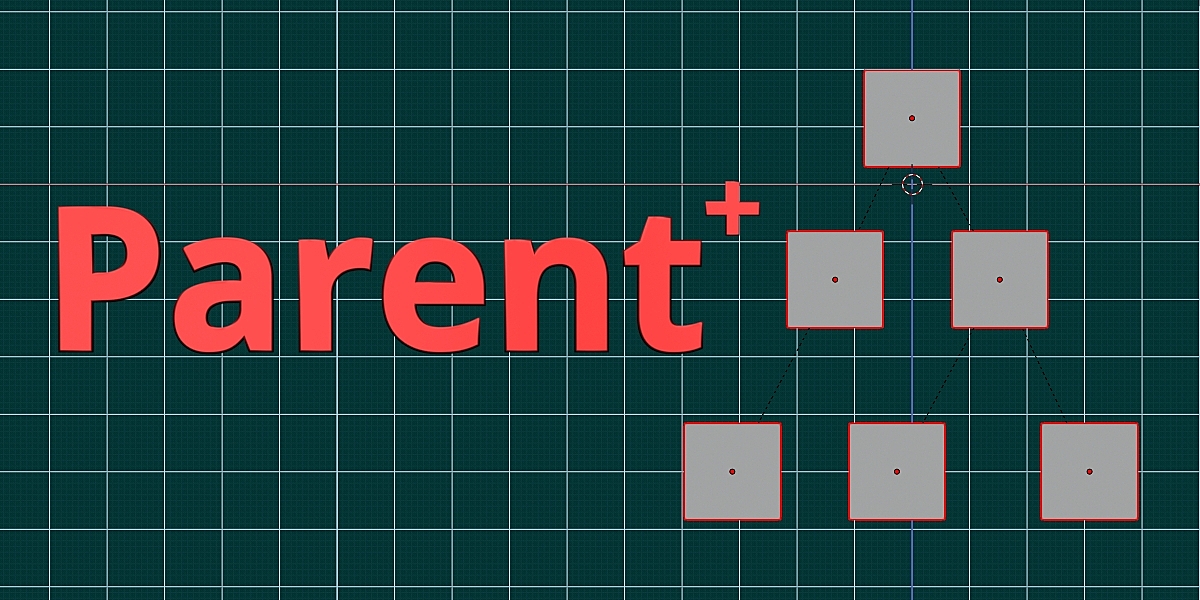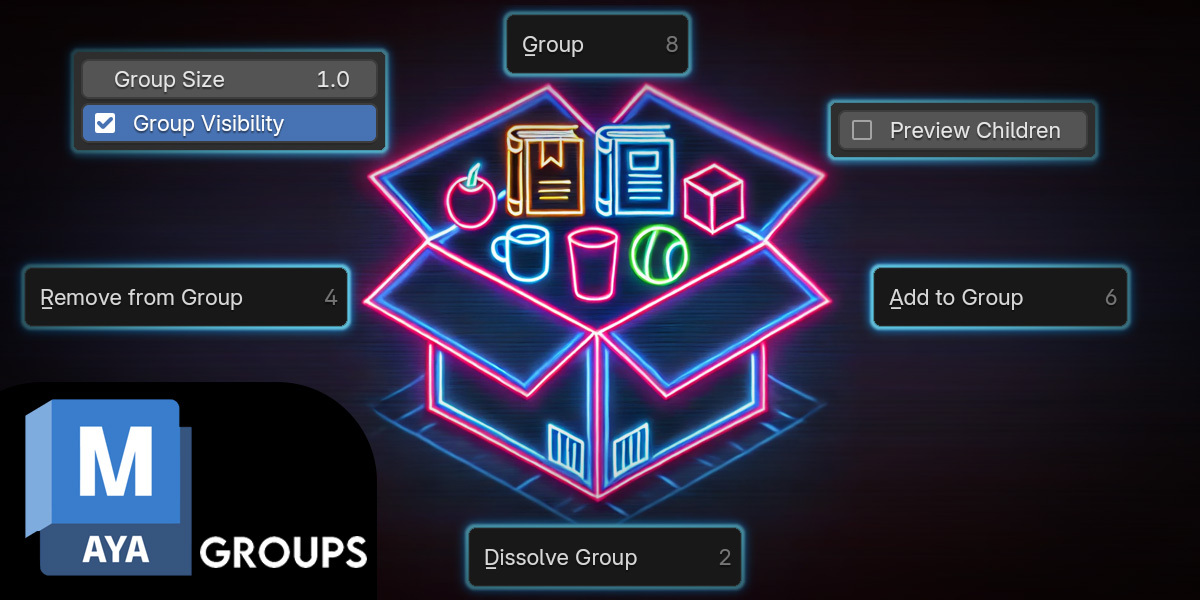
Maya Groups - Industry Standard Grouping is a Blender extension by hodgson3d for organizing objects in parented groups. Its operators are available from a pie menu in both the 3D View and the Outliner. Grouping lets you move, rotate, scale, or modify related objects together while keeping their hierarchy organized in the scene.
Create groups with an empty parent
The Group operator parents selected objects or existing groups to a new empty object. Use the redo popup panel to set the empty's location and rotation; Group Size controls the size of the new empty object. In the Outliner, the empty parent lets you collapse related objects under one hierarchy.
Manage group membership
To add objects, select them, then select the target group or an object already inside that group before running Add To Group. Remove From Group removes selected objects or a group from the hierarchy. Dissolve Group removes the selected group while keeping its children in the existing hierarchy. Enable Dissolve Children in the redo popup to dissolve groups farther down the chain as well.
Select and preview group contents
Streamlined Group Selection lets you select one or more hierarchies with Blender's built-in select hierarchy tool. The [ hotkey selects up the hierarchy chain. When Preview Children is enabled, selecting a group also selects its child objects, which helps show what belongs to that group. Group Visibility toggles the visibility of group or empty objects that contain children.
Blender compatibility and license
The Superhive product listing identifies Maya Groups as a Blender Extension, lists Blender compatibility from 4.2 through 5.3, and specifies the GPL license. Check the listing for the latest compatibility details.