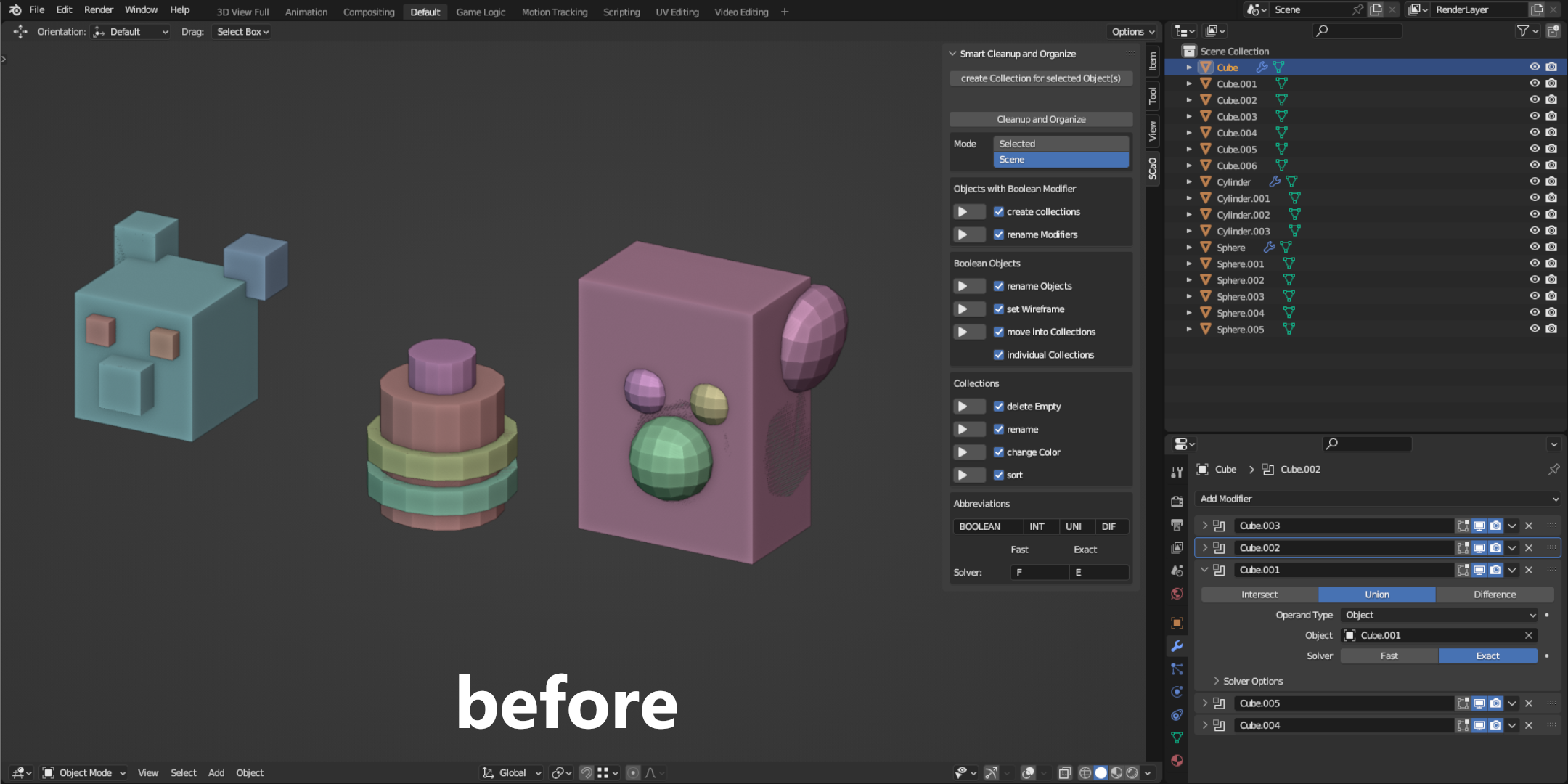
Outliner Pro is a 3DArs add-on for Blender that adds tools for organizing objects and collections in the Outliner. It can move objects and collections to the active collection, create a collection and move selected objects into it, sync object colors to collection colors, keep the active object centered, match viewport and render visibility, and rename objects from their collection names.
Move objects and collections to the active collection
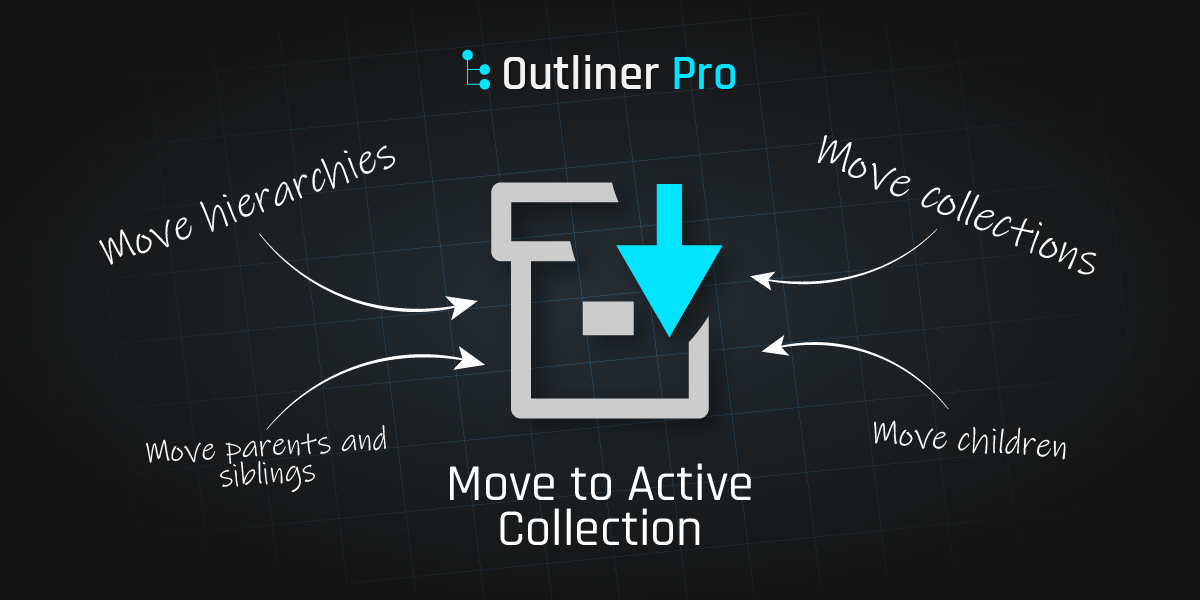
The Move to Active Collection operator sends selected objects or collections to the active collection. It works with selections made in either the Outliner or the viewport. By default, moving an object also moves its children. ALT, CTRL and Shift clicks provide alternate behaviors, including moving only selected items or working with parents and siblings. The operator also handles collections, so you can move a collection hierarchy together.
Create and Move to Active Collection makes a new collection and moves the selected objects into it. An ALT-click opens a popup with options, including naming the collection as you create it. The listing also describes creating a collection from the viewport and changing its parameters after creation.
See collection colors and object visibility
Sync Colors by Collection applies a collection's color to its objects. You can choose colors for individual objects, which appear in shaded and wire modes. This can make objects easier to distinguish by collection in a busy scene.
Sync Active Object keeps the active object centered in the Outliner and centers it in the viewport as well. A button turns the feature off, and an ALT-click opens additional options. The visibility tool aligns viewport visibility with render visibility, helping prevent hidden objects from appearing unexpectedly in a render. ALT-clicking this control copies the render visibility setting to the viewport setting.
Rename objects from their collections
Rename by Collection automatically renames objects based on the name of their collection. If you name collections to describe their contents, this can reduce the need to rename each object individually.
Compatibility and release details
3DArs's Outliner Pro listing says version 1.0 is in development and lists compatibility with Blender 4.0 through 4.3. It identifies the add-on's license as GPL. Check the listing for current version and compatibility details before installing it with a Blender release outside that range.
Who may find Outliner Pro useful
Outliner Pro may suit Blender users who often reorganize collection hierarchies, work with long object lists, or want collection colors and viewport visibility to be easier to track. Its listed tools focus on Outliner organization, visibility and naming.