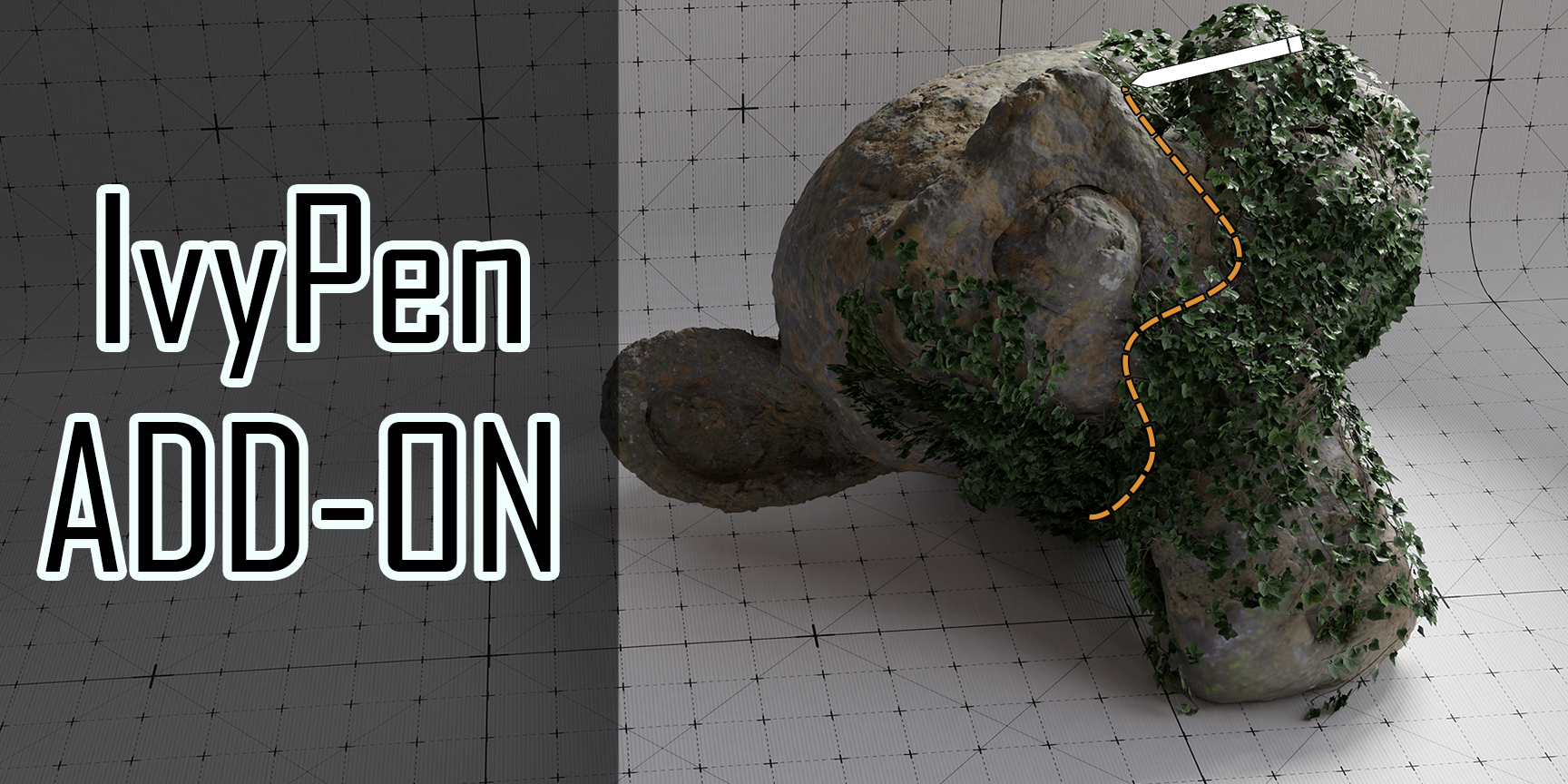
Ivypen Add-On is a Blender tool for drawing customizable ivy on a selected object. It uses a pen tool and a Geometry Nodes setup, with controls for branch and leaf density, leaf size, trimming, noise, and remesh adjustment. The workflow gives artists a way to shape ivy along a drawn curve on geometry ranging from a simple cube to a photoscanned mesh.
How to create ivy
Install the add-on from its ZIP file. It then appears in the viewport sidebar, which you can open by pressing N. On first use, click Append to add the Geometry Nodes node and materials the setup needs to your Blender file. Select the object the ivy should climb, click Create Ivy, and Blender switches to edit mode. Draw the ivy path with the pen tool.
Adjust branches, leaves, and coverage
Ivypen exposes settings for the shape and density of the growth:
- Density branches and Density leaf control how many branches and leaves are generated. Higher density requires more calculations and may cause Blender to crash.
- Extension branches adjusts how close branches stay to the original curve.
- Max/min size leaf sets the range of leaf sizes, while Radius branches controls branch radius.
- Ivy trim ranges from 0 to 1 and trims the ivy along the curve.
- Scale/amplitude noise changes the size of areas without branches.
Choose leaves and tune the remesh
The add-on includes ivy leaf assets and lets you use custom leaves through a collection. For custom leaves, the developer advises setting each leaf's origin, rotation, and scale appropriately so the instances are placed correctly.
Ivypen performs a remesh inside its Geometry Nodes setup. Use Remesh inflation to tune how that remesh fits the target geometry, especially if the ivy sits too far from the object or does not appear. Raise branch or leaf density gradually and watch how Blender handles the added calculations.
Blender versions and license
The product listing names Blender versions 3.2, 3.3, 3.4, 3.5, 3.6, and 4.0; its description also says Blender 3.3+. If you use another Blender release, check with the creator before installing. The listing credits Ignacio Matey and gives the license as GPL. See the Ivypen product page and its documentation for the source details.