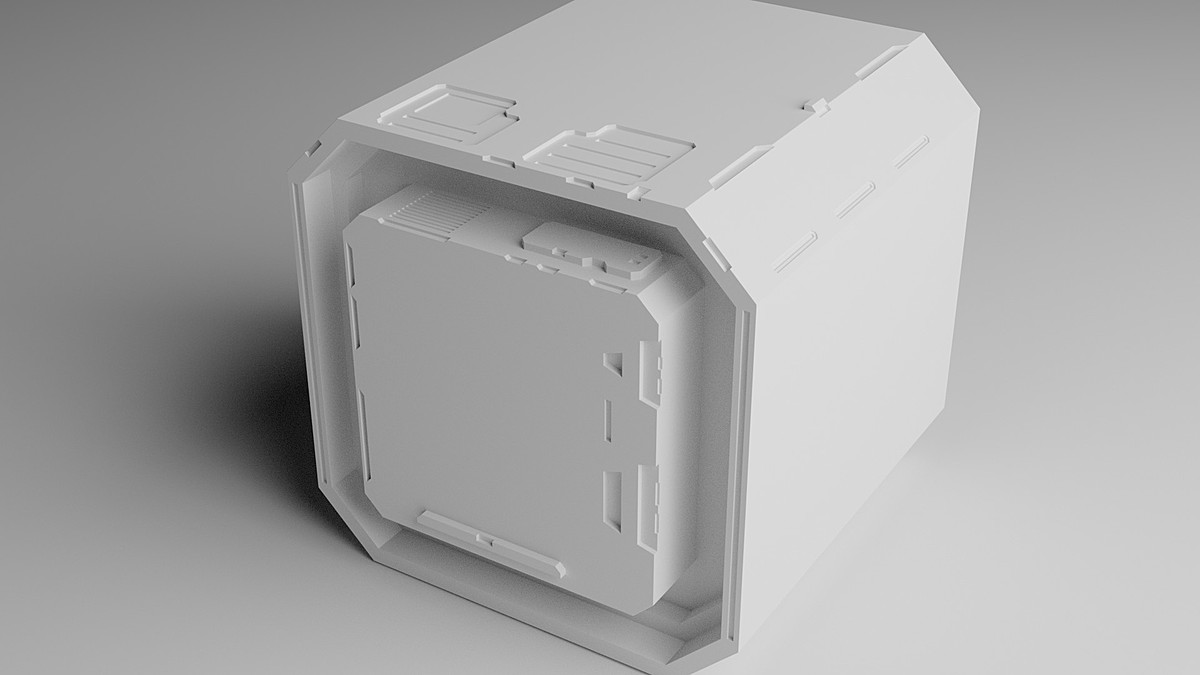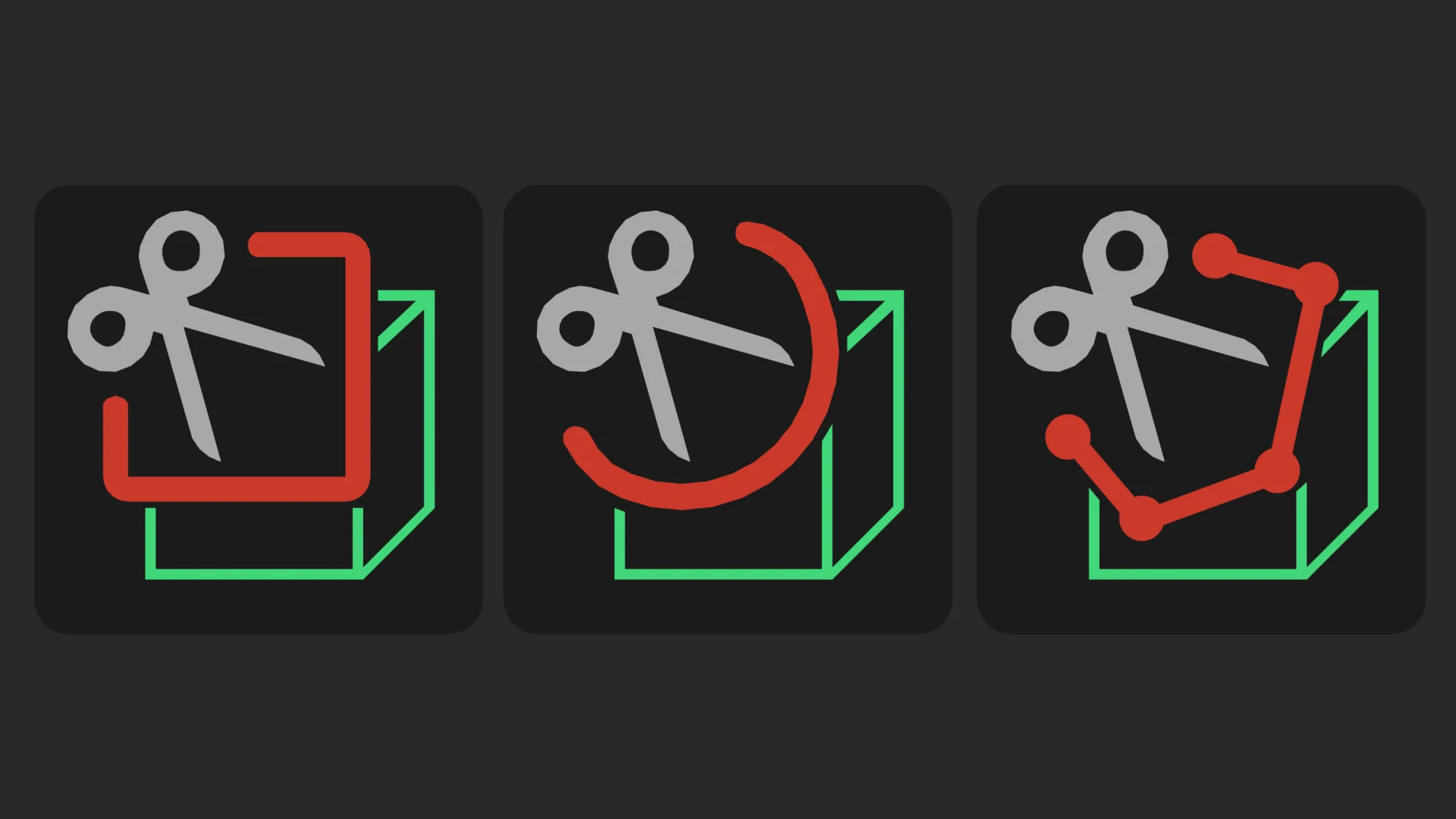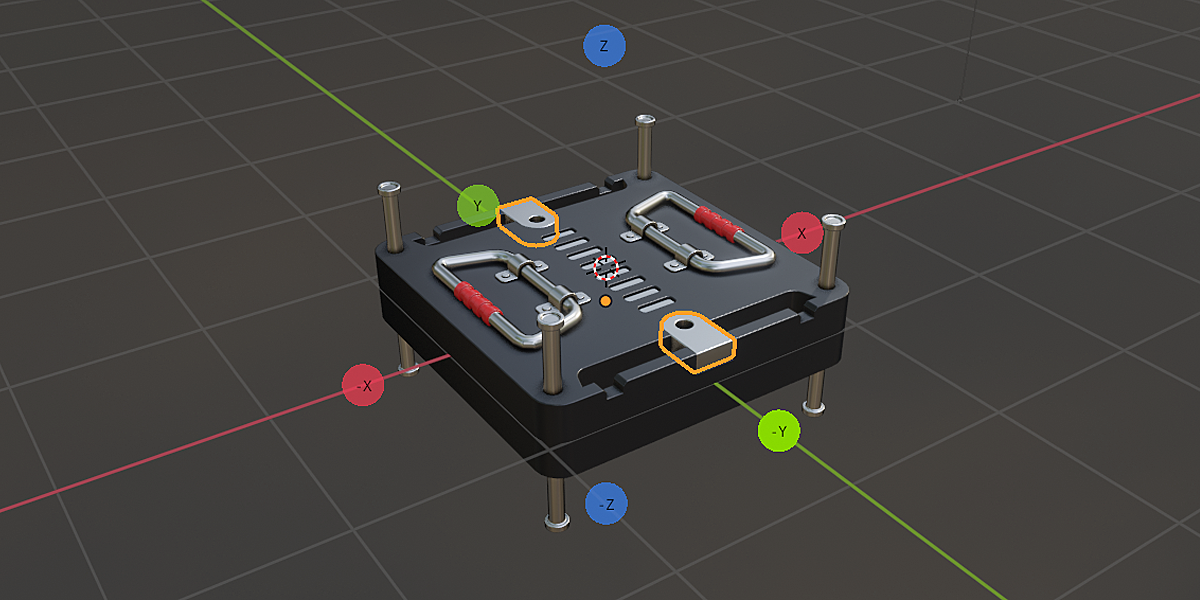
JMesh Tools is a Blender add-on for hard-surface modeling. Its Shape Booleans workflow lets you draw circles, rectangles, polylines, and curves directly on mesh surfaces, then extrude them for cuts and other details. Shapes can be created in Object, Edit, or Sculpt Mode. Shape Booleans draw cutters on the mesh, while Object Booleans use existing scene objects as cutters.
Draw and cut shapes in the viewport
After placing a shape, choose a Boolean operation, then extrude it. Enter the shape’s Edit Mode to move or refine individual vertices before applying the cut. This supports custom panel lines and less regular cut patterns as well as basic circles and rectangles.
The Shape Grid snaps shape vertices along a selected face in Edit Mode. This supports repeatable hard-surface layouts without manually positioning each vertex.
Use existing objects as cutters
Object Booleans use an object already in the scene as the cutter. The panel provides Difference, Union, Slice, and Intersect. Difference subtracts the selected object from the target; Union combines them; Slice cuts the target along the selected object’s boundary; and Intersect keeps the overlapping volume.
Refine and reuse shapes
The Shape Library imports and exports custom 2D shapes as JSON files, and JMesh Tools includes default shape presets. That lets you reuse a cutter or pattern in another modeling session instead of drawing it again.
Arrays, bevels, and cloth simulation
JMesh Tools also includes linear and circular arrays. A linear array lets you set the number of copies, while a circular array distributes objects around the origin. Its Bevel tool has controls for width and segment count.
Clothify adds a cloth modifier with pressure and pinned edges. Its overlay lets you adjust pressure and shrinking before starting the simulation. JMesh Tools includes the required Shapely wheels for Windows, Linux, and macOS; it is released under the GNU GPL, with source code available upon request.