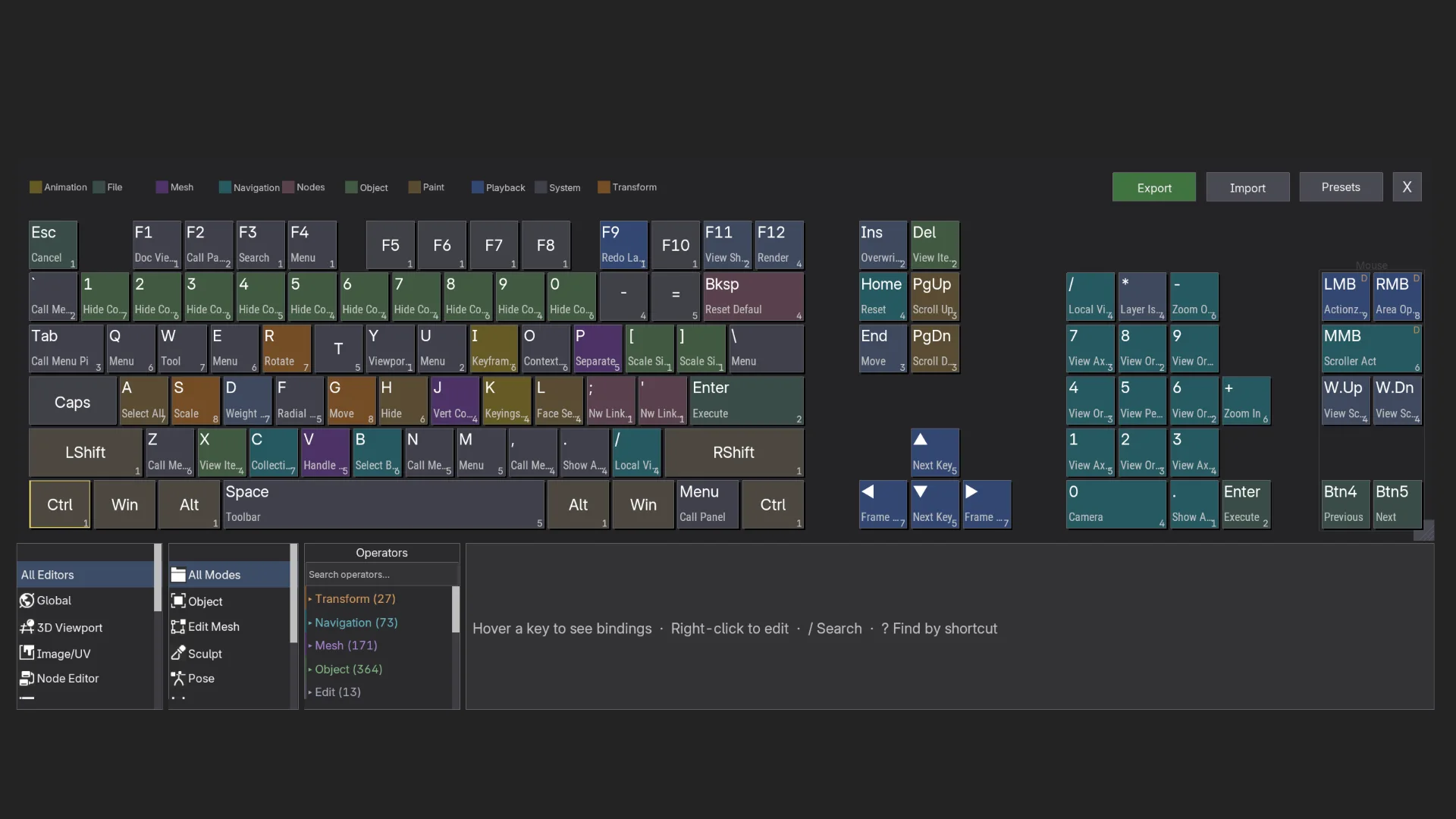
Keyboard Layout Emulation is a Blender add-on for people who use a non-QWERTY keyboard layout but want Blender's familiar QWERTY shortcuts. It remaps keymap shortcuts as though Blender handled them based on scan codes rather than input characters, so you can type in your preferred layout while using Blender's default shortcuts.
What the add-on remaps
The emulation covers Blender shortcuts and shortcuts added by other add-ons. It is reapplied when Blender restarts and when you install new add-ons, so their shortcuts are remapped too. The add-on tracks each remapped shortcut to avoid applying the same change twice.
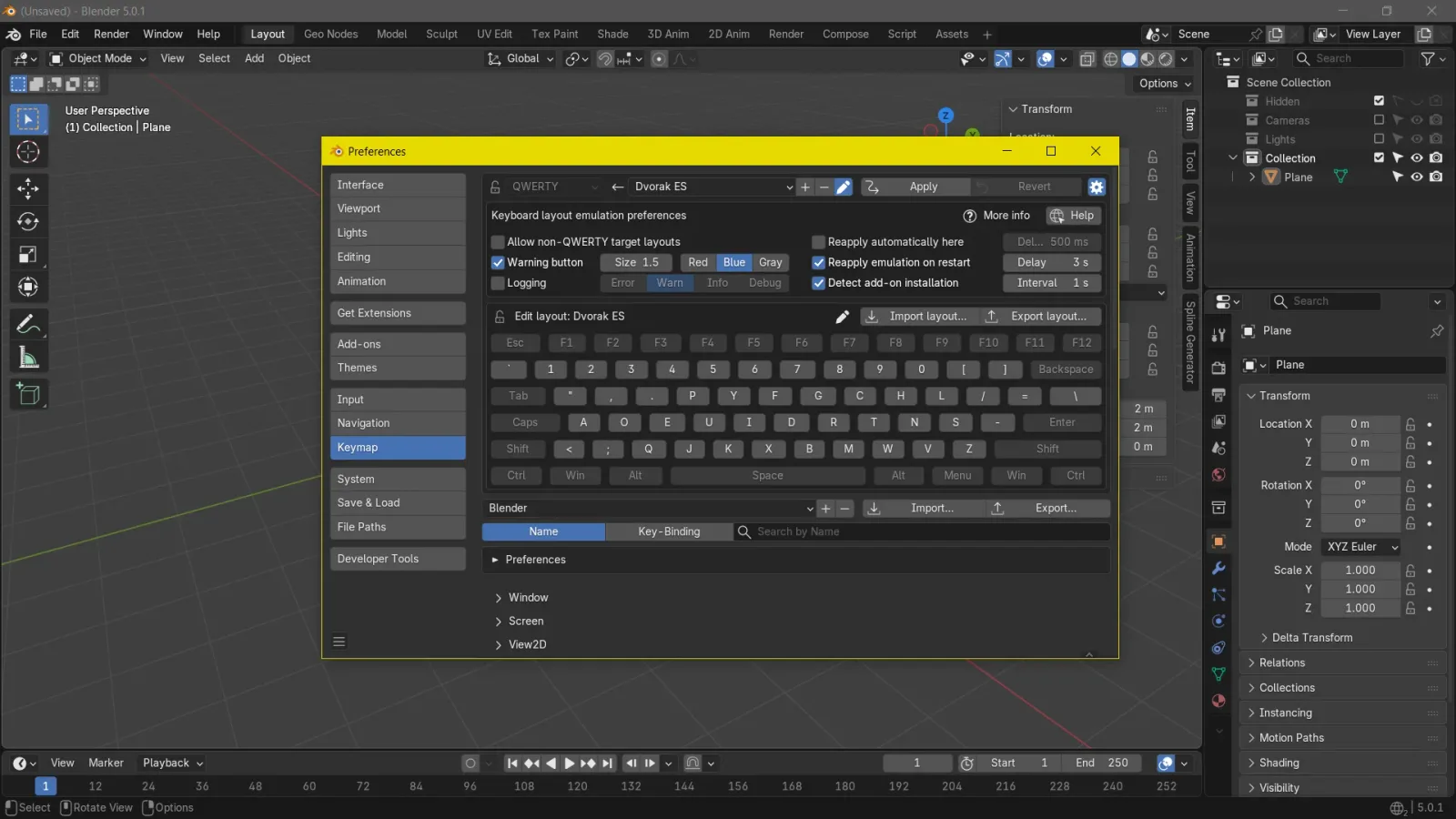
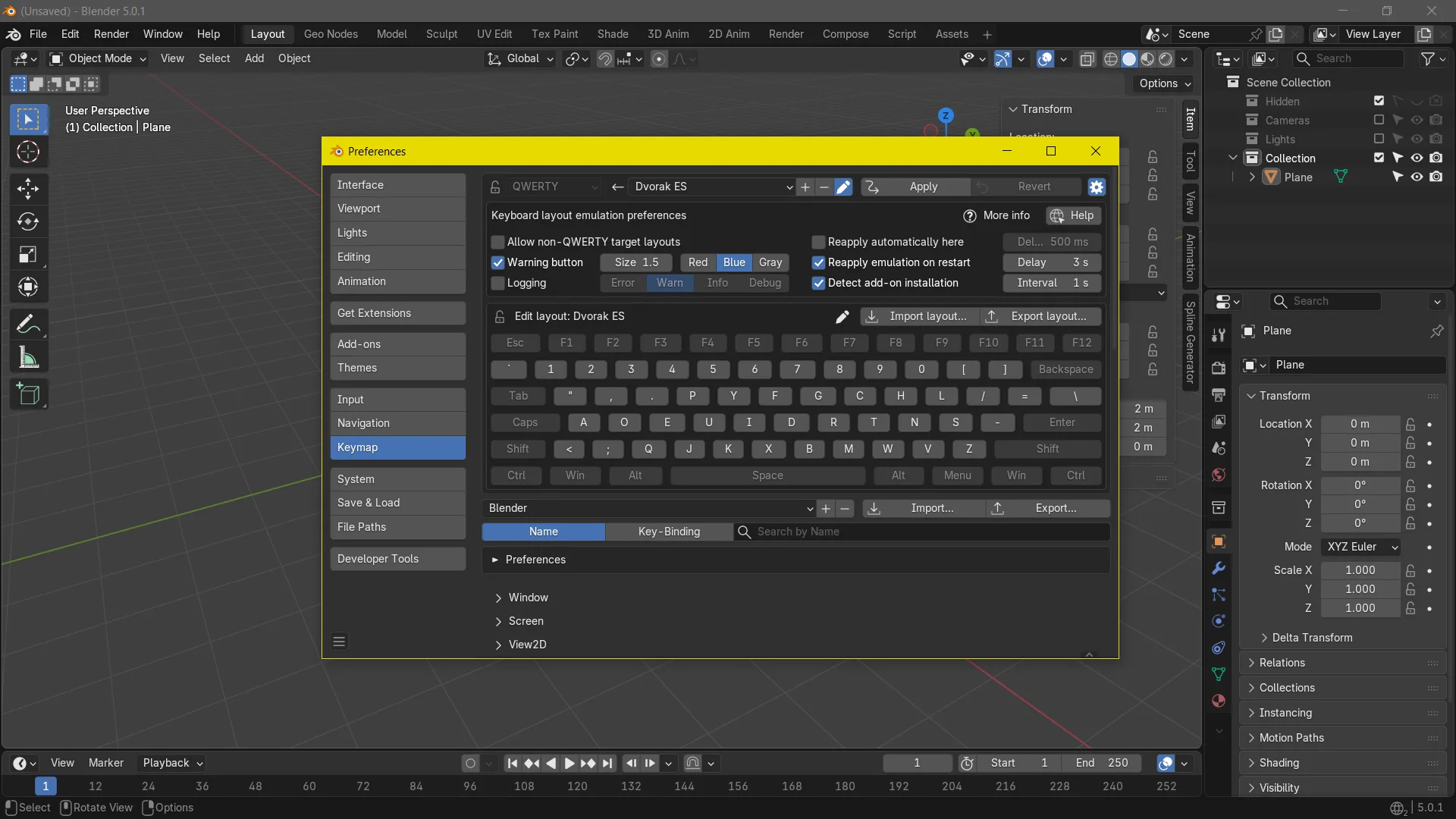
If the available layouts do not suit your keyboard, you can define a layout in the add-on's editor. To apply a layout, open Preferences > Keymap, select your preferred input layout in the top dropdown, then click Apply beside it. Choose Revert to undo the emulation before changing the layout or editing shortcuts manually. The add-on's preferences are available from the gear icon at the top right.
Compatibility and file permission
Blender Extensions lists Blender 4.2.0 or later as the compatibility range. The extension requests the Files permission for importing and exporting keyboard layouts and add-on preferences.
See the official Blender Extensions listing for release details and the user manual for further instructions.