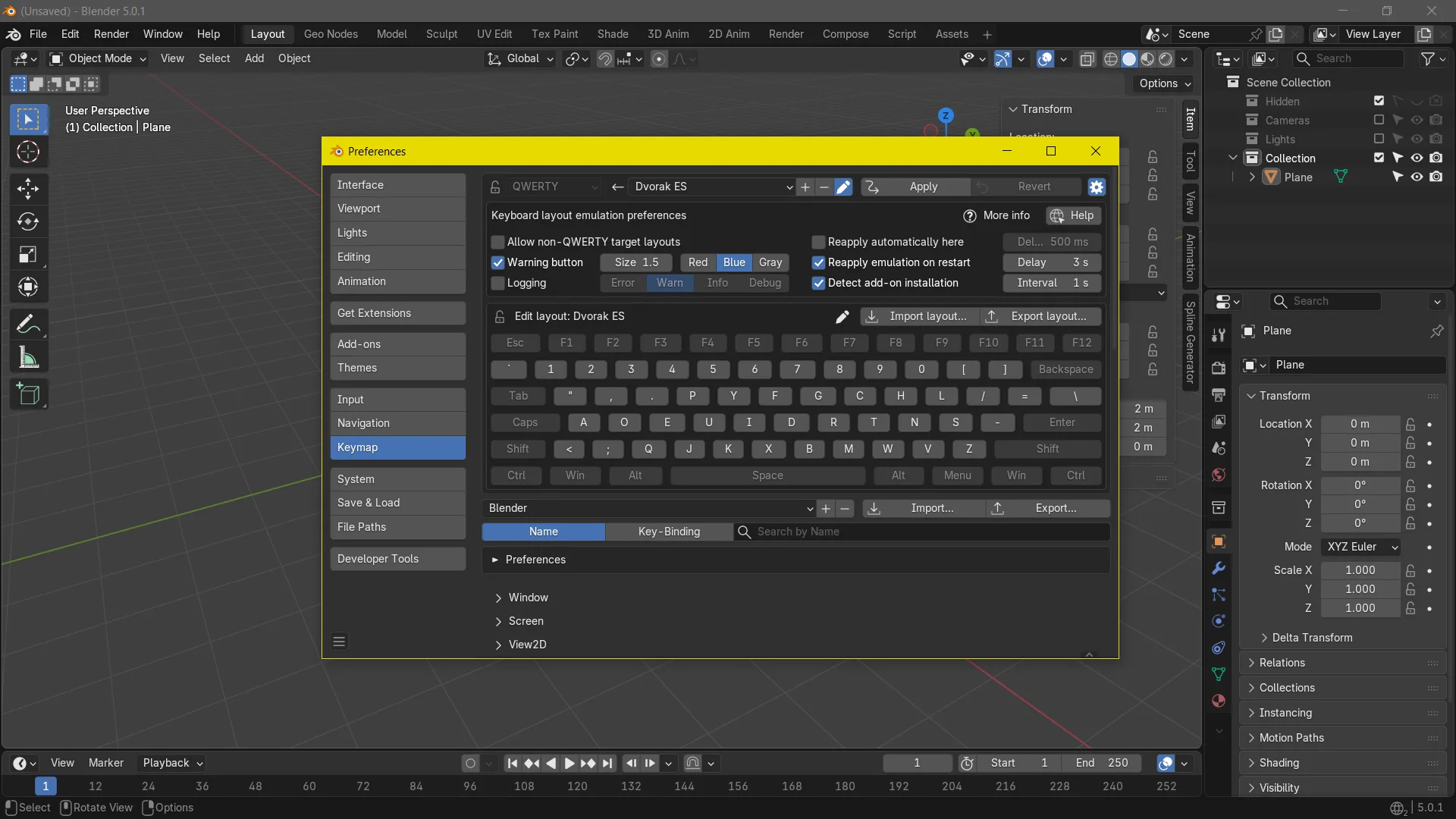
Keymap Powersearch adds combined searches for Blender keymap entries. It can match names, key bindings, add-on and operator origins, and operator parameters in Blender’s native keymap search field. This helps when you know part of a shortcut or entry but need to narrow the results by more than one detail. The Blender Extensions listing identifies version 1.1.0, Blender 5.0 or later, and the GNU General Public License v3.0 or later.
Search keymap details and origins
Along with names and keys, the add-on provides meta-tokens for narrowing a search by entry properties:
isoffcovers activation state.opparcovers whether operator parameters are included.ntvandaddnidentify operator origin.umodandudefcover user customization.rphnis the token for orphan entries.
These fields help distinguish entries that share a label or key. For example, the listing shows keymap entries with operator identifiers such as mesh.rip_move and parameter names such as space_data.overlay.show_overlays.
Combine exact matches, exclusions, and alternatives
Put a phrase in quotation marks for an exact match, as in "Local View". Modifier order does not matter in a key combination: ctrl alt Z matches alt Z ctrl. Prefix a term with a hyphen to exclude it, such as snap -modal. Use slash-prefixed terms for OR grouping; the listing gives /pan /orbit view as an example.
A query made only of exclusions, or one containing only -/, returns no results. Single letters and modifier-key words match key bindings only. These limits help explain why a short search term may behave differently from a name or operator term.
Apply a query when it is ready
Live filtering is disabled so the result list stays static while you work on a search expression. Press Enter or Return to apply the query. The listing says the Name and Key-Binding toggles produce the same results, so switching between them does not change the matches.
Version 1.1.0 adds an orphan-entry token, exact-match and OR-grouping operands, and Add New buttons in the filtered list. The results also stay static while entries are added or edited. The listing separately advertises a free upgraded version with an improved item-origin flag and live conflict detection, but does not give that version a number.
Install the Blender extension
Use the extension listing to get Keymap Powersearch. Blender also supports installing an extension from a downloaded file through its preferences; see the Blender Manual installation instructions for the Install from Disk steps.