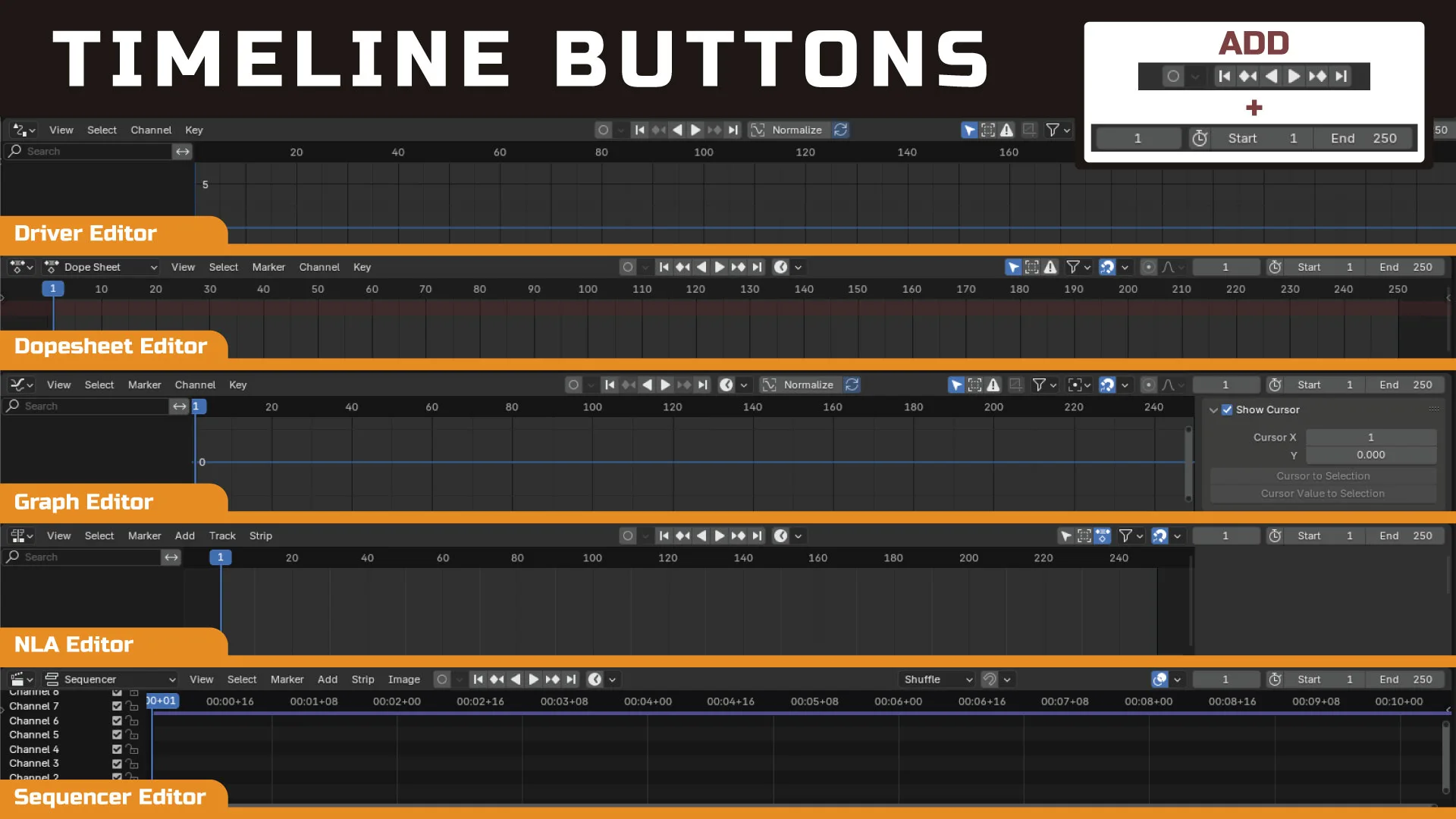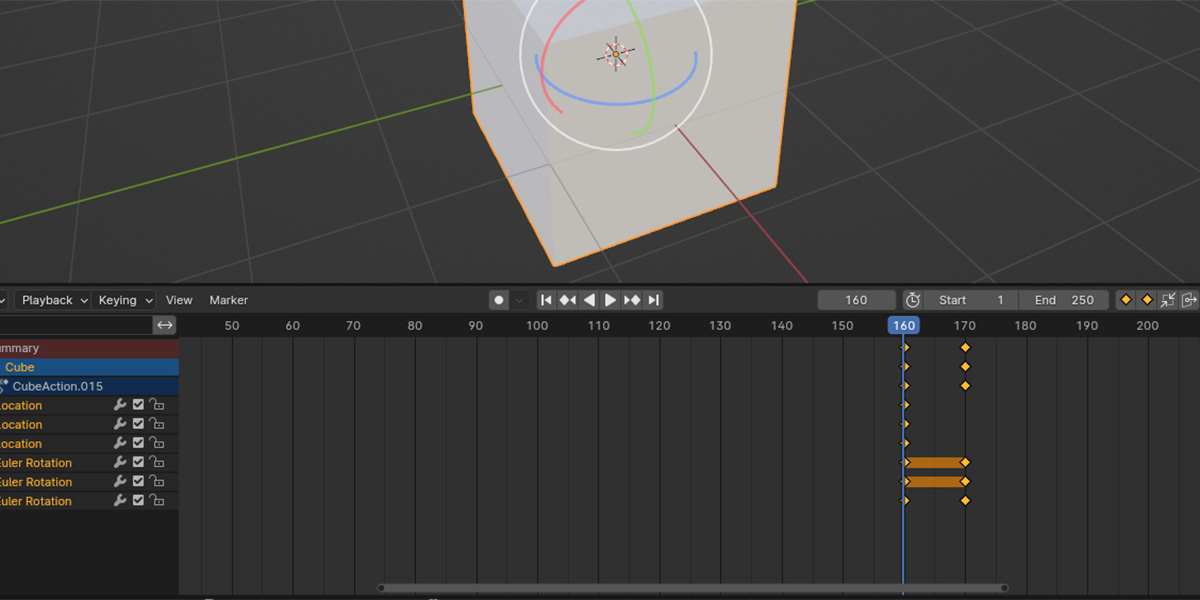
Keyed - Timeline Keyframe Enhancement is a Blender add-on for inserting or removing animation keyframes from the Timeline. Its controls sit in the editor header, so animators can manage keys while reviewing their timing.
Toggle a keyframe on the current frame
Keyed works with Blender's active object. Choose a key type, then click its header control. If that key is already present on the current frame, the toggle removes it; otherwise, it inserts one. The icon changes to reflect keyframe presence, and the interface updates in the Timeline and Dope Sheet.
Choose which properties to key
The available types are Location, Rotation, Scale, and LocRotScale for all three together. For example, a position correction can use Location without adding Rotation and Scale keys.
Compatibility and license
The Superhive listing names Blender 2.93 and versions 3.0 through 4.0, and lists the add-on under GPL. Check the product listing for compatibility and license details before installing it with a later Blender version.