Animation Utilities is a Blender add-on for character animation. It gathers controls for rig posing, playback, NLA strip management, keyframing, viewport navigation, and frame range work. The Superhive product listing specifies Blender 4.1 through 5.1 and marks the add-on as Blender Extension compatible.
Pose rigs with fewer repeated steps
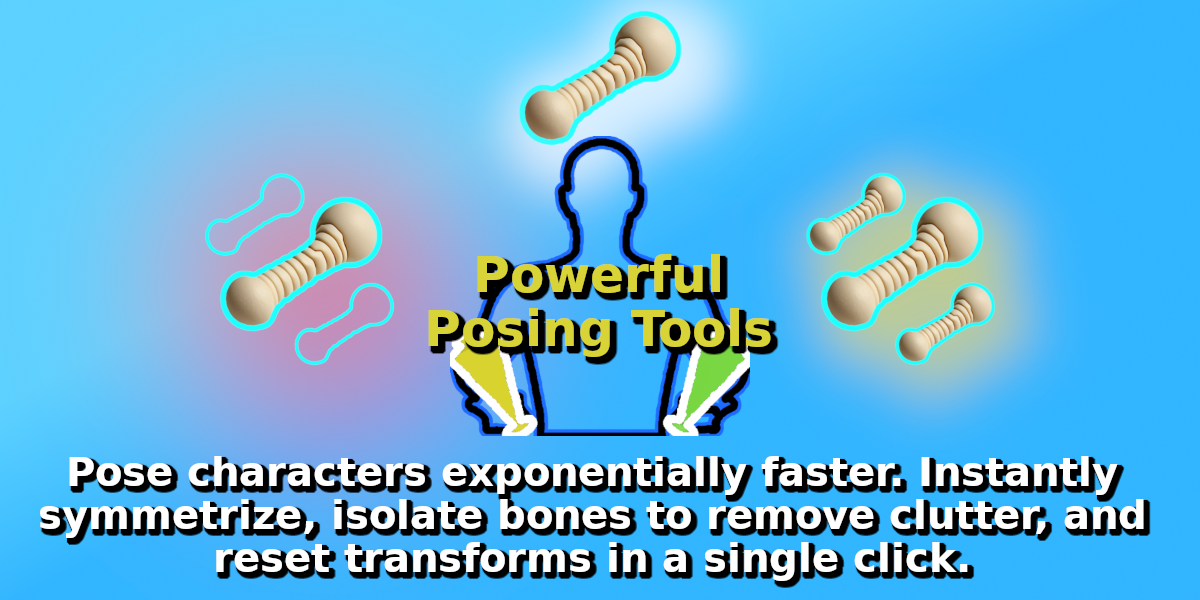
The posing tools can symmetrize a pose from one side of a rig to the other, isolate selected bones to reduce visual clutter, and reset transforms to their rest position. These controls are aimed at animators who regularly refine character poses and want those operations close to the rest of their animation work.
Keep playback and NLA actions together
Play/Stop Animation runs the entire animation stack, including when an NLA strip is in tweak mode. The Edit NLA Strip operator toggles tweak mode for selected strips. Together, these controls help when checking playback while adjusting strips in a scene that uses the NLA editor.
Check keyframe context before inserting
The Insert Keyframe button changes its icon color to show whether an action or NLA strip is active, whether the current frame is valid, and whether a key would fall outside the rig's action or NLA strip range. An Interpolation Mode Menu sets the default interpolation for inserted keyframes. This feedback helps animators check the current context before adding keys.
Navigate the viewport and frame range
Viewport controls show or hide rig display and overlays, and toggle the rotate gizmo. Full View Control jumps to Front, Back, Right, Left, Top, and Bottom orthographic views. Separate operators set the scene's start, end, and current frames, or jump to the beginning or end of the playback range.
Check the fit and scope
Animation Utilities suits Blender character animators who want quick access to posing, playback, NLA, keyframing, and viewport operators within the animation workflow. The listing identifies the license as GPL. It also describes Animation Utilities as derived from Animation Editor Pro, whose listing covers a full non-destructive workflow with Global Transitions and Procedural Root Motion. If those tools matter to your workflow, compare the Animation Editor Pro listing before choosing.