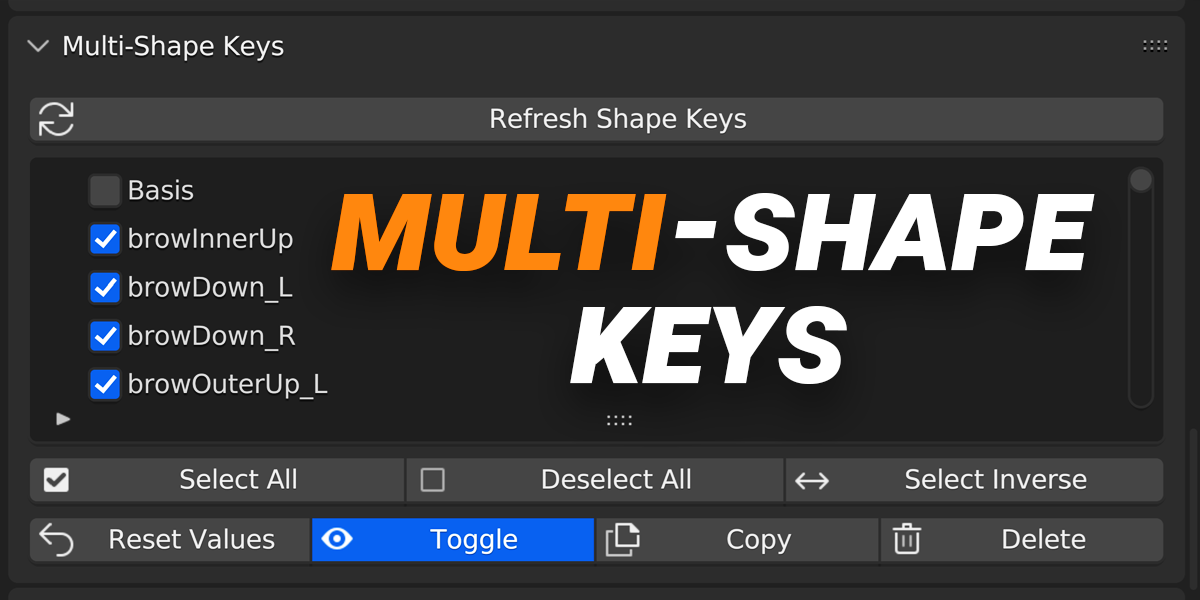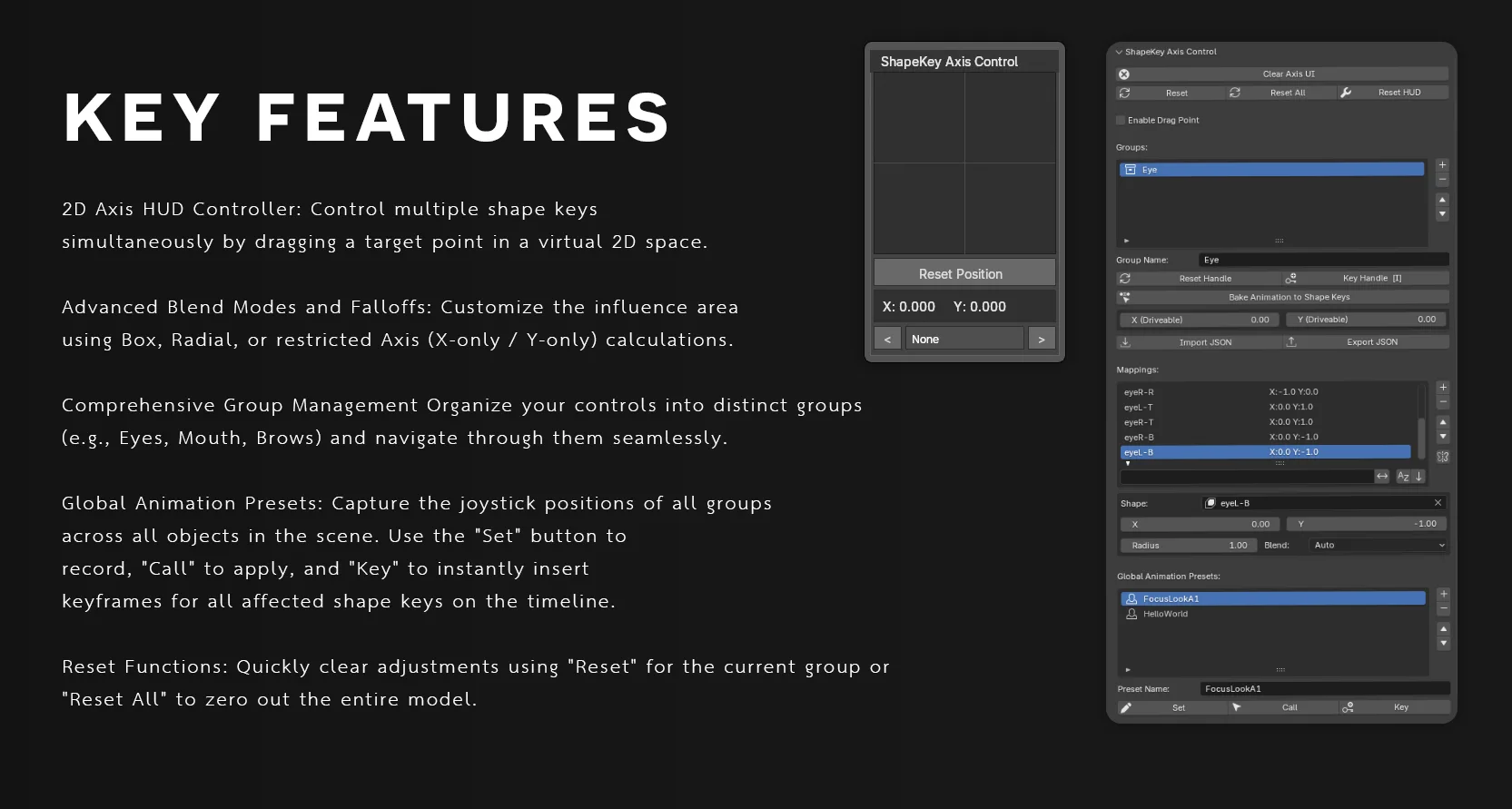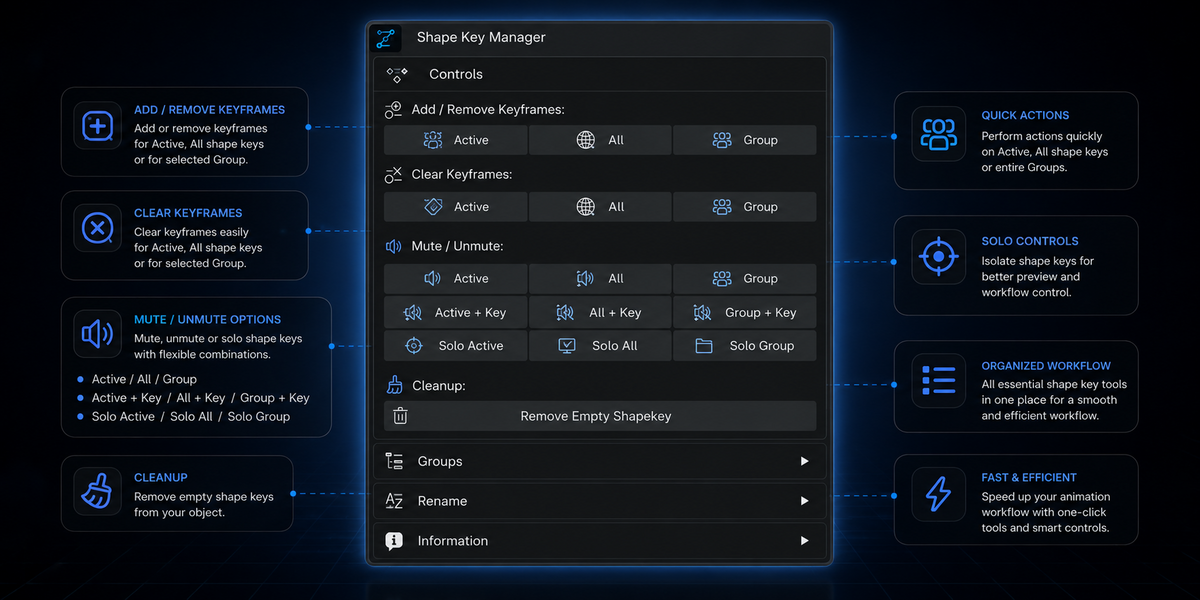
Shape Key Manager is a Blender add-on by RealDevCode for organizing projects with large shape key libraries. It provides custom groups, mute and unmute controls, tools to remove empty keys, and batch renaming. The listed audience includes character artists, animators, riggers, and developers working with character shapes.
Group facial and corrective shapes
Create multiple custom groups to arrange a large library. The product documentation suggests grouping facial expressions and corrective shape keys, which can make related controls easier to scan in a complex character rig.
Manage keys and naming
Mute or unmute shape keys while working to reduce visual clutter. The add-on also includes tools to remove empty or unnecessary keys, add or remove keys, and rename several keys at once. Batch renaming can help keep naming conventions consistent across a character setup.
Use it in character workflows
The product listing names facial rigs, VTuber avatars, ARKit blendshapes, and game characters as use cases. Its tools focus on organizing and maintaining shape key libraries inside Blender.
Compatibility and installation
Superhive lists Blender versions 4.2 to 5.2 and marks the add-on as Blender Extension compatible. The product page gives these installation steps: open Edit > Preferences > Extensions, choose Install from Disk, and select the ZIP file. The documentation page uses an Add-ons menu path; confirm the applicable path before installing. The listing identifies the license as GPL and describes the add-on as offline, with no data collection, tracking, or internet access. See the Shape Key Manager product listing for its current details.