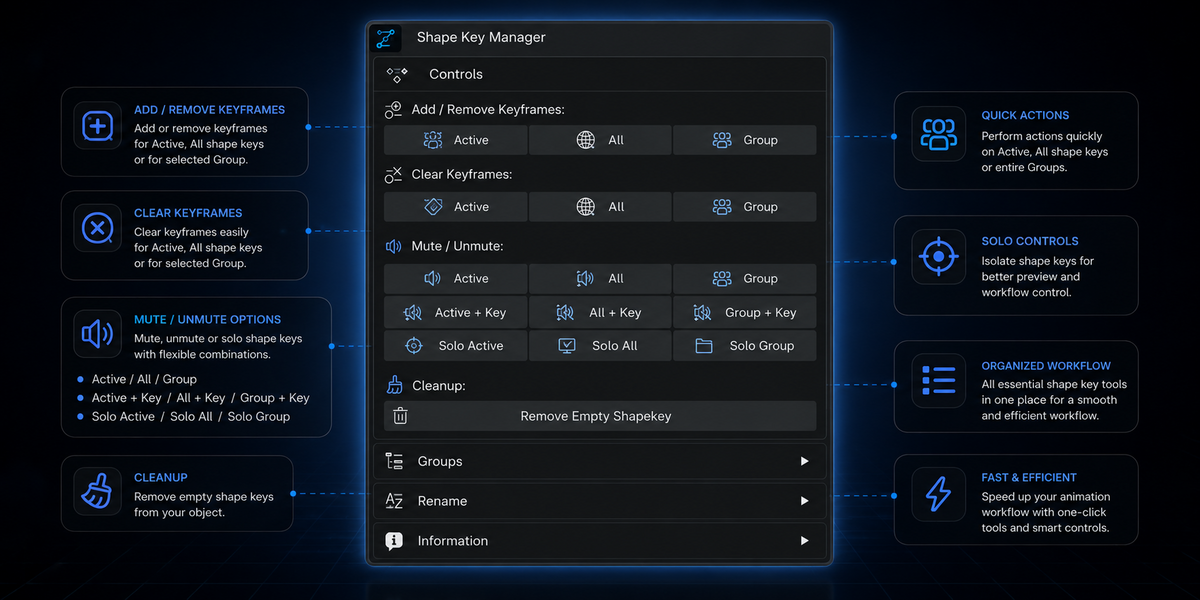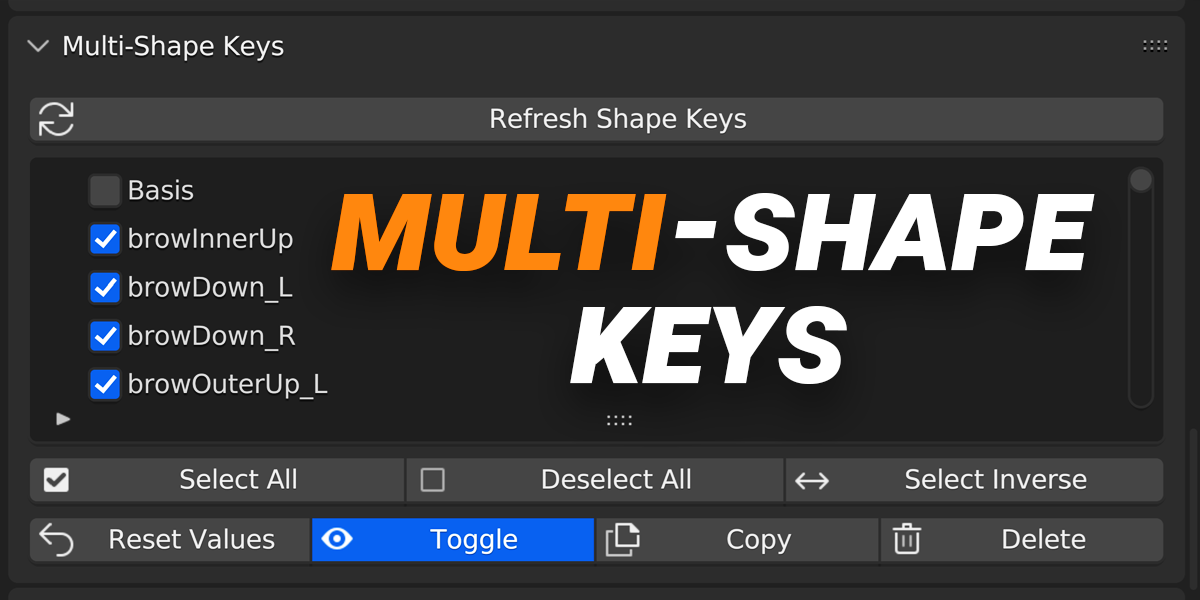
ARKit Blendshape Helper is a Blender add-on for working with ARKit blendshapes and shape keys. Its controls are in the 3D View sidebar under the ARKit H tab. The tools cover adding the ARKit set, preparing symmetrical shapes for left and right keys, and managing driver setups across meshes.
Add the ARKit shape keys
The Add ARKit command creates 52 ARKit blendshapes and 18 extra, unmirrored shape keys. The extra keys are intended for symmetrical editing before you split them into separate Right and Left keys.
Work across multiple meshes
Driver Link adds a driver setup to secondary meshes. The Select tool selects the driver and driven meshes, while Set Active makes a shape key active across multiple meshes. These controls are useful when a character's shape-key work spans more than one mesh.
Mirror and organize shapes
After working on an unmirrored shape with symmetry, use Mirror to split it into its Left and Right shape keys. Predefined folders organize the ARKit shapes, and an Other folder holds custom shape keys.
Version and installation
The Blender Extensions listing identifies version 0.7.5 and Blender 4.2.0 as the minimum version. It lists the add-on under Rigging and the GNU GPL v3.0 or later license. The listing provides a download and an Install from Disk option; see Blender's Install from Disk instructions for the installation steps. Check the official ARKit Blendshape Helper listing for the current package and compatibility details.